

1 / 8


$15.99
$4.58 shipping on this order
Digital TV Antenna for Smart TV Indoor,2026 TV Antenna with 3M Stick Base, 360°&Long Range Reception 4K HDTV Antenna for Local Free Channels, Easy Installation Antennas for 1080P TVs Without Cable antenna fortv
Sold by MBU HOME
1 sold
Specification:Please select
Default
Quantity:
About this shop
MBU HOME
4.3
32.6K Sold
600+ Followers
100%24h response rate
62%Ships within 48h
80%Positive feedback
About the product
Details
| Contains Batteries Or Cells? | None |
| Dangerous Goods Or Hazardous Materials | No |
Description
TV Antenna:Model: AH-DVB-190Frequency Range (MHz): VHF 174-230, UHF 470-862Bandwidth (MHz): 70Input Impedance (Ω): 75ΩVoltage Standing Wave Ratio (VSWR): Gain (dBi): 25dBiPolarization Type: VerticalPower Capacity (W): 50WCompatibility: Compatible with various digital terrestrial signalsRadiator Material: CopperAntenna Length: 5M
TV Antenna: Usage Precautions & Troubleshooting Tips,Core Usage PrecautionsFollow these guidelines to ensure optimal signal reception and device compatibility.·Optimal Placement: Vertical & UnfoldedTV antennas typically use vertical polarization, so placing the antenna vertically (without folding) is the best position for signal reception. Avoid folding the antenna, as it disrupts the electromagnetic field response and weakens signal capture.·Adjust & Fix: Find the Best Signal AngleRotate the antenna at multiple angles to test signal strength, and once the strongest signal position is found, fix the antenna firmly—do not move it afterward. Frequent adjustments will cause signal instability.·Location Selection: Prioritize Outdoor/Window ProximityWhen using the antenna, if there is no signal in the current spot, move it to areas closer to windows or outdoors (e.g., near a balcony). These locations have less obstruction and usually capture stronger signals. Once the optimal spot is confirmed, keep the antenna fixed there.·Device Compatibility: Match TV Type·New TVs: 4K, 1080P, and 720P ultra-high-definition TVs support digital signals directly—no set-top box is needed.·Old TVs: Old-fashioned TVs only receive analog signals and require a digital set-top box to convert signals. Do not use the antenna directly with old TVs; pairing with a set-top box is mandatory.,Troubleshooting Common IssuesBelow are solutions for three typical signal reception problems, categorized by scenario.A. No Channels Found at AllThis issue usually stems from two main causes:·Signal Unavailability: If you live in remote mountainous areas, suburbs, or high-magnetic interference zones, local TV signals may not be available (you may also notice weak mobile phone signals). No antenna will work in such cases.·Incorrect Usage: Check if the antenna is properly connected to the TV; ensure the signal amplifier (if included) is in use. Avoid testing only one location—try multiple positions (e.g., near windows) to find a spot with signal, then fix the antenna there.Note: Terrestrial TV signals are emitted by base stations and spread in a circular pattern (similar to FM/AM radio signals), not like internet TV. Signal strength varies by location—this should be clearly stated in product listings or FAQs.B. Few Channels FoundTerrestrial antennas only receive open TV signals (unlike satellite receivers, which have built-in decoders and work on a different principle). This issue is common in regions where open signals are limited (though open signals are widely available in developed countries like the U.S.).·Solution: Adjust the antenna’s position and angle multiple times, and fix it in the spot with the most channels. For best results, place the antenna near windows or outdoors, keep it vertical, and away from magnetic devices (e.g., speakers, routers) that may cause interference.C. Poor Signal: Snowy Screens or Unclear DisplayThis indicates insufficient signal range or gain, often linked to connection or device compatibility issues:·Check if the antenna is securely connected to the TV—loose connections are a common cause.·Test the antenna at multiple angles to improve signal capture.·Confirm TV compatibility: Ensure you are not using an old analog TV without a digital set-top box. Only 4K, 1080P, or 720P ultra-high-definition TVs can use the antenna directly; other TV models require a set-top box.
Similar Items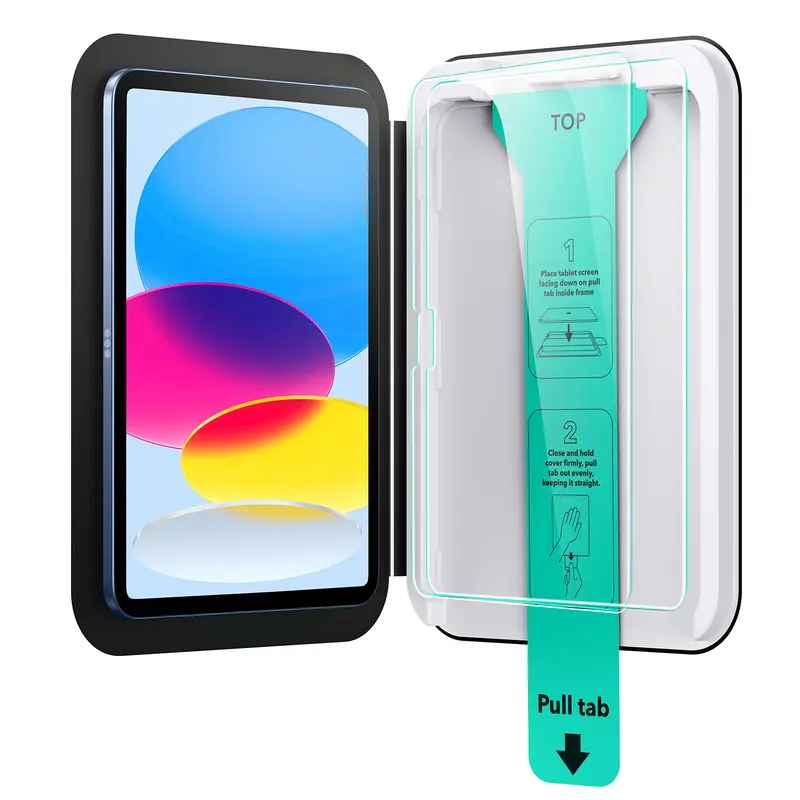




ESR US
ESR Screen Protector for iPad Air 11"/13"&iPad Pro 11"/13"&iPad A16 11/10, Bubble-Free, Easy Installation, 9H Tempered Glass Film with UltraFit Tray
Free shipping
4.7
4.4K sold$17.99
$22.49
Bose
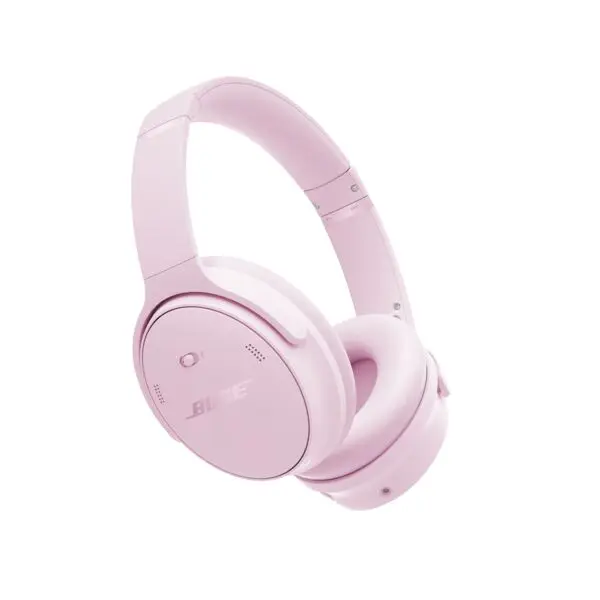
Bose QuietComfort Headphones - Wireless Bluetooth, Active Noise Cancelling, Over-Ear, Foldable, Charging Case
Free shipping
4.7
1.3K sold$229.00
$359.00Wyze
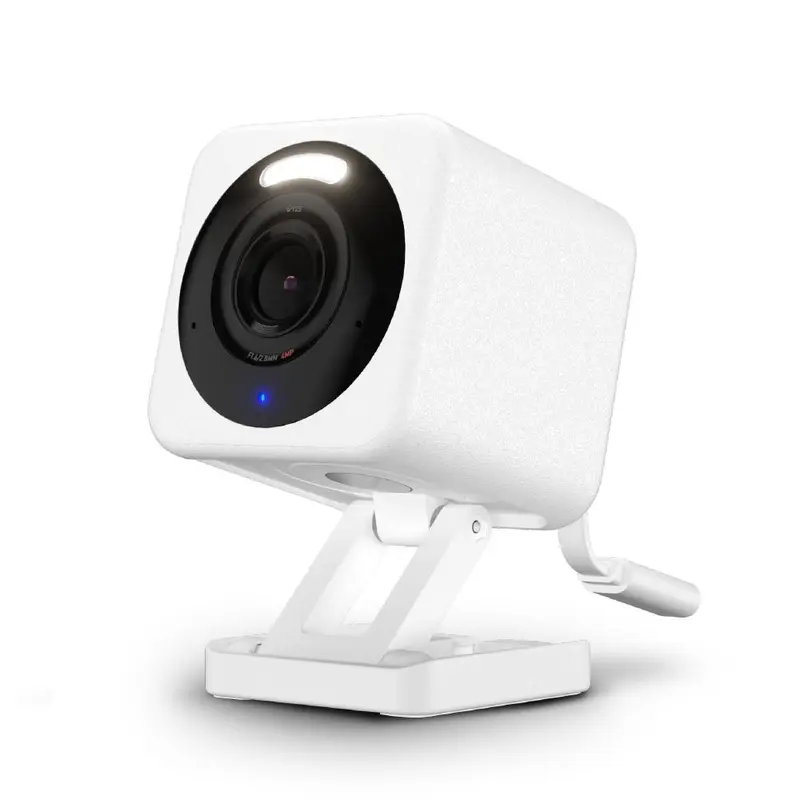
Wyze Cam v4 — Wired 2K HD Smart Home Camera, Indoor/Outdoor Use, Pet/Baby Monitor/Security, Spotlight/Siren, Color Night Vision, Local/Cloud Storage
Free shipping
4.6
11.4K sold$35.98
$46.98
Wyze
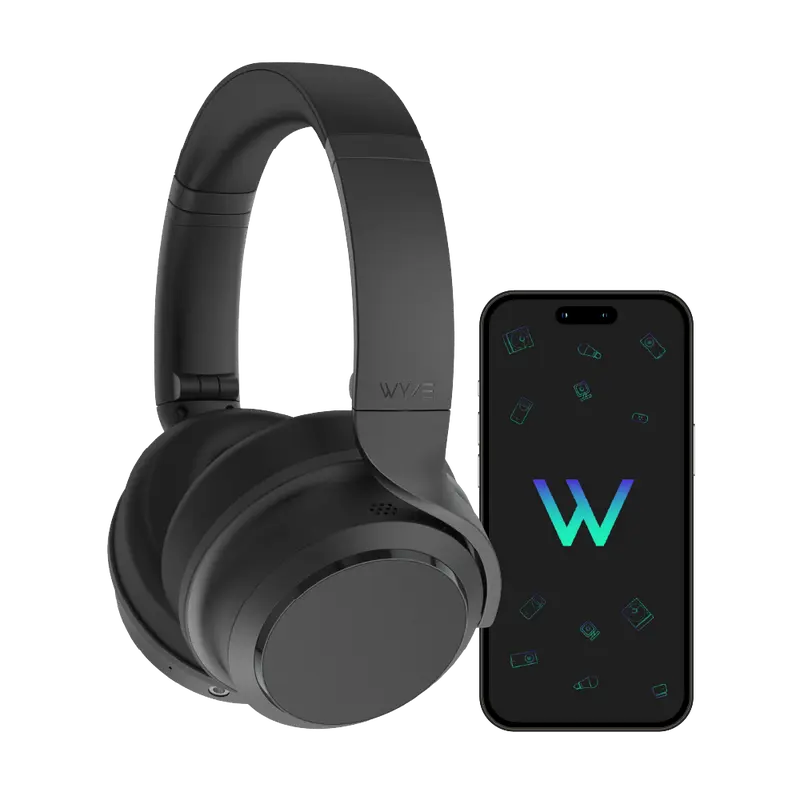
Wyze Headphones — #1 Over-Ear Headphones on TikTok, Active Noise Cancellation Bluetooth Audio Earphones, Lightweight, Aux Cord, Rich Bass, Android iOS
Free shipping
4.7
17.7K sold$74.99
$99.99

TOZOSTORE
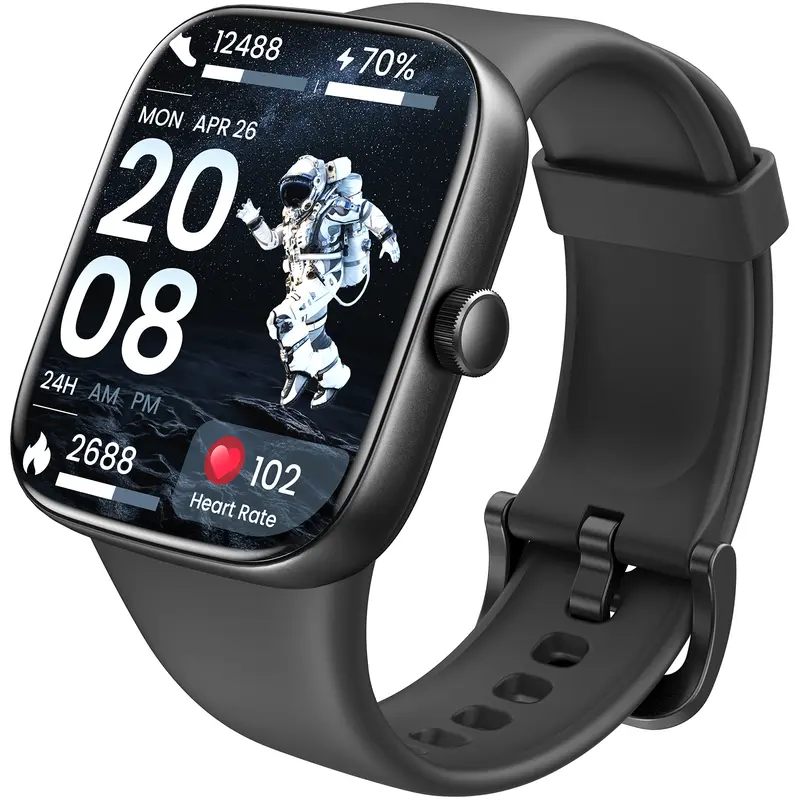
TOZO-S7 Smartwatch Bluetooth Call Ultra HD Screen Wearable Wristwatch Phone Smartphone Music Control Sleep Monitoring Stopwatch And Countdown Weather Forecast
Free shipping
4.4
649 sold$37.99
$99.99


Wyze
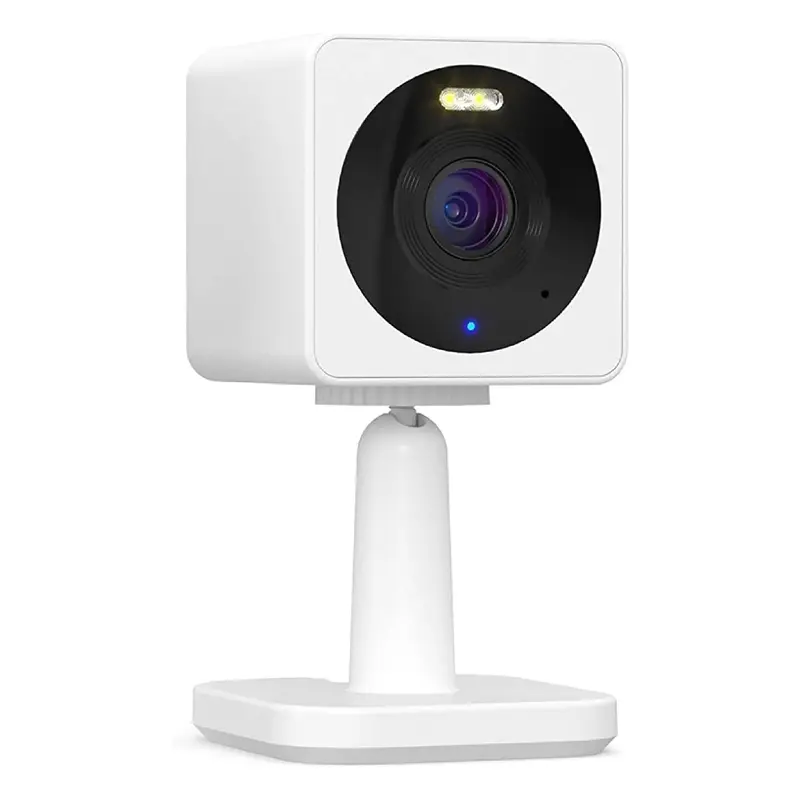
Wyze Cam OG — Wired 1080p HD Smart Camera, 24/7 microSD Recording, Pets/Baby Monitor/Security/Nanny Cam, Works w Alexa & Google Assistant, WiFi
Free shipping
4.5
55.9K sold$29.98
$39.98JLab
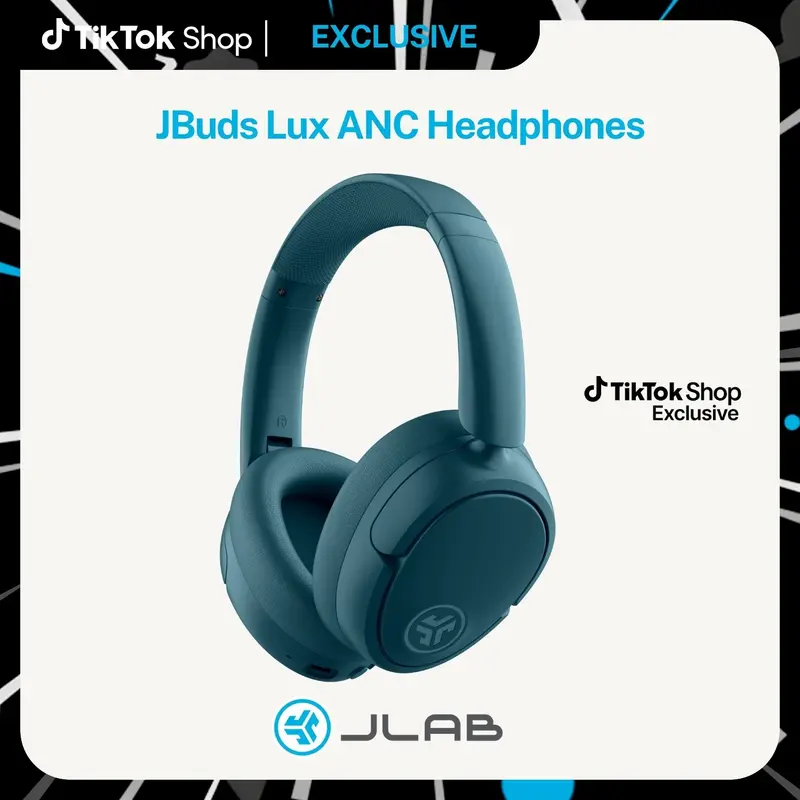
JLab JBuds Lux Active Noise Cancellation Wireless Bluetooth Headphones, Custom EQ, Over-Ear, Be Aware Safety Mode. Foldable, iPhone / Android, Wired
Free shipping
4.7
153.6K sold$54.99
$91.99JLab
JLab GO POP+ True Wireless Earbuds with 35+ Hour Playtime Dual Connect IPX4 Sweatproof Fast Charge 10 Minutes for 1+ Hour Playtime Rechargeable Bluetooth 5.3 Headset
Free shipping
4.6
66.8K sold$19.98
$29.99View more
TikTok Shop promo codesAbout TikTok ShopSeller centerContact usCareersAffiliateHelp centerSafety centerCommunity guidelinesPrivacy policyTransparencyAccessibility
Free shipping
New customer deals


Shop now in app