

1 / 9


$8.99
$5.99 shipping on this order
Indoor HDTV Antenna with 3M-Stick Base Long Range Amplified TV Antenna with Signal Booster for Free Local Channels Signal Reception May Vary by Area & Strength
Sold by LAUMOX NexGear
4(83)
3.1K sold
Specification:Please select
Default
Quantity:
About this shop
LAUMOX NexGear
4.2
8645 Sold
1.7K+ Followers
96%24h response rate
48%Ships within 48h
78%Positive feedback
ReviewsPurchased on TikTokIt was perfect, not only arrived on time, but the effect was also very good, the product quality is great, it takes up no space, the cord is long, it was a very good shopping experience.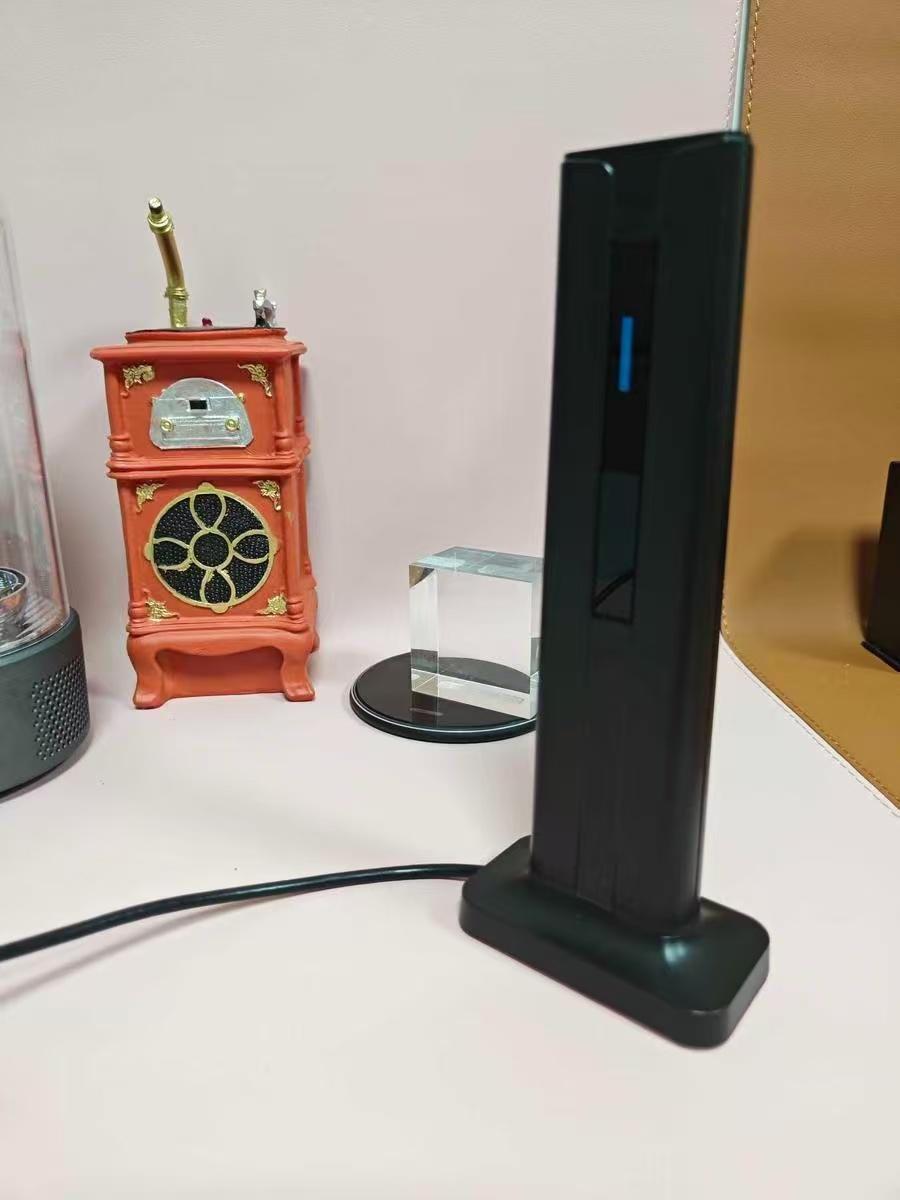
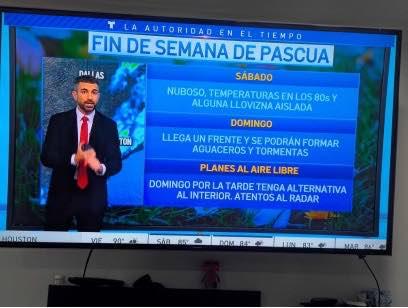
 Item: DefaultSeptember 19, 2025Purchased on TikTokI am so Happy with this purchase so many channels I can watch. Univision, Telemundo, unimas, TV asteca, and lots of English channels. Truly HD channels very clear 😀😀😀😀😀
 Item: DefaultSeptember 16, 2025
 Purchased on TikTokI love it. It's very small and attractive and it replaces my old bulcky antenna. Very good reception. Now we have more channels.Item: DefaultSeptember 7, 2025
483 global reviews
小**国
w**i
QinStones
About the product
Details
| Contains Batteries Or Cells? | Not Sure |
| Dangerous Goods Or Hazardous Materials | No |
| Warranty Type | No Warranty |
Description
This indoor HDTV antenna is designed to receive free over-the-air local broadcast channels only (such as ABC, CBS, NBC, FOX, PBS).
It does not receive cable, satellite, or subscription channels.
Channel availability and reception quality vary depending on location, distance to broadcast towers, and environmental factors.
Please Note: This antenna does not provide cable, satellite, or subscription channels. It does not guarantee a specific number of channels.
Please NOTE: Reception Disclaimer:
Channel availability depends on distance to broadcast towers, terrain, building materials, and weather. The number of channels and picture quality will vary by location.Before You Buy:Please check local broadcast signal availability in your area before purchasing to ensure compatibility.We recommend checking available channels in your area (via websites like antennaweb.org or FCC DTV Map) before purchase to ensure best results. Supports HD broadcasts (up to 1080p / 4K where available). For best performance, install near a window or elevated position and rescan channels after setup.
Installation Tips:-Place the antenna near a window or higher position-Scan for channels after installation and rescan if repositioned-Try multiple locations for best results
Best For:-Urban and suburban areas-Customers looking for free local channels
Not Recommended For:Areas very far from broadcast towersCustomers expecting paid or premium channels
Easy to Install: Please make sure TV has HDTV tuner, if not, kindly suggest you buy a digital converter box.
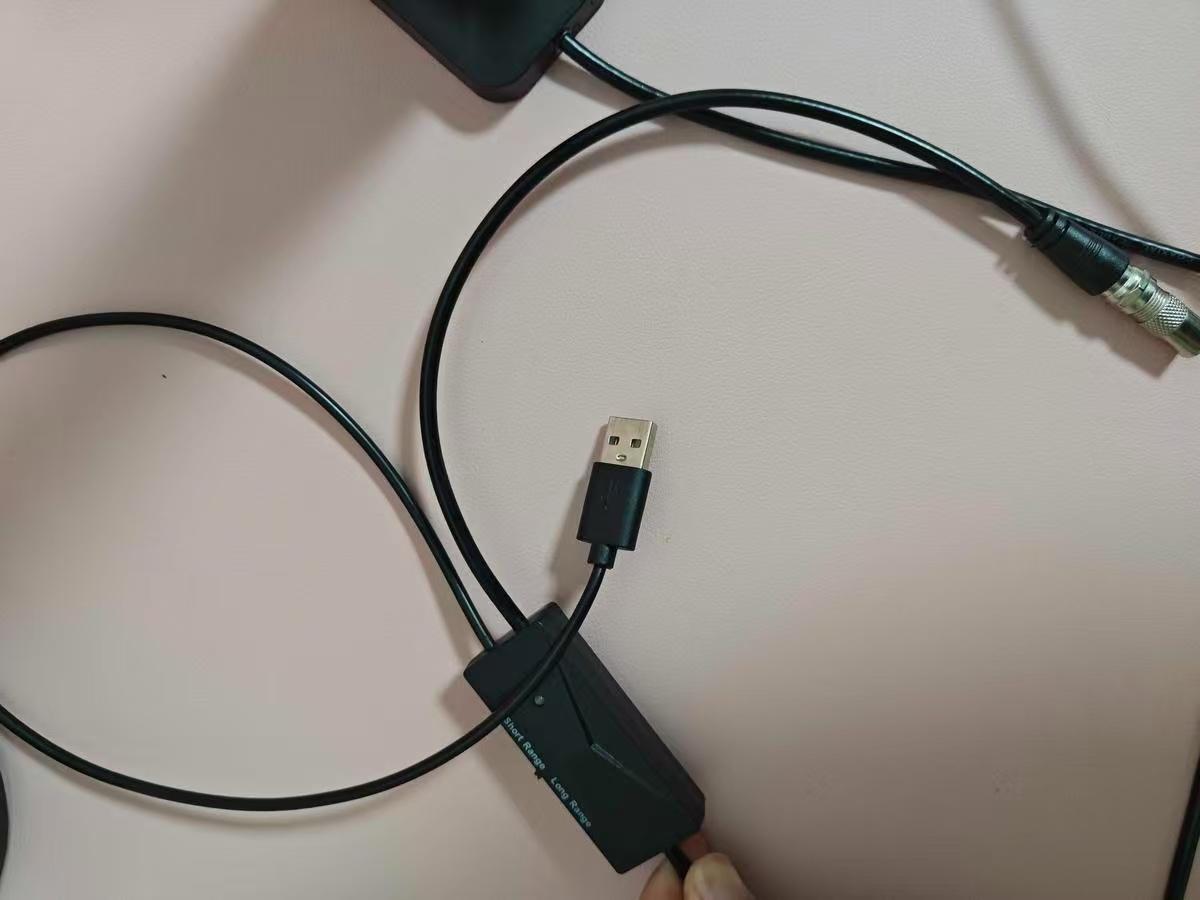
Step 1: Connect to the "CABLE/ANT IN" on the back of any digital TV and connect the USB to the TV’s USB port.
Step 2: Place the antenna in the optimal position, usually near a window or on a wall.
Step 3: Use the TV's "Channel Search" function to scan for channels and enjoy free TV shows.
FAQ
Q1: Which kind of TV does this digital TV antenna work with?
A1: This TV aerial can work with HDTV, SmartTV directly and vintage TV(Old version) withDVB-T/ DVB-T2/ISDB-T/ATSC/DTMB TV box.
Q2: is this just like a freeview box?A2: No, it’s just an antenna that plugs into your Freeview TV. Watch TV anywhere in the house without messy cables. All usual Freeview channels and digital radio work perfectly—even in the spare room!
Q3: How many channels can i receive?A3: The number of channels depends on what’s broadcast in your area. Reception can vary based on your location and surrounding terrain, including trees, buildings, hills, and mountains. Fewer obstructions mean a better chance of receiving strong digital signals..
Q4: Why is there no signals for my TV?A4: Signal strength can vary by location. Place the antenna near a window or in a higher spot, and make sure there are no obstacles nearby for the best reception.
Supports HD broadcasts (up to 1080p / 4K where available). For best performance, install near a window or elevated position and rescan channels after setup.
Installation Tips:-Place the antenna near a window or higher position-Scan for channels after installation and rescan if repositioned-Try multiple locations for best results
Best For:-Urban and suburban areas-Customers looking for free local channels
Not Recommended For:Areas very far from broadcast towersCustomers expecting paid or premium channels
Easy to Install: Please make sure TV has HDTV tuner, if not, kindly suggest you buy a digital converter box.
Step 1: Connect to the "CABLE/ANT IN" on the back of any digital TV and connect the USB to the TV’s USB port.
Step 2: Place the antenna in the optimal position, usually near a window or on a wall.
Step 3: Use the TV's "Channel Search" function to scan for channels and enjoy free TV shows.
FAQ
Q1: Which kind of TV does this digital TV antenna work with?
A1: This TV aerial can work with HDTV, SmartTV directly and vintage TV(Old version) withDVB-T/ DVB-T2/ISDB-T/ATSC/DTMB TV box.
Q2: is this just like a freeview box?A2: No, it’s just an antenna that plugs into your Freeview TV. Watch TV anywhere in the house without messy cables. All usual Freeview channels and digital radio work perfectly—even in the spare room!
Q3: How many channels can i receive?A3: The number of channels depends on what’s broadcast in your area. Reception can vary based on your location and surrounding terrain, including trees, buildings, hills, and mountains. Fewer obstructions mean a better chance of receiving strong digital signals..
Q4: Why is there no signals for my TV?A4: Signal strength can vary by location. Place the antenna near a window or in a higher spot, and make sure there are no obstacles nearby for the best reception.
Supports HD broadcasts (up to 1080p / 4K where available). For best performance, install near a window or elevated position and rescan channels after setup.
Installation Tips:-Place the antenna near a window or higher position-Scan for channels after installation and rescan if repositioned-Try multiple locations for best results
Best For:-Urban and suburban areas-Customers looking for free local channels
Not Recommended For:Areas very far from broadcast towersCustomers expecting paid or premium channels
Easy to Install: Please make sure TV has HDTV tuner, if not, kindly suggest you buy a digital converter box.
Step 1: Connect to the "CABLE/ANT IN" on the back of any digital TV and connect the USB to the TV’s USB port.
Step 2: Place the antenna in the optimal position, usually near a window or on a wall.
Step 3: Use the TV's "Channel Search" function to scan for channels and enjoy free TV shows.
FAQ
Q1: Which kind of TV does this digital TV antenna work with?
A1: This TV aerial can work with HDTV, SmartTV directly and vintage TV(Old version) withDVB-T/ DVB-T2/ISDB-T/ATSC/DTMB TV box.
Q2: is this just like a freeview box?A2: No, it’s just an antenna that plugs into your Freeview TV. Watch TV anywhere in the house without messy cables. All usual Freeview channels and digital radio work perfectly—even in the spare room!
Q3: How many channels can i receive?A3: The number of channels depends on what’s broadcast in your area. Reception can vary based on your location and surrounding terrain, including trees, buildings, hills, and mountains. Fewer obstructions mean a better chance of receiving strong digital signals..
Q4: Why is there no signals for my TV?A4: Signal strength can vary by location. Place the antenna near a window or in a higher spot, and make sure there are no obstacles nearby for the best reception.Similar Items


JLab
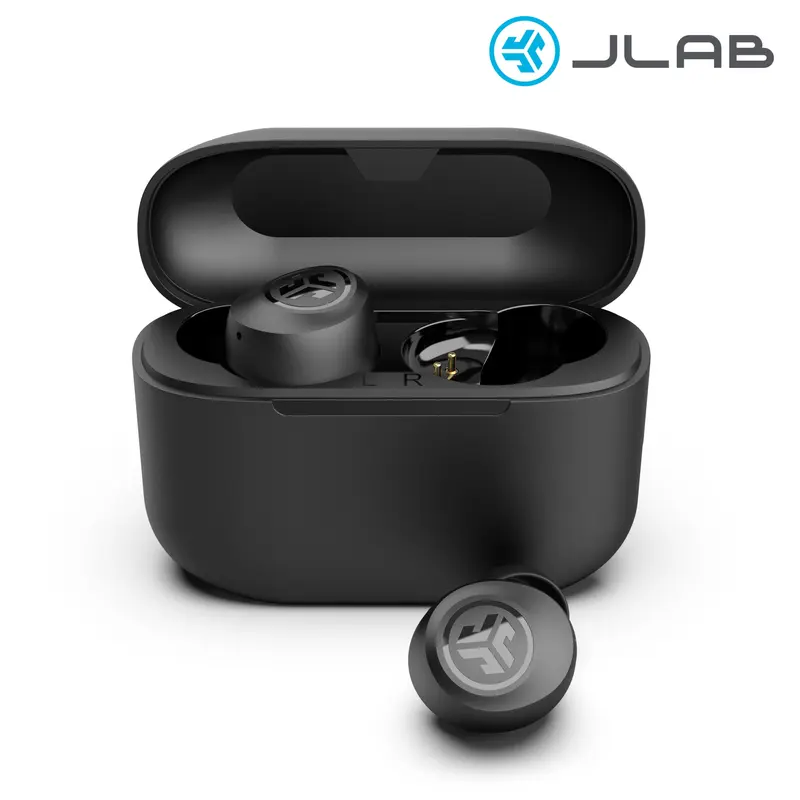
JLab GO Tones+ True Wireless Bluetooth Earbuds with 35+ Hours Playtime Customizable EQ Fast Charging Integrated Cable Touch Controls
Free shipping
4.5
131.5K sold$20.89
$29.99
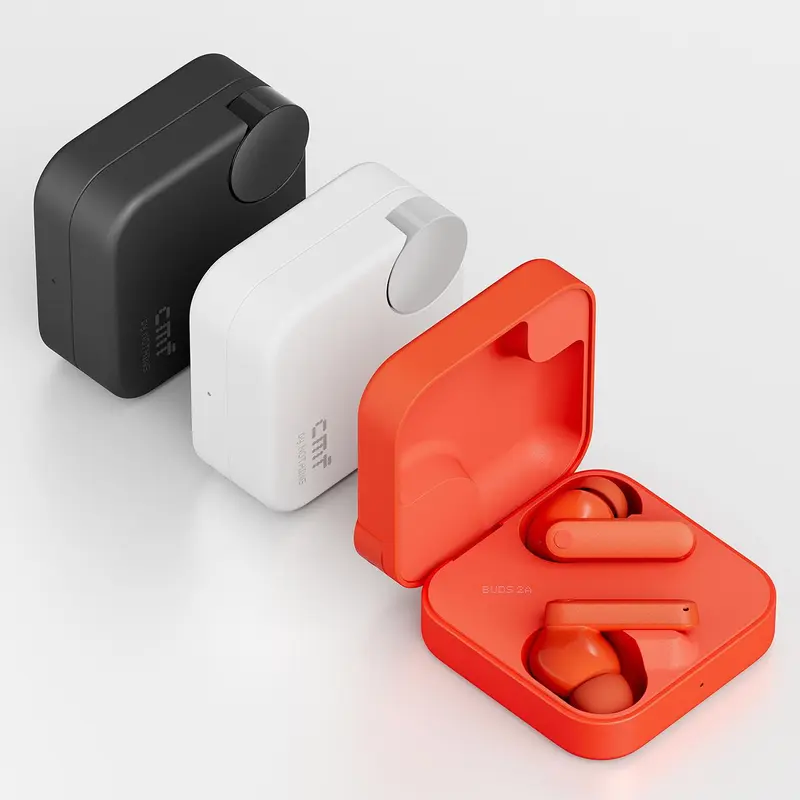
CMF by Nothing
CMF Buds 2a Wireless Bluetooth Earbuds, 12.4 mm Custom Dynamic Driver, 42 dB Active Noise Cancellation, 4 HD Mics with Clear Voice Technology
Free shipping
4.7
10.1K sold$24.99
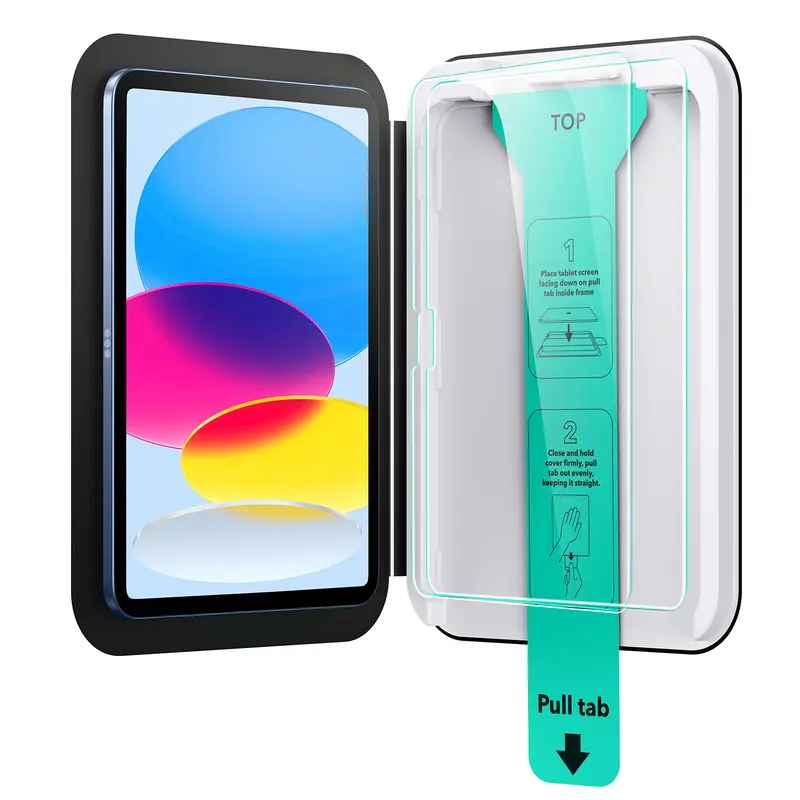
$49.00ESR US
ESR Screen Protector for iPad Air 11"/13"&iPad Pro 11"/13"&iPad A16 11/10, Bubble-Free, Easy Installation, 9H Tempered Glass Film with UltraFit Tray
Free shipping
4.7
4.4K sold$17.99
$22.49
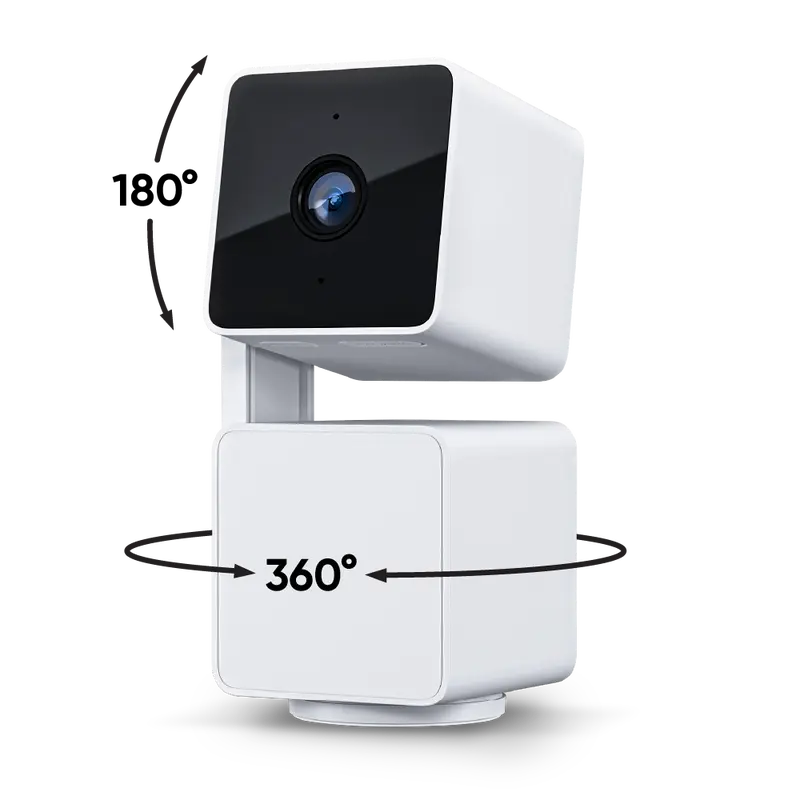
Wyze
Wyze Cam Pan v3 — #1 Security Camera on TikTok! Wired, Indoor/Outdoor Pan Tilt Zoom (PTZ) w/ 360 Degree Motion Tracking, Color Night Vision, HD, WiFi
Free shipping
4.6
355.6K sold$39.99
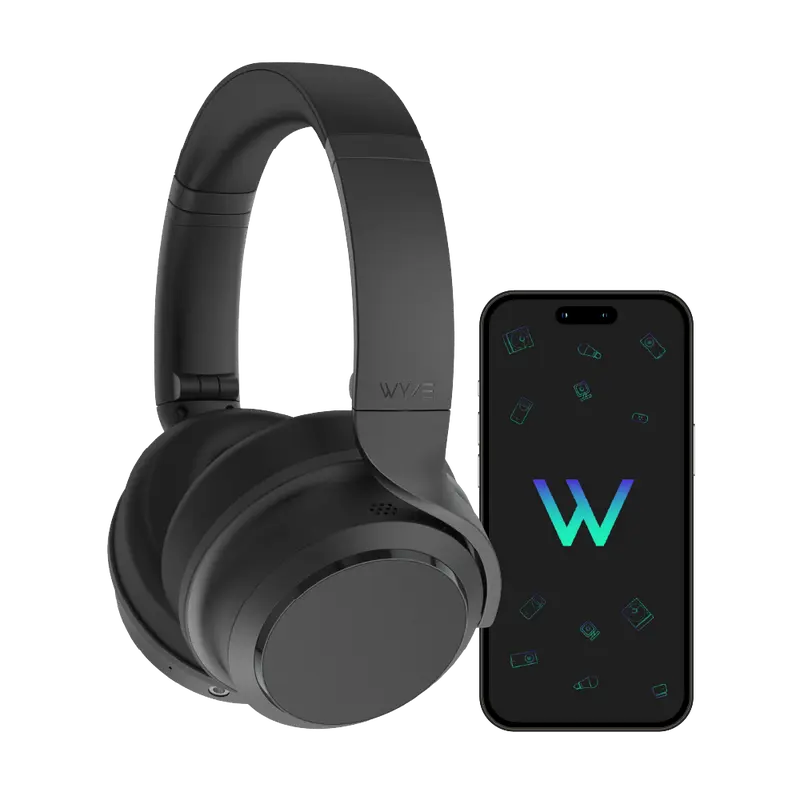
$49.98Wyze
Wyze Headphones — #1 Over-Ear Headphones on TikTok, Active Noise Cancellation Bluetooth Audio Earphones, Lightweight, Aux Cord, Rich Bass, Android iOS
Free shipping
4.7
17.7K sold$74.99
$99.99


TOZOSTORE
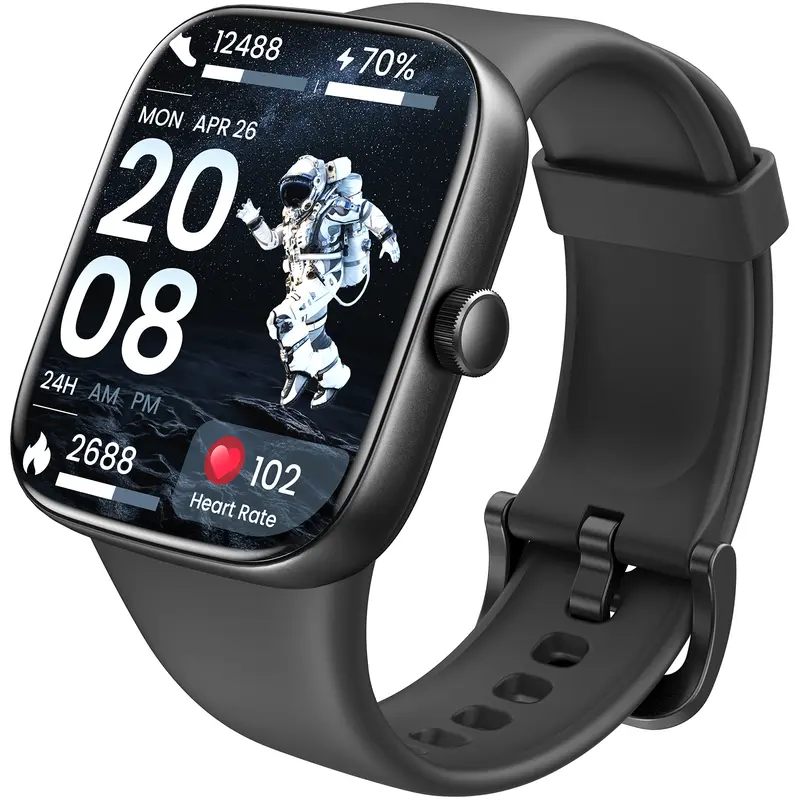
TOZO-S7 Smartwatch Bluetooth Call Ultra HD Screen Wearable Wristwatch Phone Smartphone Music Control Sleep Monitoring Stopwatch And Countdown Weather Forecast
Free shipping
4.4
635 sold$39.99
$99.99


Newegg, Inc.
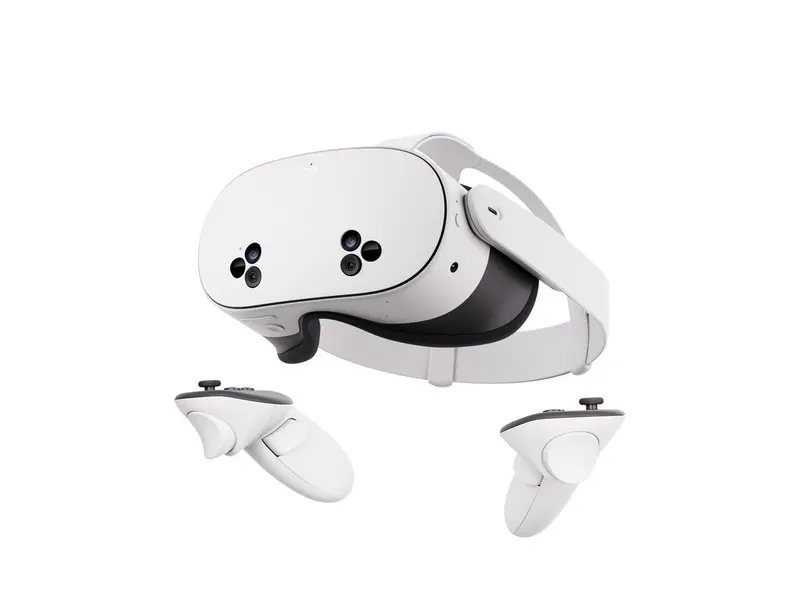
Meta Quest 3S 128GB — Dive into Mixed Reality — Unreal device. Unreal price. — All-In-One Headset — Get a 3-Month Trial of Meta Horizon+ Included
Free shipping
4.8
1.9K sold$286.49
$316.49JLab
JLab GO POP+ True Wireless Earbuds with 35+ Hour Playtime Dual Connect IPX4 Sweatproof Fast Charge 10 Minutes for 1+ Hour Playtime Rechargeable Bluetooth 5.3 Headset
Free shipping
4.6
66.6K sold$19.98
$29.99Wyze
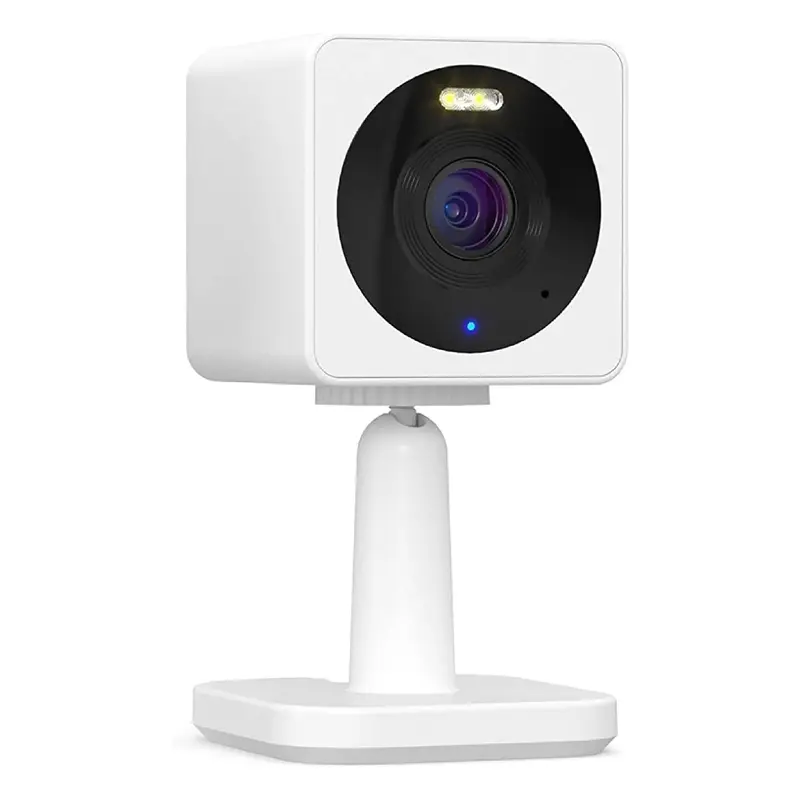
Wyze Cam OG — Wired 1080p HD Smart Camera, 24/7 microSD Recording, Pets/Baby Monitor/Security/Nanny Cam, Works w Alexa & Google Assistant, WiFi
Free shipping
4.5
55.9K sold$29.98
$39.98JLab
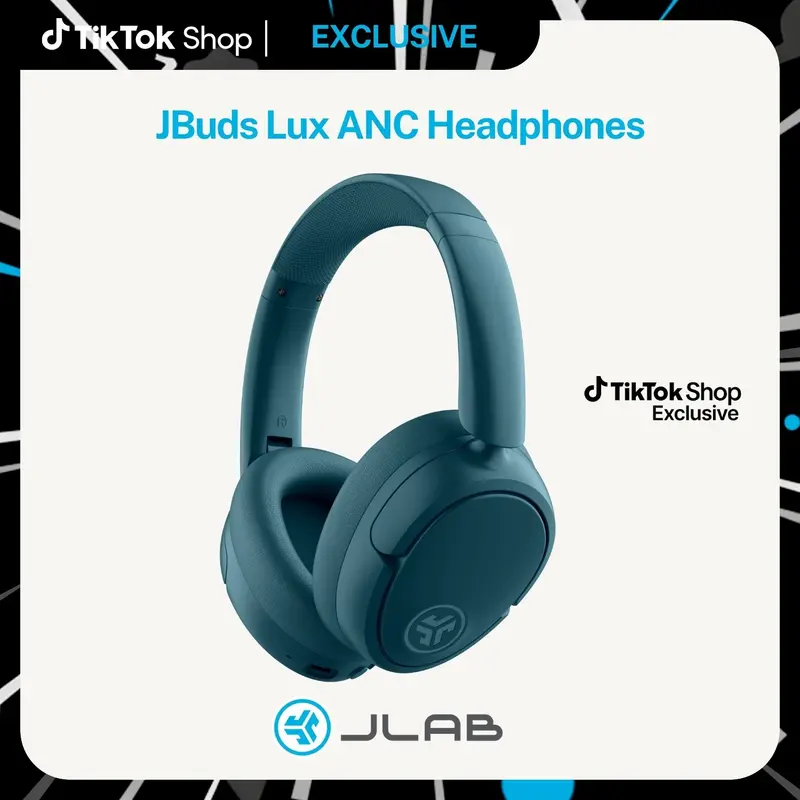
JLab JBuds Lux Active Noise Cancellation Wireless Bluetooth Headphones, Custom EQ, Over-Ear, Be Aware Safety Mode. Foldable, iPhone / Android, Wired
Free shipping
4.7
153.2K sold$54.99
$91.99
JLab
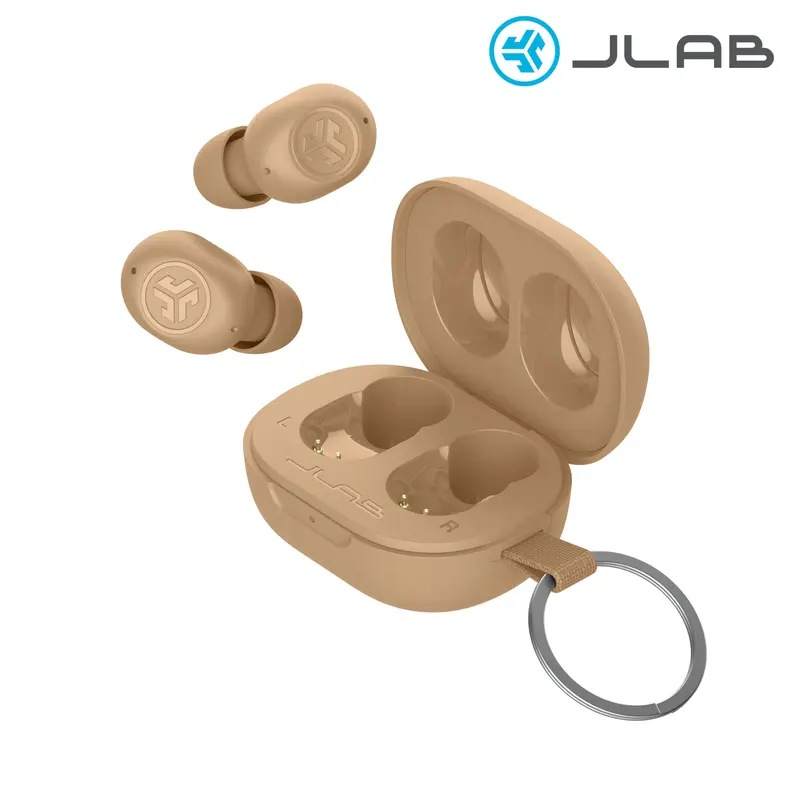
JLab JBuds Mini Tones Bluetooth 5.3 Earbuds Compact IP55 Dustproof Noise-Canceling 20 Hours Playtime Android Compatible Safe Mode Wireless Headphones
Free shipping
4.6
15.9K sold$29.99
$46.99View more
TikTok Shop promo codesAbout TikTok ShopSeller centerContact usCareersAffiliateHelp centerSafety centerCommunity guidelinesPrivacy policyTransparencyAccessibility
Free shipping
New customer deals


Shop now in app