

1 / 10


-15%$11.88$13.99
Free shipping
5-in-1 SD Card Reader for iPhone,iPad,Android – Dual USB-C & Lightning Adapter, Supports SD/MicroSD/USB 3.0, Fast Transfer, Plug & Play, No App Needed
Sold by Xemeon
4(1.7k)
22.6K sold
Specification:Please select
Default
Quantity:
About this shop
Xemeon
4.0
30.5K Sold
2.1K+ Followers
98%24h response rate
77%Ships within 48h
74%Positive feedback
Reviews Purchased on TikTokVery fast shipping, you must use a specific brand of TF/SD card, I’m using Samsung and SanDisk, but I’ve used others, and they did not work with this card reader on my iPhone 16 Pro Max. Insert only one card at a time, and it works very effectively. I tested all three ports.
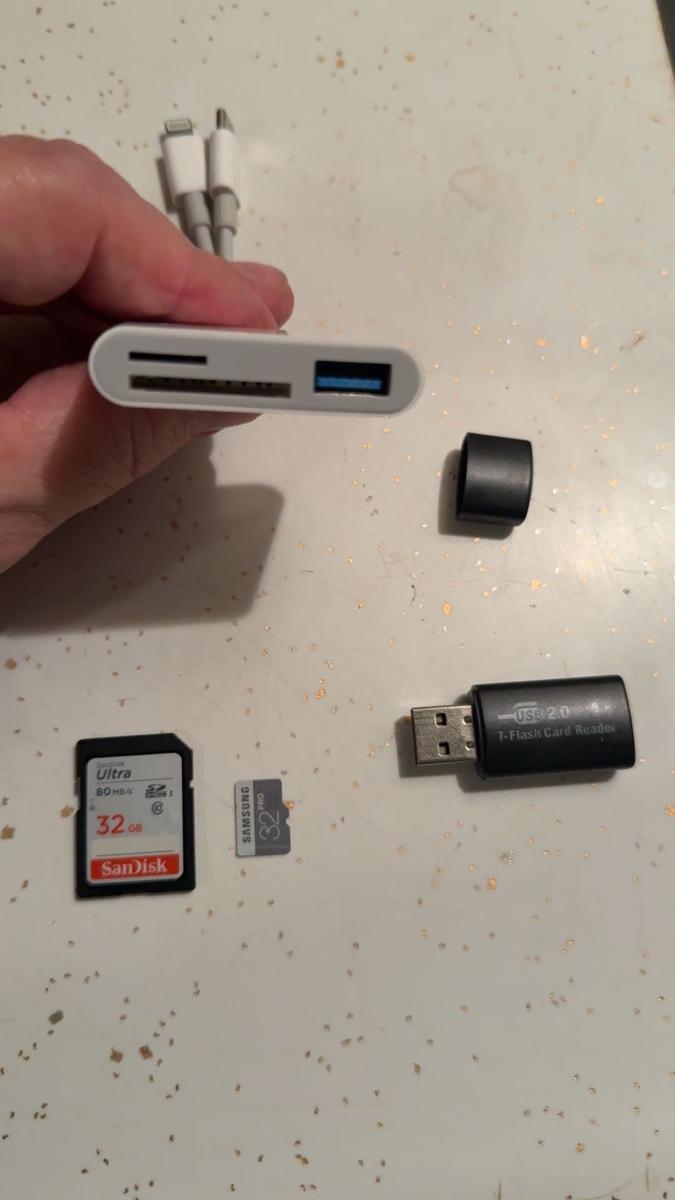

 Item: DefaultNovember 17, 2025
 Purchased on TikTokEasy to use and needs no extra brain power to set up. I love it. Works on both my galaxy and iPhone easily and with zero problems makes moving files and apps fast and stress free. It’s a great way to move your data from all the money hungry clouds and not only is it fast but you can move everythingItem: DefaultJanuary 2, 2026
 Purchased on TikTokWorks well to connect my keyboard and mouse to my tablet!! It only has 1 USBC port so only get it if u either have 1 Bluetooth device like the mouse or keyboard, or get one with 2 PORTS!! But it works great for me :)
 Item: DefaultDecember 30, 2025
41.7k global reviews
gr8fUl wade
Chosen
love quinn
About the product
Details
| Contains Batteries Or Cells? | None |
| Dangerous Goods Or Hazardous Materials | No |
| Aerosols | No |
| Compatible Devices | Ipad,Tablet,Smartphone,Cellphones,Android |
| Connector Type | Lightning,USB-C,USB Type-C |
| Function | Card reader |
| Number of Interfaces | 2 |
| Connection Type | Wired |
| Number Of Ports | 3 |
| Interface Type | SD Card Slot,USB |
| Plug Type | Cordless |
| Fast Charging | No |
| Manufacturer Address (City) | Shenzhen |
| Manufacturer Address (Province) | Guangdong |
| Manufacturer Address | Room 402, No. 17, Phase 1, Zone 3, Xinhe Community, Xinxing Industrial Park, Fuhai Street, Bao'an District, Shenzhen |
| Batteries Included | No |
| Model | YK-10 |
| Warranty Type | Supplier Warranty |
Description
 Dual Interface Card Reader – USB-C + Lightning
Designed for digital photography gear like Canon, Nikon, Sony, Samsung, and Kodak. This compact card reader easily connects to iPhone, iPad (Pro/Air/Mini), MacBook, and other USB-C or Lightning devices for seamless storage expansion and file transfer. Supports SD, TF & USB Devices
Compatible with SD (SD/SDHC) and Micro SD (TF) cards. Also supports USB flash drives, game controllers, USB headphones, MIDI keyboards, electric guitars, and more—making it perfect for creators and musicians alike. High-Speed Data Transfer – Up to 5Gbps
Transfer files in seconds with USB 3.0 speed. Read and write to SD cards, TF cards, and USB drives simultaneously. No need to keep plugging and unplugging—save time and streamline your workflow.
Dual Interface Card Reader – USB-C + Lightning
Designed for digital photography gear like Canon, Nikon, Sony, Samsung, and Kodak. This compact card reader easily connects to iPhone, iPad (Pro/Air/Mini), MacBook, and other USB-C or Lightning devices for seamless storage expansion and file transfer. Supports SD, TF & USB Devices
Compatible with SD (SD/SDHC) and Micro SD (TF) cards. Also supports USB flash drives, game controllers, USB headphones, MIDI keyboards, electric guitars, and more—making it perfect for creators and musicians alike. High-Speed Data Transfer – Up to 5Gbps
Transfer files in seconds with USB 3.0 speed. Read and write to SD cards, TF cards, and USB drives simultaneously. No need to keep plugging and unplugging—save time and streamline your workflow. Download photos from Memory Card to iPhone/ iPad for User with iOS 13 or later
 iOS Memory Card Reader – Two-Way File Transfer for iPhone & iPad (iOS 13+)Easily transfer photos, videos, music, PDF, Word, Excel, and more between your iPhone/iPad and memory card using the built-in iOS Files App (iOS 13 or later). No extra software required! Key Features:·Two-way transfer: Copy files from memory card to iPhone/iPad/Android or from iPhone/iPad to memory card.·Wide file support: Works with JPG, MP3, PDF, Word, Excel, PPT, and more.·Plug & play: Insert memory card, connect to iPhone/iPad via Lightning & USB-C port, and open Files app.·Automatic recognition: Memory cards appear as “Untitled” or “NONAME.” Custom card names also recognized.How to Use:·Insert your SD/TF card & U drive into the reader and plug it into your iPhone or iPad & Android(Type-C)·Open Files app Tap “Browse” Select your memory card (“Untitled,” “NONAME,” or your card name).·View, copy, move, or delete files between your device and memory card.Troubleshooting:·Files won’t appear? Make sure the memory card is FAT32 or exFAT format (NTFS is not supported).·Still empty? Check the card is inserted correctly. Watch tutorial videos for proper installation.Perfect for:·iPhone & iPad photographers·Students & professionals transferring documents·Musicians, vloggers, or anyone managing files on iOS
Dual Interface Card Reader – USB-C + Lightning
Designed for digital photography gear like Canon, Nikon, Sony, Samsung, and Kodak. This compact card reader easily connects to iPhone, iPad (Pro/Air/Mini), MacBook, and other USB-C or Lightning devices for seamless storage expansion and file transfer. Supports SD, TF & USB Devices
Compatible with SD (SD/SDHC) and Micro SD (TF) cards. Also supports USB flash drives, game controllers, USB headphones, MIDI keyboards, electric guitars, and more—making it perfect for creators and musicians alike. High-Speed Data Transfer – Up to 5Gbps
Transfer files in seconds with USB 3.0 speed. Read and write to SD cards, TF cards, and USB drives simultaneously. No need to keep plugging and unplugging—save time and streamline your workflow. Download photos from Memory Card to iPhone/ iPad for User with iOS 13 or lateriOS Memory Card Reader – Two-Way File Transfer for iPhone & iPad (iOS 13+)Easily transfer photos, videos, music, PDF, Word, Excel, and more between your iPhone/iPad and memory card using the built-in iOS Files App (iOS 13 or later). No extra software required! Key Features:·Two-way transfer: Copy files from memory card to iPhone/iPad/Android or from iPhone/iPad to memory card.·Wide file support: Works with JPG, MP3, PDF, Word, Excel, PPT, and more.·Plug & play: Insert memory card, connect to iPhone/iPad via Lightning & USB-C port, and open Files app.·Automatic recognition: Memory cards appear as “Untitled” or “NONAME.” Custom card names also recognized.How to Use:·Insert your SD/TF card & U drive into the reader and plug it into your iPhone or iPad & Android(Type-C)·Open Files app Tap “Browse” Select your memory card (“Untitled,” “NONAME,” or your card name).·View, copy, move, or delete files between your device and memory card.Troubleshooting:·Files won’t appear? Make sure the memory card is FAT32 or exFAT format (NTFS is not supported).·Still empty? Check the card is inserted correctly. Watch tutorial videos for proper installation.Perfect for:·iPhone & iPad photographers·Students & professionals transferring documents·Musicians, vloggers, or anyone managing files on iOSSimilar Items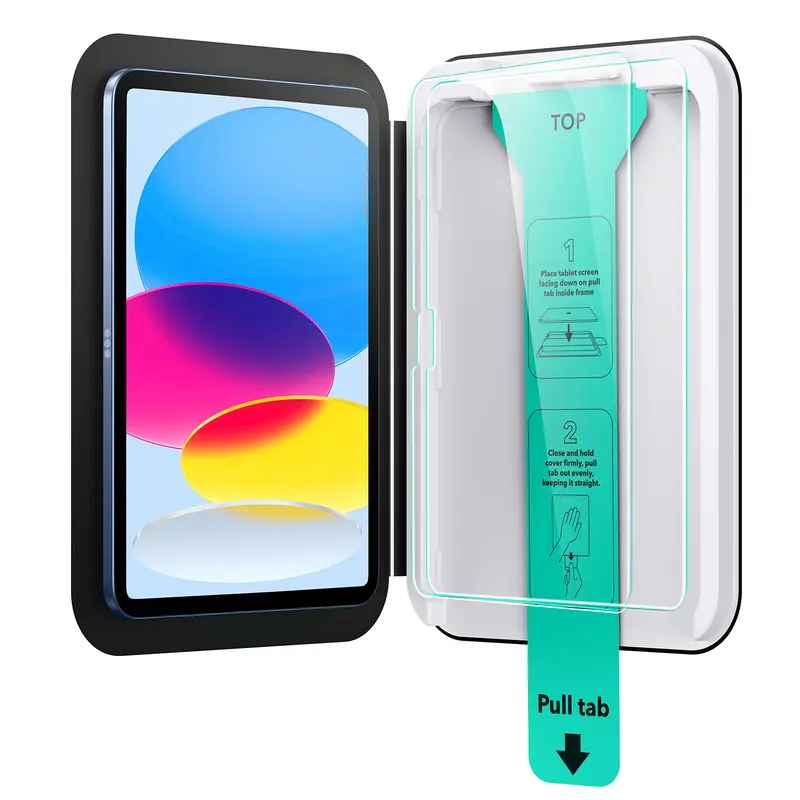



ESR US
ESR Screen Protector for iPad Air 11"/13"&iPad Pro 11"/13"&iPad A16 11/10, Bubble-Free, Easy Installation, 9H Tempered Glass Film with UltraFit Tray
Free shipping
4.7
4.4K sold$17.99
$22.49
Bose
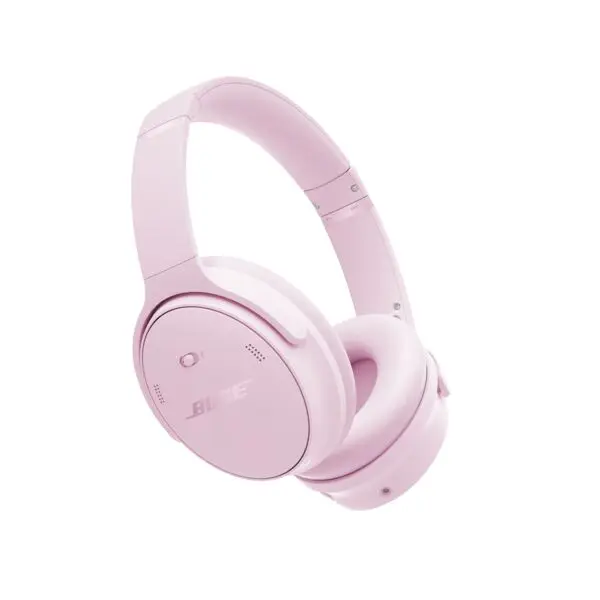
Bose QuietComfort Headphones - Wireless Bluetooth, Active Noise Cancelling, Over-Ear, Foldable, Charging Case
Free shipping
4.7
1.3K sold$229.00
$359.00Wyze
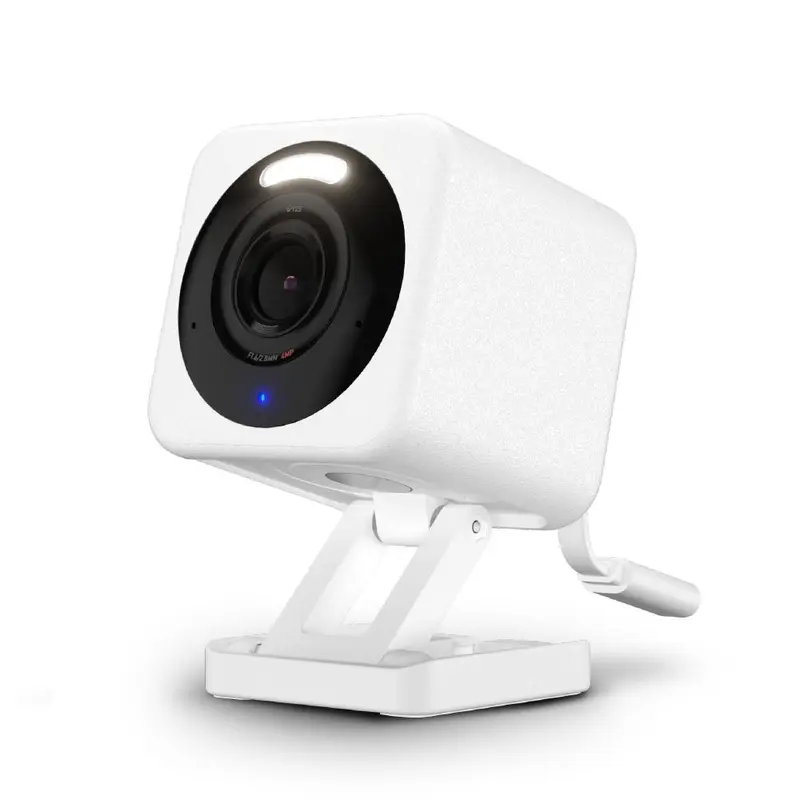
Wyze Cam v4 — Wired 2K HD Smart Home Camera, Indoor/Outdoor Use, Pet/Baby Monitor/Security, Spotlight/Siren, Color Night Vision, Local/Cloud Storage
Free shipping
4.6
11.4K sold$35.98
$46.98
Wyze
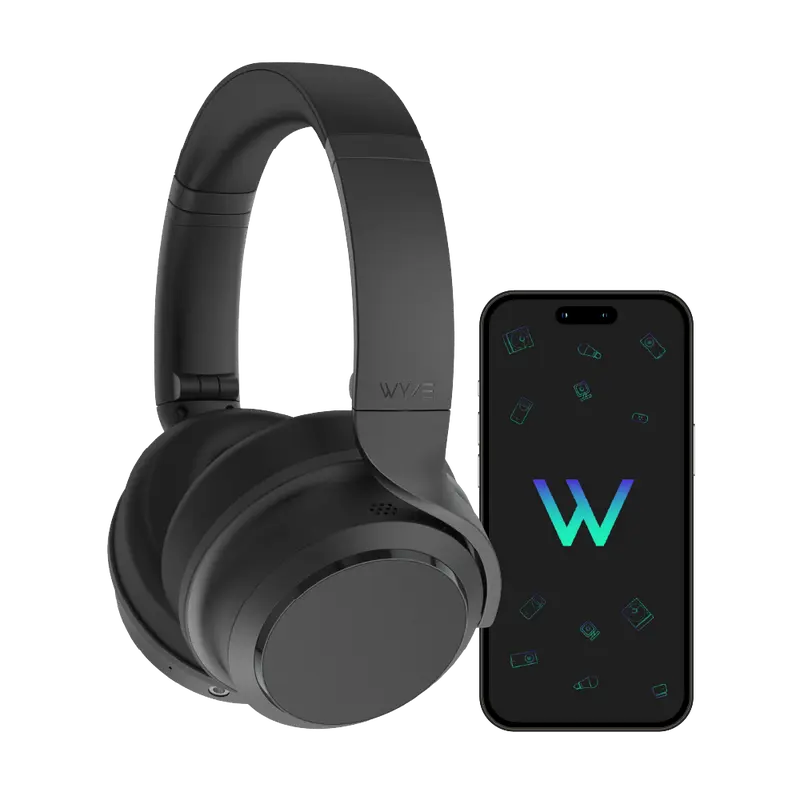
Wyze Headphones — #1 Over-Ear Headphones on TikTok, Active Noise Cancellation Bluetooth Audio Earphones, Lightweight, Aux Cord, Rich Bass, Android iOS
Free shipping
4.7
17.7K sold$74.99
$99.99

TOZOSTORE
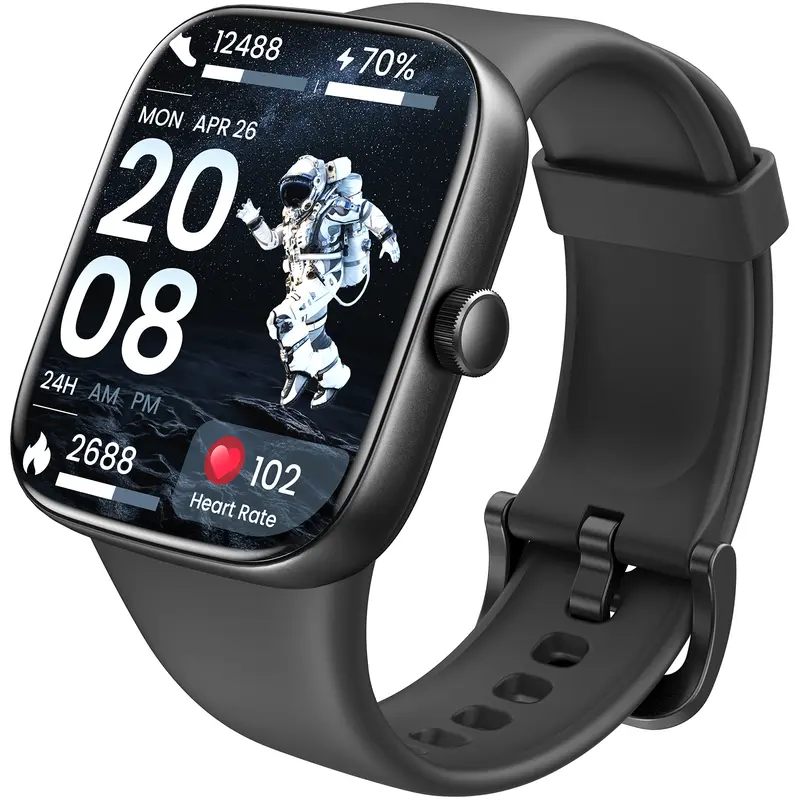
TOZO-S7 Smartwatch Bluetooth Call Ultra HD Screen Wearable Wristwatch Phone Smartphone Music Control Sleep Monitoring Stopwatch And Countdown Weather Forecast
Free shipping
4.4
649 sold$37.99
$99.99


Wyze
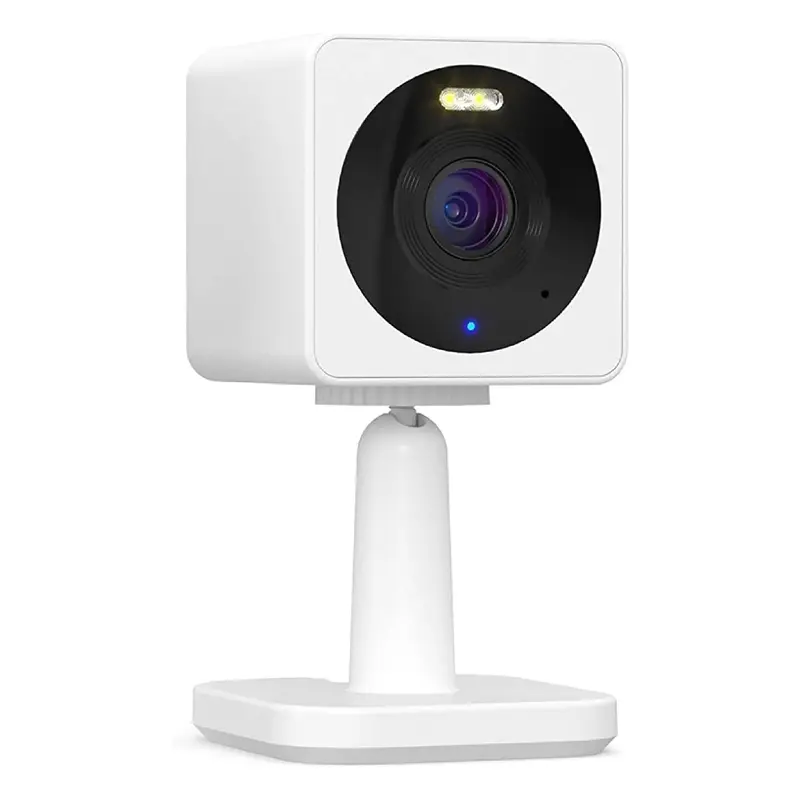
Wyze Cam OG — Wired 1080p HD Smart Camera, 24/7 microSD Recording, Pets/Baby Monitor/Security/Nanny Cam, Works w Alexa & Google Assistant, WiFi
Free shipping
4.5
55.9K sold$29.98
$39.98JLab
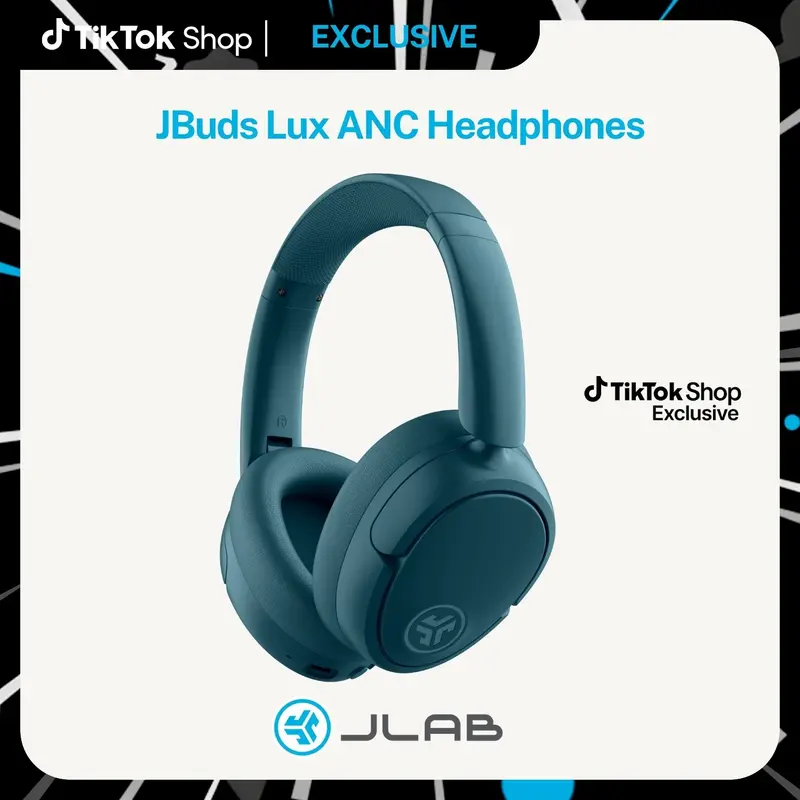
JLab JBuds Lux Active Noise Cancellation Wireless Bluetooth Headphones, Custom EQ, Over-Ear, Be Aware Safety Mode. Foldable, iPhone / Android, Wired
Free shipping
4.7
153.6K sold$54.99
$91.99JLab
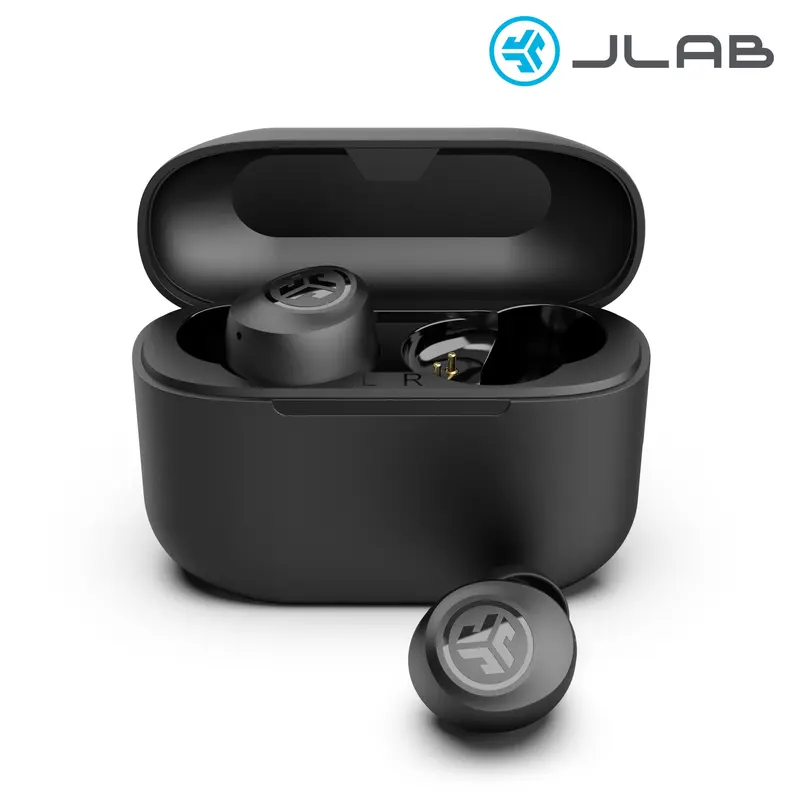
JLab GO POP+ True Wireless Earbuds with 35+ Hour Playtime Dual Connect IPX4 Sweatproof Fast Charge 10 Minutes for 1+ Hour Playtime Rechargeable Bluetooth 5.3 Headset
Free shipping
4.6
66.8K sold$19.98
$29.99View more
TikTok Shop promo codesAbout TikTok ShopSeller centerContact usCareersAffiliateHelp centerSafety centerCommunity guidelinesPrivacy policyTransparencyAccessibility
Free shipping
New customer deals


Shop now in app