

1 / 10


$71.99-$83.99
Free shipping
Aula F99PRO/F99/F75/F106PRO Wireless Gaming Keyboard with 8000mAh Battery, Hot Swappable Creamy Keyboard, 2.4GHz/Type-C/BT5.0 ( Graywood & Vector switches & Reaper Switch&Blaze Switch)
Sold by Aula KeyLabs
4.9(65)
629 sold
Model:Please select
 F99PRO Vector switches
 F99 Graywood
 F75 Reaper Switch
 F106 Pro Enchanted Keystroke
 Quantity:
About this shop
Aula KeyLabs
4.7
2069 Sold
500+ Followers
93%24h response rate
86%Ships within 48h
93%Positive feedback
ReviewsPurchased on TikTokI was nervous to order because I thought it would feel cheap being from the TikTok shop. The reality is that it’s not. There is good weight to the keyboard as a whole. The look is amazing! And the sound it makes is smooth as buttah! It also arrived two days early. Love the light show it does too!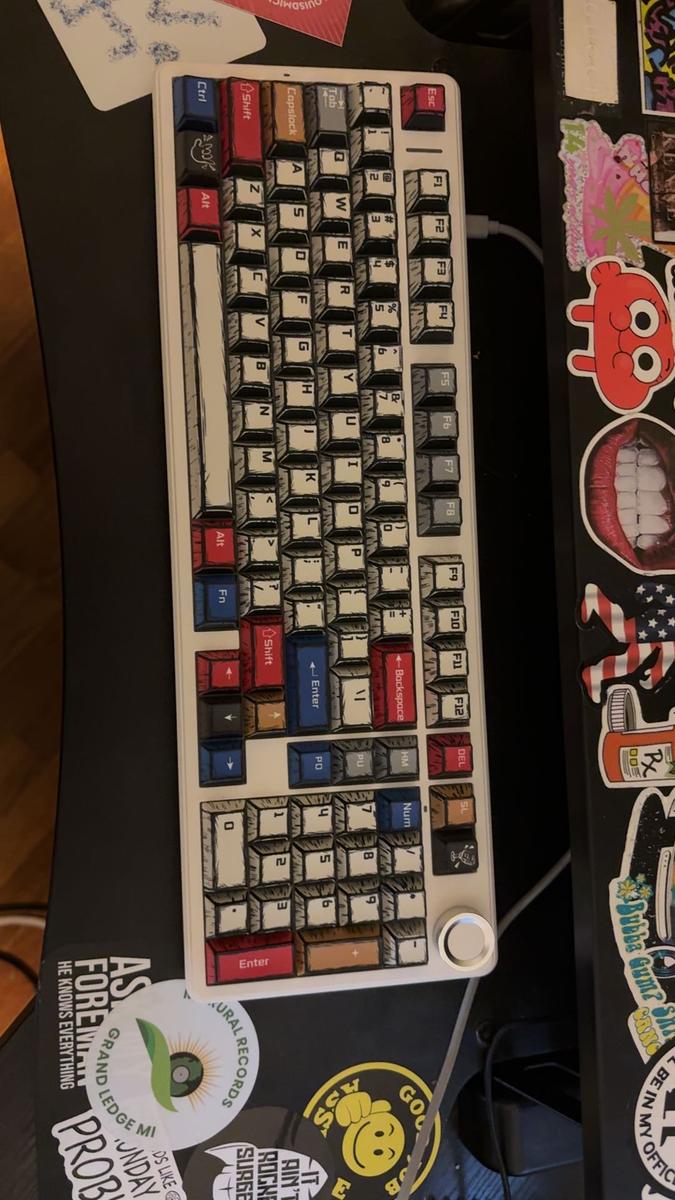 Item: F99PRO Vector switchesDecember 28, 2025Purchased on TikTokIt is beautiful and pressing the keys feel great. I am so surprised but this keyboard is so cool and legit. 10/10 I would buy it againItem: F106 Pro Enchanted Keystroke 4w ago
 Purchased on TikTokI love how the keyboard sounds and the raised keys are perfect for me. I bought this one because it has a 10 key pad which I use a lot for work and it's greatItem: F99 GraywoodJanuary 4, 2026
4.965 global reviews
C**p
T**w
Countess_Miss_Didymus
About the product
Details
| Brand | AULA |
| Dangerous Goods Or Hazardous Materials | No |
| Contains Batteries Or Cells? | None |
| Batteries Included | Yes |
| Model | F106PRO/F99PRO/F99/F75 |
| Connection Type | Wireless |
| Battery Capacity(Mah) | 4000/8000 |
Description
Mechanical Keyboard Gaming: F75/F99/F99Pro/F106 PRO is a premium mechanical keyboard for both work and game.

 With 16 RGB lighting effect to adds a great atmosphere to the game room.trpustomize key function and 16.8 million light colors, and supports cool music rhythm lighting effects with driver.
 Wireless Keyboard Mechanical Hot Swappable Custom, Many Connection Methods
 AULA F75/F99/F99Pro/F106 PRO Wireless Gaming Keyboard RGB Backlit Mechanical Provides 3 connection methods,including BT5.0, 2.4GHz wireless mode and USB wired mode.
 Custom Keyboard Pre-lubed Switches PBT Keycaps
 96% Layout Compact Keyboard99-key streamlined layout,can save more space on the desk, and keep the arrow keys and numpad which are necessary for gaming and work.Fn + \|: switch 16 lighting effects;Fn + Tab: switch lighting colors;Support music rhythm light effect via software
 F75/F99/F99Pro/F106 PRO RGB Backlit Keyboard Creamy Gaming Keyboards for PC/Tablet/Xbox
 F75/F99/F99Pro/F106 PRO RGB Pro pc gaming keyboards equipped with pre-lubricated stabilizers.
 This thocky heavy mechanical keyboard features a gasket structure, extended integrated silicone pad, and PCB single key slotting, better optimizes resilience and stability, making the hand feel softer and more elastic.8000mAh Large Capacity Battery(ONLY F99/F99Pro/F106 PRO)The large battery capacity increases the battery life in wireless mode. Please note that don't use a fast charging cable to charge this keyboard.
 4000mAh Large Capacity Battery(ONLY F75)
 PBT KeycapsDouble shot PBT keycaps, made from many colors material molded into each others, make the keycaps characters maintain the vibrance and saturation.
 Side Function KeysSupport BT 3.0/5.0, 2.4GHZ wireless and USB-C wired connection. Users can quickly switch between connection modes using the mode switch on the side.
 Ergonomic KickstandThe adjustable Keyboard Stand has 2 adjustable height levels and can make users adjust the keyboard tilt according to their own requirements.
 1.Q:How do I connect the keyboard?A:Toggle the side button to 2.4G/BT/Wired mode, then:2.4G mode: press FN+'~ key for 3s, then plug in the receiver.BT mode: press FN+1/2/3, search for the device named AULA-F75 3. 0KB/AULA-F75 5.0 KB on your pc/tablet/phone, select it to connect.2.Q:How do I use the knob?A:Long press to switch between Game/Office Mode. In Game Mode: short press cycles 17 lighting effects, rotate adjusts brightness. See manual for details.3.Q:How do I customize the keyboard?A:Download the F75/F99/F99Pro/F106 PRO driver software on the website, switch the keyboard's side button to wired mode, then open the software to customize settings via the interface.4.Q:Is the keyboard compatible with Mac OS?A:Yes, the keyboard is compatible with Mac OS, Windows and Android. After connectivity, press FN+E = Mac system (the light of E key red flashes for 3s).Note: driver software only supports Window system in wired mode.5.Q:How can I put the keyboard into sleep mode when not in use?A:The keyboard will automatically enter sleep mode after 1 minute(you can reset the time via the Driver)of inactivity. To wake it up, simply press any key.
With 16 RGB lighting effect to adds a great atmosphere to the game room.trpustomize key function and 16.8 million light colors, and supports cool music rhythm lighting effects with driver.Wireless Keyboard Mechanical Hot Swappable Custom, Many Connection MethodsAULA F75/F99/F99Pro/F106 PRO Wireless Gaming Keyboard RGB Backlit Mechanical Provides 3 connection methods,including BT5.0, 2.4GHz wireless mode and USB wired mode.Custom Keyboard Pre-lubed Switches PBT Keycaps96% Layout Compact Keyboard99-key streamlined layout,can save more space on the desk, and keep the arrow keys and numpad which are necessary for gaming and work.Fn + \|: switch 16 lighting effects;Fn + Tab: switch lighting colors;Support music rhythm light effect via softwareF75/F99/F99Pro/F106 PRO RGB Backlit Keyboard Creamy Gaming Keyboards for PC/Tablet/XboxF75/F99/F99Pro/F106 PRO RGB Pro pc gaming keyboards equipped with pre-lubricated stabilizers.This thocky heavy mechanical keyboard features a gasket structure, extended integrated silicone pad, and PCB single key slotting, better optimizes resilience and stability, making the hand feel softer and more elastic.8000mAh Large Capacity Battery(ONLY F99/F99Pro/F106 PRO)The large battery capacity increases the battery life in wireless mode. Please note that don't use a fast charging cable to charge this keyboard.4000mAh Large Capacity Battery(ONLY F75)PBT KeycapsDouble shot PBT keycaps, made from many colors material molded into each others, make the keycaps characters maintain the vibrance and saturation.Side Function KeysSupport BT 3.0/5.0, 2.4GHZ wireless and USB-C wired connection. Users can quickly switch between connection modes using the mode switch on the side.Ergonomic KickstandThe adjustable Keyboard Stand has 2 adjustable height levels and can make users adjust the keyboard tilt according to their own requirements.1.Q:How do I connect the keyboard?A:Toggle the side button to 2.4G/BT/Wired mode, then:2.4G mode: press FN+'~ key for 3s, then plug in the receiver.BT mode: press FN+1/2/3, search for the device named AULA-F75 3. 0KB/AULA-F75 5.0 KB on your pc/tablet/phone, select it to connect.2.Q:How do I use the knob?A:Long press to switch between Game/Office Mode. In Game Mode: short press cycles 17 lighting effects, rotate adjusts brightness. See manual for details.3.Q:How do I customize the keyboard?A:Download the F75/F99/F99Pro/F106 PRO driver software on the website, switch the keyboard's side button to wired mode, then open the software to customize settings via the interface.4.Q:Is the keyboard compatible with Mac OS?A:Yes, the keyboard is compatible with Mac OS, Windows and Android. After connectivity, press FN+E = Mac system (the light of E key red flashes for 3s).Note: driver software only supports Window system in wired mode.5.Q:How can I put the keyboard into sleep mode when not in use?A:The keyboard will automatically enter sleep mode after 1 minute(you can reset the time via the Driver)of inactivity. To wake it up, simply press any key.Similar Items





Creality official
Creality CR-Ferret SE 3D Scanner - Cost-effective 3D Scanners for Beginners
Free shipping
4
2.2K sold$169.00
$319.00
UGREEN.US
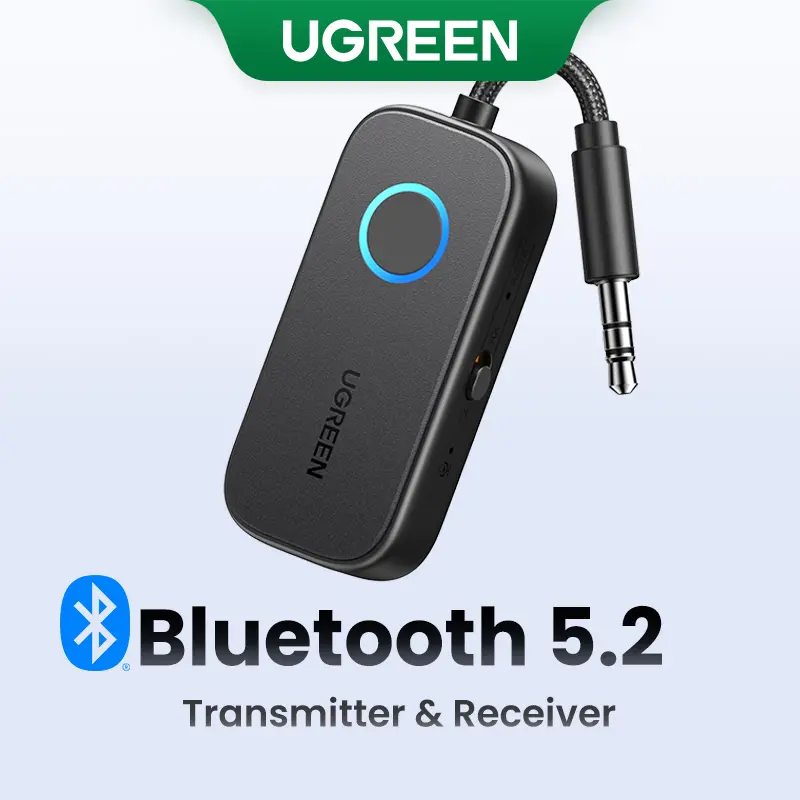
UGREEN Bluetooth 5.2 3.5mm Audio Transmitter/Receiver Adapter for Airpods or Headphones, for Flight, TV, Car Stereo, MP3 Headset Microphone-TikTokShopBlackFriday ,TikTokShopHolidayHaul
Free shipping
4.4
2.9K sold$17.99
$23.99


dot. cards
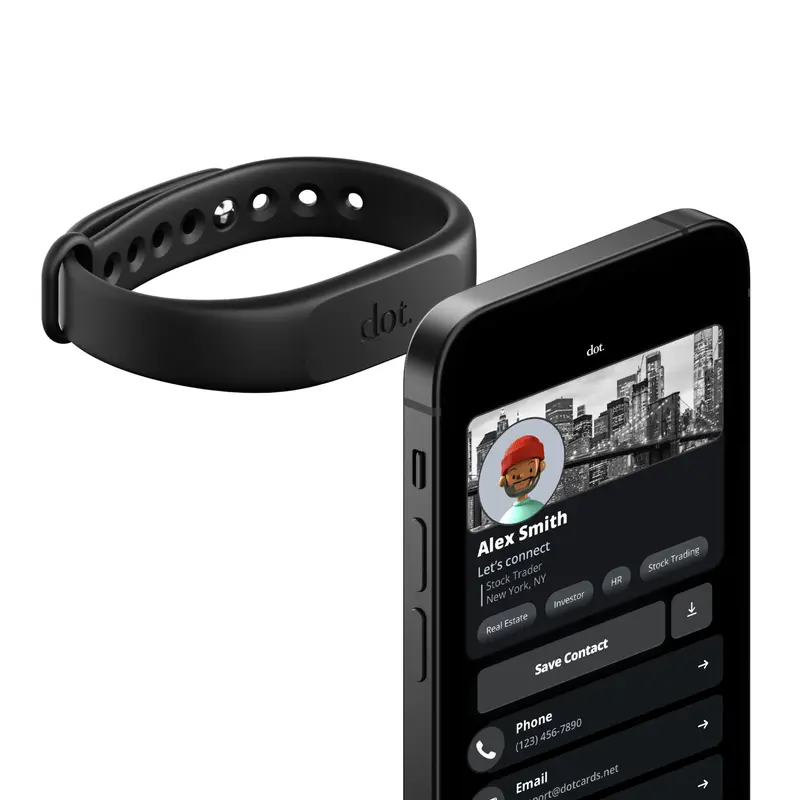
dot. Band - Digital Business Card - Tap to Share NFC - iPhone & Android Wearable
4.4
37.3K sold$18.91
$30.00HUANUO Global
HUANUO Dual Monitor Arm Adjustable Gas Spring Monitor mount for Gaming and Home Office Setups, Monitor Arm hold up to 30" with 19.8 lbs Max Weight and C-Clamp or Grommet Hole Mounting
Free shipping
4.6
109.9K sold$36.99
$59.99
HUANUO Global
HUANUO Supports 13-32″ screens, up to 19.8 lbs per arm. Features built-in C-clamp, enhanced stability, and upgraded cable management. VESA 75x75mm/100x100mm compatible. Black finish.
Free shipping
4.7
13.3K sold$49.99
$69.99Hachette Book Group
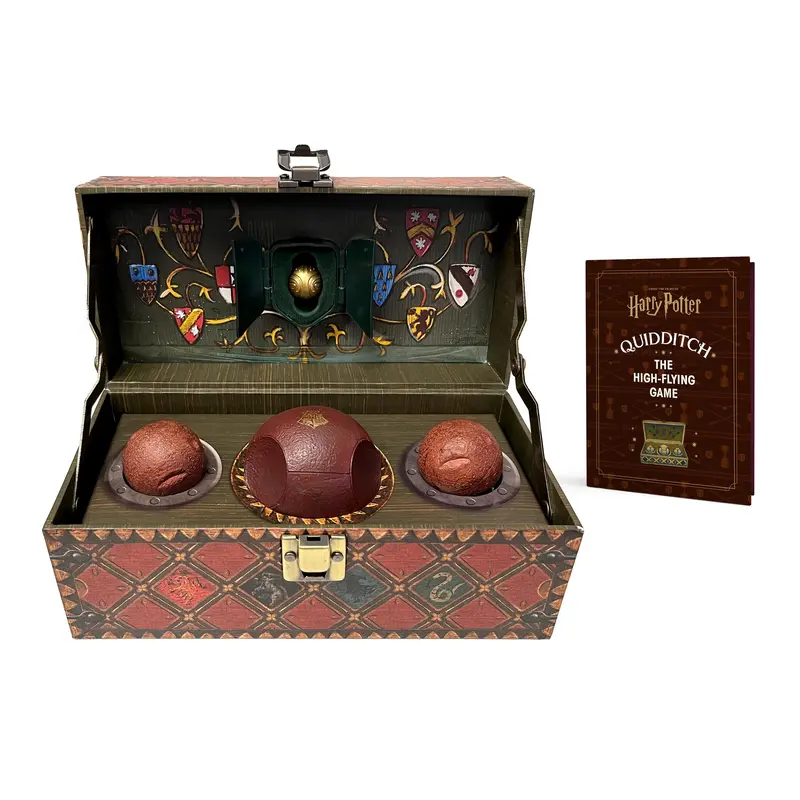
Harry Potter Collectible Quidditch Set (Includes Removeable Golden Snitch!)
Free shipping
4.8
722 sold$43.95
Mr Pen Store
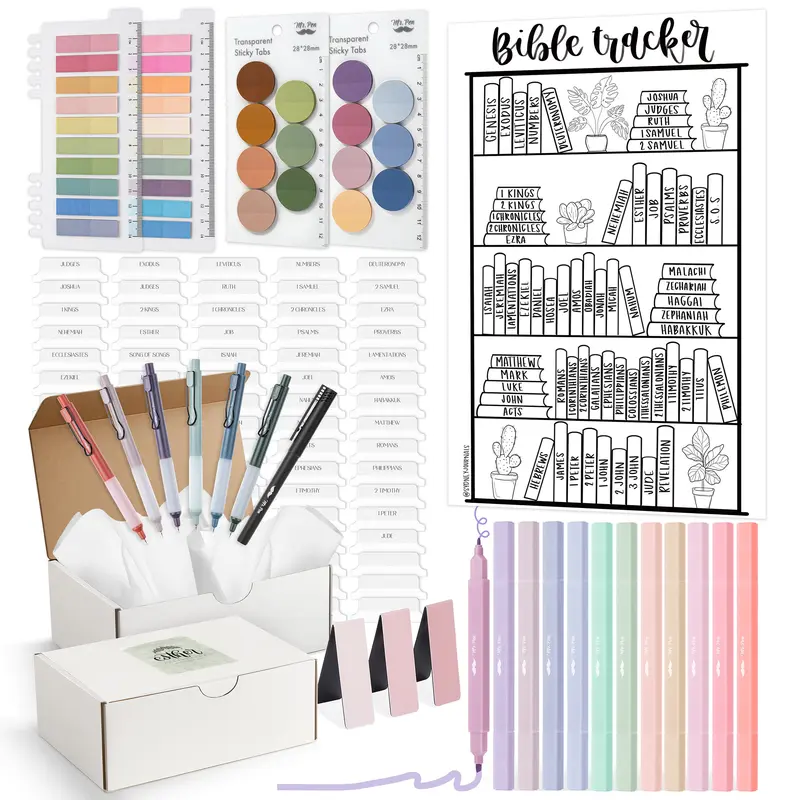
Mr. Pen Esther Bible Journaling Kit with 12 Dual Tip Highlighters, 6 .5mm Pens, Magnetic Bookmarks, Sticky Notes, & Bible Tabs
Free shipping
4.7
2.2K sold$29.99
$38.99Mr Pen Store
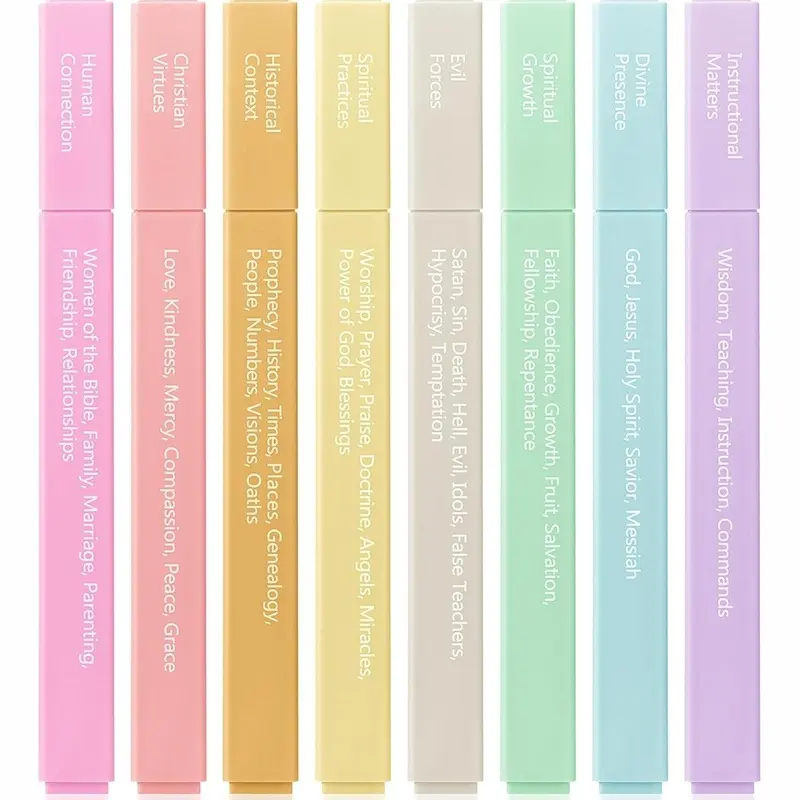
Mr. Pen - Bible Highlighters with Color-Coding System 8 Pack Soft Pastel Aesthetic Highlighters Assorted Colors for Studying Note-Taking and Journaling
Free shipping
4.7
4.1K sold$8.99
$11.99


Moleskine
Moleskine Limited Edition NASA-inspired 'Moon surface' Notebook, Hard Cover, Large (5" x 8.25"), Ruled/Lined, Light Grey, 176 pages
Free shipping
5
144 sold$31.00

View more
TikTok Shop promo codesAbout TikTok ShopSeller centerContact usCareersAffiliateHelp centerSafety centerCommunity guidelinesPrivacy policyTransparencyAccessibility
Free shipping
New customer deals


Shop now in app