

1 / 10


$68.45-$88.92
$16.83 shipping on this order
New 24" 180Hz Curved Gaming Monitor FHD 1080P 1ms Response FreeSync Ultra-Thin VESA Ready for PS5 Xbox PC #Black Friday
Sold by Neo gamer
4.6(177)
1.4K sold
Refresh Rate:Please select
 75hz
75hz 100hz
100hz 180hz
180hzSize:Please select
22inch
24inch
Screen:Please select
Flat
Curved
Quantity:
About this shop
Neo gamer
4.5
2705 Sold
2.3K+ Followers
99%24h response rate
51%Ships within 48h
86%Positive feedback
Reviews Purchased on TikTokAbsolutely great I love the display and the Hz it’s 180 as it is stated in the description I love the how fast the reaction speed is and it has a special crosshair in the settings.
 Item: 180hz, 24inch, FlatOctober 27, 2025
 Purchased on TikTokSuper fast shipping came on time with no damage and it is a great monitor no doubt runs very smooth no issues and the price is good
 Item: 75hz, 22inch, FlatOctober 7, 2025
 Purchased on TikTokVery good monitor, easy to use menu with buttons on the side, built in speakers really loud and quality looks good
 Item: 180hz, 24inch, Curved December 17, 2025
4.6177 global reviews
Nate
Kelpy G
Luke
About the product
Details
| Dangerous Goods Or Hazardous Materials | No |
| Special Features | Dp,HDMI |
| Adaptive Sync | Freesync |
| Aspect Ratio | 0.6729166666666667 |
| Monitor Response Time(Ms) | 1MS |
| Resolution | fhd |
| Country Of Origin | CHN |
| Model | RE-241KV3 |
| Monitor Screen Size | 23-25Inches |
| Monitor Interface Type | HDMI,Dp |
| Panel Type | IPS |
| Product Condition | New |
| Plug Type | Eu Type |
| With Maganet | No |
| Battery In The Product | No |
| With Battery | No |
| Warranty Type | No Warranty |
Description
Note: This monitor features a subtle curve — not a fully curved display — in order to retain the premium IPS panel, which delivers significantly better color accuracy and clarity for gaming compared to VA panels typically used in full curved monitors.🎮 New 24” 180Hz Curved Gaming MonitorElevate your gaming experience with this 24-inch curved monitor. It features a 1080P FHD resolution, ensuring crisp visuals. With a 1ms response time, it minimizes input lag, enhancing gameplay. FreeSync technology eliminates screen tearing, providing a smooth, uninterrupted experience. Perfect for PS5, Xbox, and PC users.Ultra-Thin Design & CompatibilityThis monitor is ultra-thin, offering a sleek look without compromising functionality. It's VESA ready, making it compatible with various mounting options. The 180Hz refresh rate ensures high performance, ideal for demanding games. Stay connected with this versatile monitor, perfect for back-to-school tech needs. #TikTokShopBacktoSchoolGet the Best Performance from Your MonitorHow to Set the Refresh Rate to 180Hz️ Important Notice Before You StartTo achieve 180Hz refresh rate, ALL of the following conditions must be met:A 180Hz-capable monitor
A graphics card that supports 180Hz output
A DisplayPort (DP) or HDMI 2.0 / 2.1 cable (included or recommended)
Correct system and monitor settingsIf any of these conditions are not met, the refresh rate may default to 60Hz or 120Hz.Step 1: Use the Correct CableRecommendedDisplayPort (Best Choice) – Supports 180Hz easily
HDMI 2.0 / HDMI 2.1 – May support up to 180Hz depending on deviceNot RecommendedHDMI 1.4
VGA / DVITip: For the best gaming experience, we strongly recommend using DisplayPort.Step 2: Set 180Hz on Windows PCFor Windows 10 / Windows 11Right-click on the desktop
Select Display settings
Scroll down and click Advanced display
Choose your monitor
Click Refresh rate
Select 180HzDone! Your monitor is now running at 180Hz.Step 3: Set 180Hz in Graphics Card Control PanelNVIDIA Graphics CardRight-click desktop NVIDIA Control Panel
Go to Change resolution
Select your monitor
Choose 1920×1080 / 2560×1440 (native resolution)
Select 180Hz
Click ApplyAMD Graphics CardRight-click desktop AMD Software: Adrenalin Edition
Go to Display
Select your monitor
Set Refresh Rate to 180HzStep 4: Enable 180Hz in Monitor Menu (OSD)Press the Menu button on the monitor
Go to Settings / Gaming Settings
Enable High Refresh Rate / Overclock / 180Hz Mode (if available)
Save and exitSome models require manual activation of high refresh rate in the monitor menu.Step 5: Console Users (PS5 / Xbox)PlayStation 5Supports up to 120Hz (hardware limitation)
Set path:
Settings Screen and Video Video Output Enable 120Hz OutputXbox Series X / SSupports up to 120Hz
Set path:
Settings General TV & Display Options Refresh Rate 120Hz️ 180Hz is available on PC only. Consoles are limited to 120Hz.Common Questions (FAQ)Why is my monitor only showing 60Hz?Incorrect cable used
Refresh rate not changed in system settings
Graphics card does not support higher refresh ratesDoes higher refresh rate really matter?Yes! Higher refresh rates provide:Smoother motion
Faster response in games
Reduced motion blur
Better competitive gaming performanceIs 180Hz harmful to the monitor?No. 180Hz is the native supported refresh rate of the monitor and is completely safe for long-term use.Final Tip for Best ExperienceUse DisplayPort Set refresh rate in Windows + GPU control panel Enable high refresh rate in monitor menuIf you need help, feel free to contact our customer support. We’re always happy to assist!Enjoy ultra-smooth visuals with your high refresh rate monitor!
Similar Items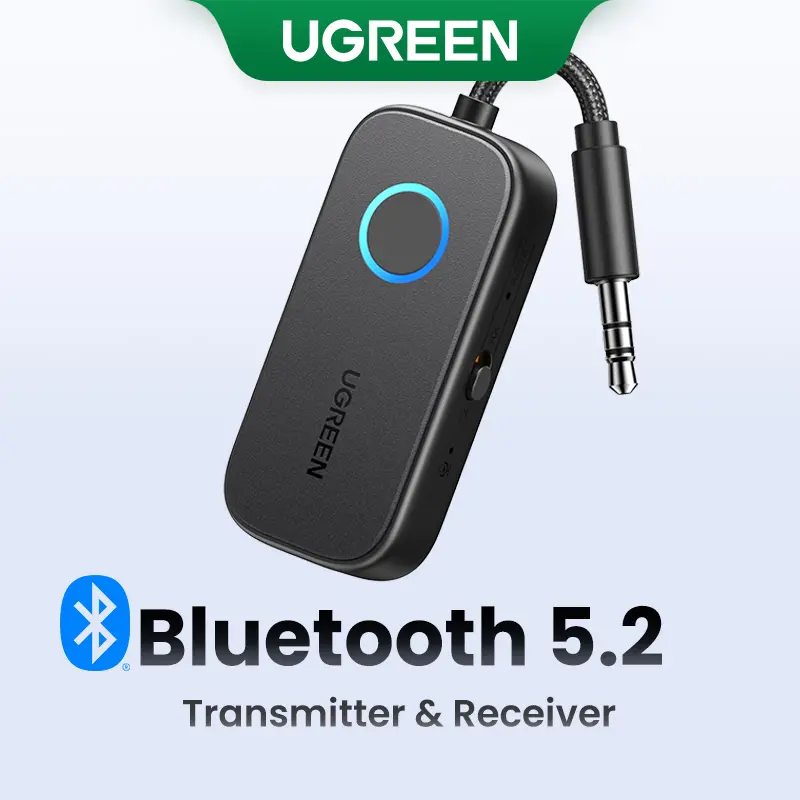



UGREEN.US
UGREEN Bluetooth 5.2 3.5mm Audio Transmitter/Receiver Adapter for Airpods or Headphones, for Flight, TV, Car Stereo, MP3 Headset Microphone-TikTokShopBlackFriday ,TikTokShopHolidayHaul
Free shipping
4.4
2.8K sold$17.99
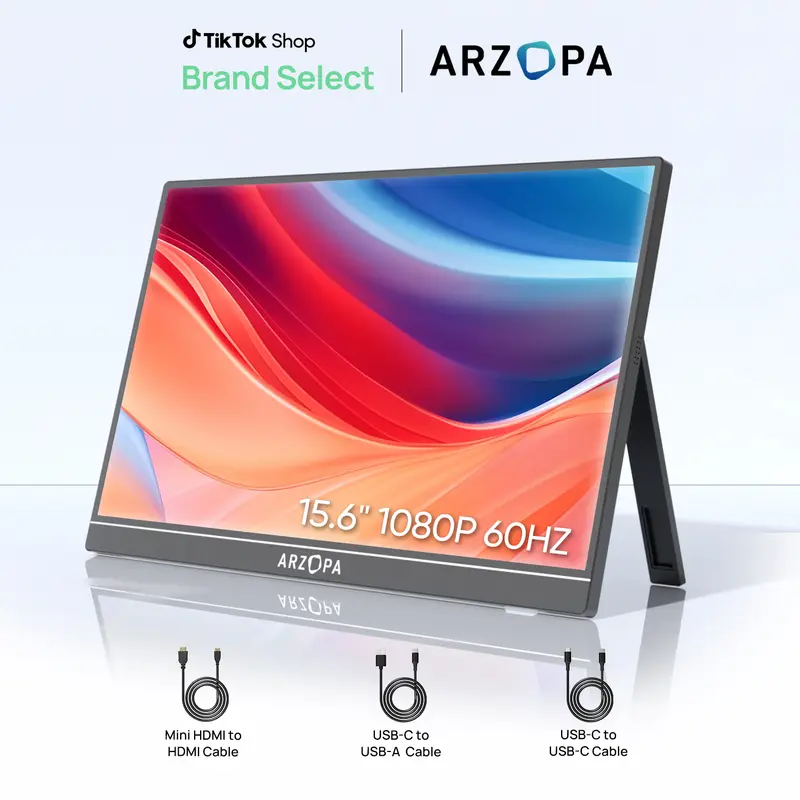
$23.99ARZOPA TECH
ARZOPA Portable Monitor 15.6'' 1080P 60Hz&144Hz FHD Laptop Monitor USB C HDMI Computer Display HDR Eye Care External Screen for PC Mac Phone Xbox Switch PS5
Free shipping
4.4
41.4K sold$74.99
$149.99
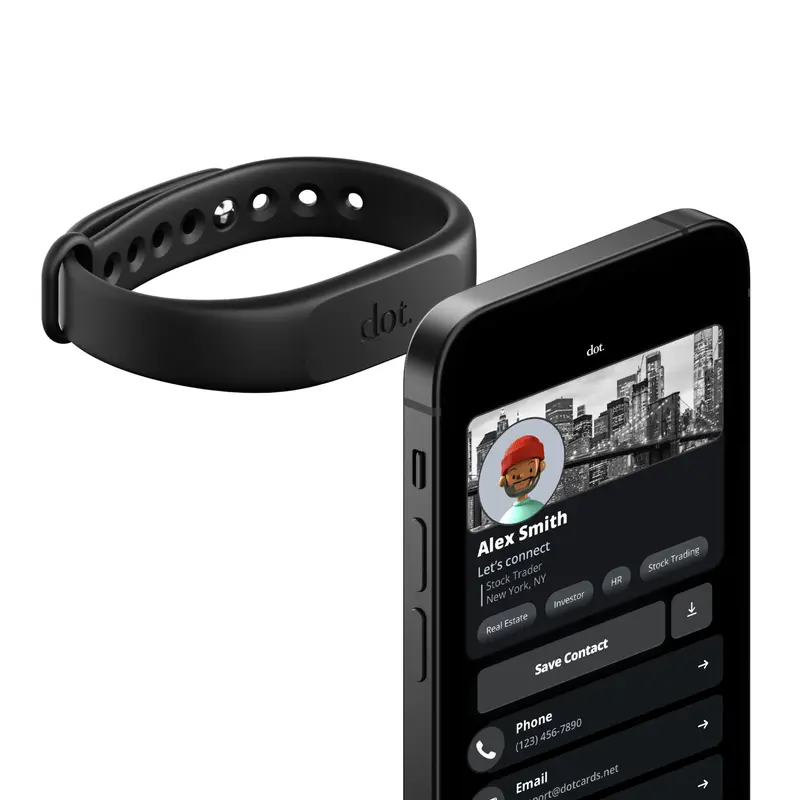
dot. cards
dot. Band - Digital Business Card - Tap to Share NFC - iPhone & Android Wearable
4.4
37.1K sold$18.91
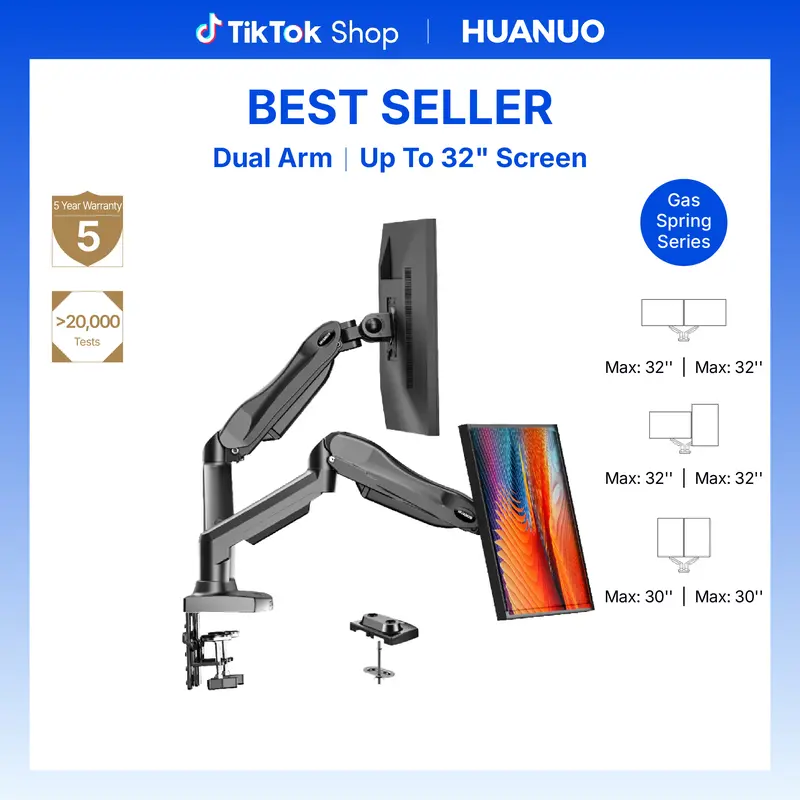
$30.00HUANUO Global
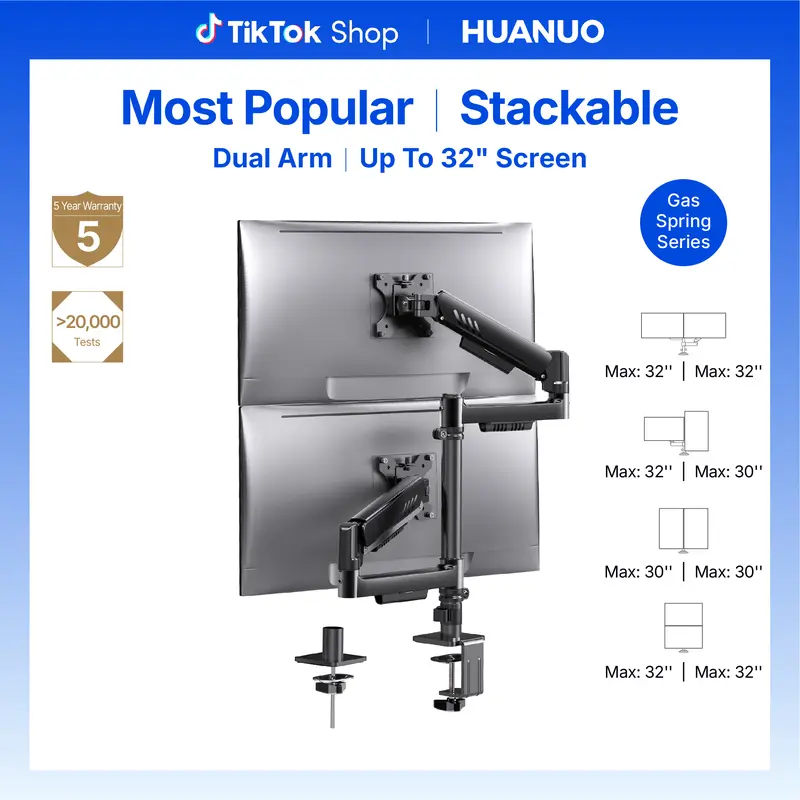
HUANUO Dual Monitor Arm Adjustable Gas Spring Monitor mount for Gaming and Home Office Setups, Monitor Arm hold up to 30" with 19.8 lbs Max Weight and C-Clamp or Grommet Hole Mounting
Free shipping
4.6
109.9K sold$36.99
$59.99

HUANUO Global
HUANUO Supports 13-32″ screens, up to 19.8 lbs per arm. Features built-in C-clamp, enhanced stability, and upgraded cable management. VESA 75x75mm/100x100mm compatible. Black finish.
Free shipping
4.7
13.2K sold$49.99
$69.99Mr Pen Store
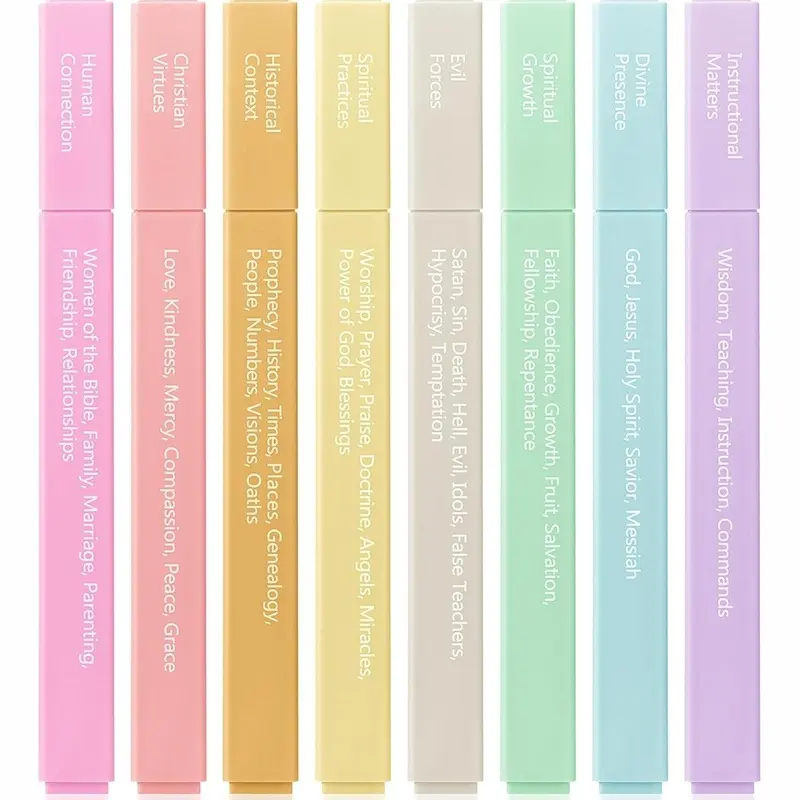
Mr. Pen - Bible Highlighters with Color-Coding System 8 Pack Soft Pastel Aesthetic Highlighters Assorted Colors for Studying Note-Taking and Journaling
Free shipping
4.7
4.0K sold$8.99
$11.99


Redragon Store
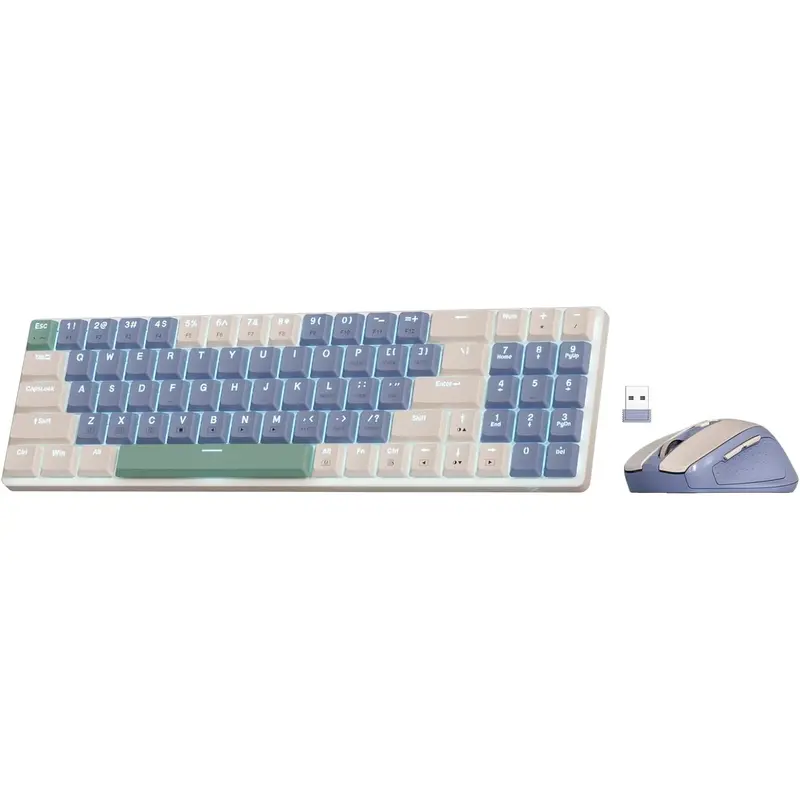
Redragon BS8772 Wireless Ergonomic Keyboard & Mouse Combo 75% 78 Keys 2.4Ghz Low-Profile Mechanical w/Rechargeable Battery 2400 DPI Blue Backlight
Free shipping
4.2
799 sold$31.49
$34.99

View more
TikTok Shop promo codesAbout TikTok ShopSeller centerContact usCareersAffiliateHelp centerSafety centerCommunity guidelinesPrivacy policyTransparencyAccessibility
Free shipping
New customer deals


Shop now in app