

1 / 7


$200.00
$7.74 shipping on this order
Steering Wheel, with Pedals and Paddles, Compatible with Xbox Series X/S, PS4, Xbox One, PC (Programmable for All Games)
Sold by Yuan Hai make changes
1 sold
Specification:Please select
Default
Quantity:
About this shop
Yuan Hai make changes
5.0
65 Sold
10+ Followers
About the product
Description Steering Wheel for Xbox Series X/S,PS4,PS3 and PC·Compatibility - Xbox Series X/S, PS4, Xbox One, PS3, and PC·Pedal - Large Accelerator/Brake Pedal·Vibration - Dual Vibration Motors·Shift Paddle - Linear Shift Paddle +/-·Sensitivity - 3 sensitivity modes, suitable for varying levels of physical activity or driving·Compatible Gaming Headset - Gamer Headphone Jack·Surface Treatment - Anti-stick Coating·Fixing - Flat Suction Cup Installation and Clamping Screws Provided by the Simulated Seat·Programming - Programmable Knobs, Pedals, and Paddles, Suitable for All Games.Also Provides Clamping Screws for SIM Unique and immersive gaming experience
 900° Rotation270° Choice° or 900° Rotation
 High-quality finish ·Leather Texture Case·Sturdy and durable
  Fully programmable ·Gear Shift·Pedal·Paddle·Button
  Simulation Chair Compatible ·Compatible with simulated seats due to its clamping screws·Its suction cups are also trustworthy Steering Wheel Connection
 Please follow these steps to connect your wheelsConnects to Xbox Series X, PS4, and Xbox One consoles:1) Turn off the console and connect the steering wheel to the USB port on the console and the micro USB port on the controller2) Use the power button to turn on the console (make sure the controller is off)3) After the console is turned on, press the home button on the steering wheelConnecting to Nintendo Switch System:1) Enter console settings2) Then in the controller and sensor menu3) Activate the "Connect via Cable" option on the professional controller4) Connect the wheels to the USB port of the console bottom mount
Steering Wheel for Xbox Series X/S,PS4,PS3 and PC·Compatibility - Xbox Series X/S, PS4, Xbox One, PS3, and PC·Pedal - Large Accelerator/Brake Pedal·Vibration - Dual Vibration Motors·Shift Paddle - Linear Shift Paddle +/-·Sensitivity - 3 sensitivity modes, suitable for varying levels of physical activity or driving·Compatible Gaming Headset - Gamer Headphone Jack·Surface Treatment - Anti-stick Coating·Fixing - Flat Suction Cup Installation and Clamping Screws Provided by the Simulated Seat·Programming - Programmable Knobs, Pedals, and Paddles, Suitable for All Games.Also Provides Clamping Screws for SIM Unique and immersive gaming experience900° Rotation270° Choice° or 900° RotationHigh-quality finish ·Leather Texture Case·Sturdy and durable Fully programmable ·Gear Shift·Pedal·Paddle·Button Simulation Chair Compatible ·Compatible with simulated seats due to its clamping screws·Its suction cups are also trustworthy Steering Wheel ConnectionPlease follow these steps to connect your wheelsConnects to Xbox Series X, PS4, and Xbox One consoles:1) Turn off the console and connect the steering wheel to the USB port on the console and the micro USB port on the controller2) Use the power button to turn on the console (make sure the controller is off)3) After the console is turned on, press the home button on the steering wheelConnecting to Nintendo Switch System:1) Enter console settings2) Then in the controller and sensor menu3) Activate the "Connect via Cable" option on the professional controller4) Connect the wheels to the USB port of the console bottom mountSimilar Items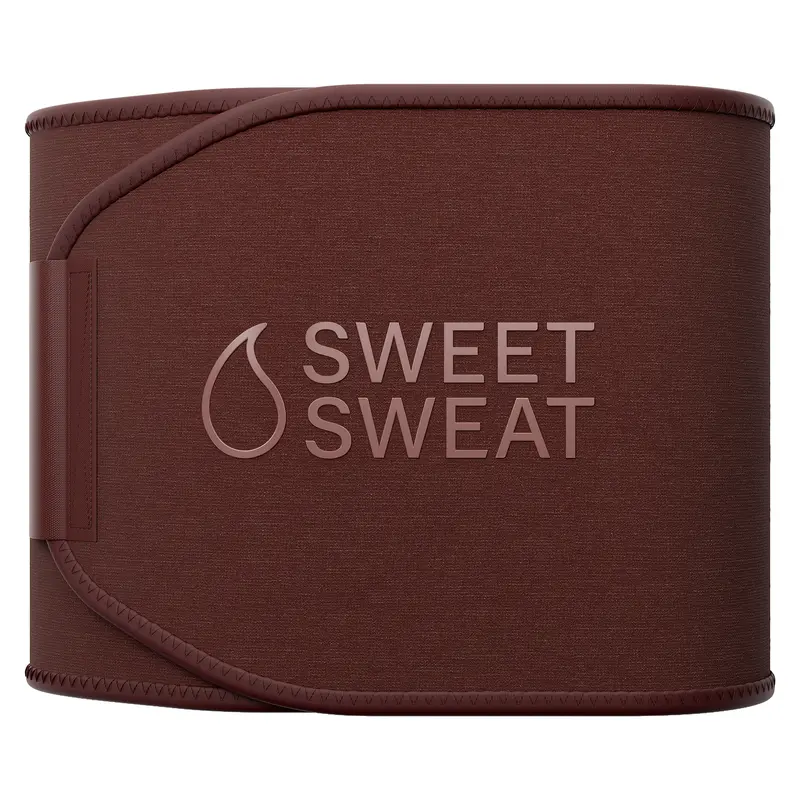




SweetSweat
Sweet Sweat Waist Trimmer 'Toned Series' by Sports Research - Premium Workout Waistband with Neo-Sweat Technology
Free shipping
4.8
16.5K sold$30.95
FlyBirdofficial
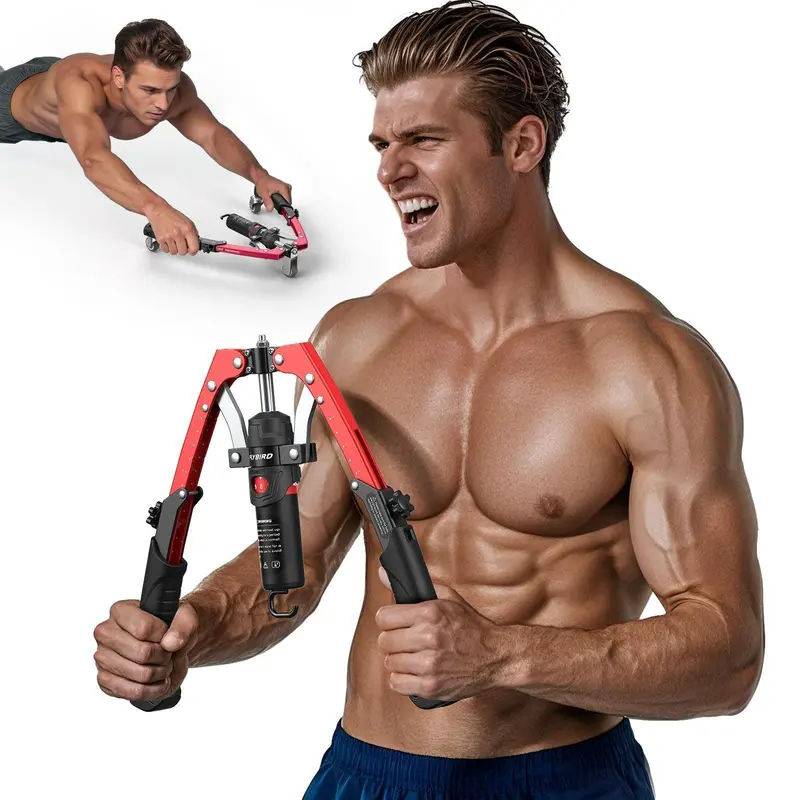
FLYBIRD Chest & Arm Twister with Flex Core Trainer - 15-Level Hydraulic Power Chest Press Machine (22-440lb) for Upper Body, Portable Resistance Home Fitness Equipment Outdoorfun #Christmasgift
Free shipping
4.8
18.3K sold$50.99
$119.99


Merach US
Merach Adjustable Weight Bench for Full Body Workout, Press Bench of Home Gym Strength Training, Exercise Machine for ab, arm, leg, TikTokShopBlackFriday
Free shipping
4.4
27.5K sold$71.25
$299.99
Halara US
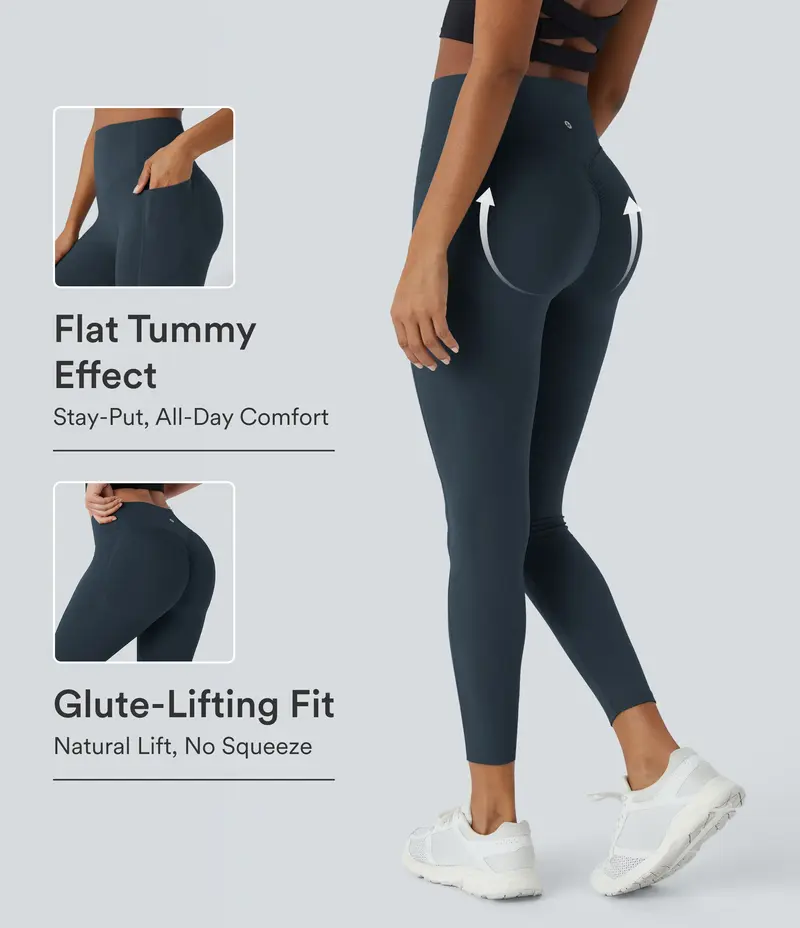
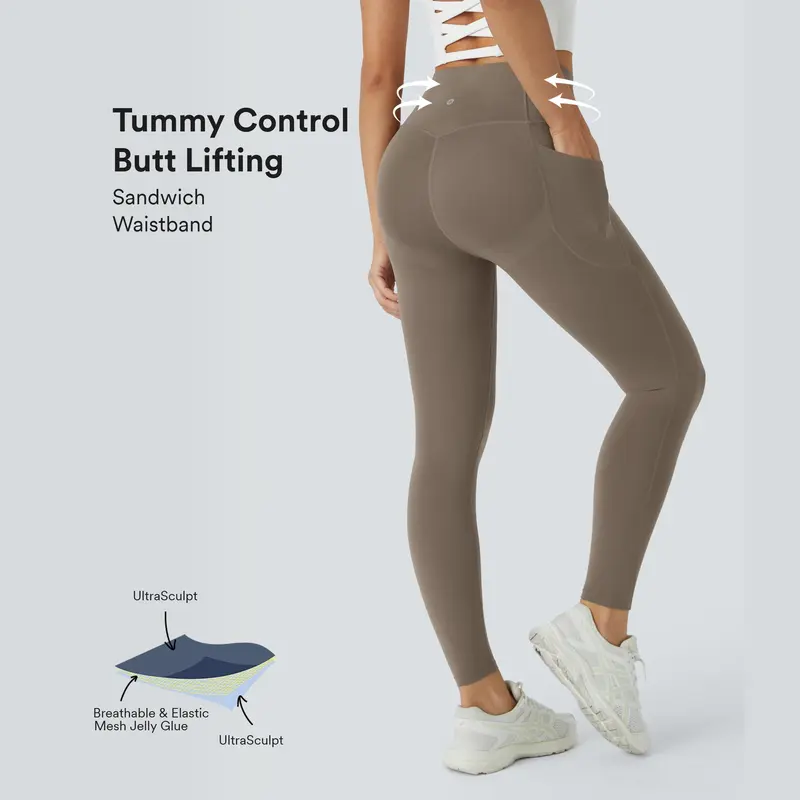
Halara UltraSculpt High Waisted Scrunch Butt Lifting Tummy Control Pocket Shaping Training Leggings
Free shipping
4.3
461.6K sold$30.00
$59.95
Halara US
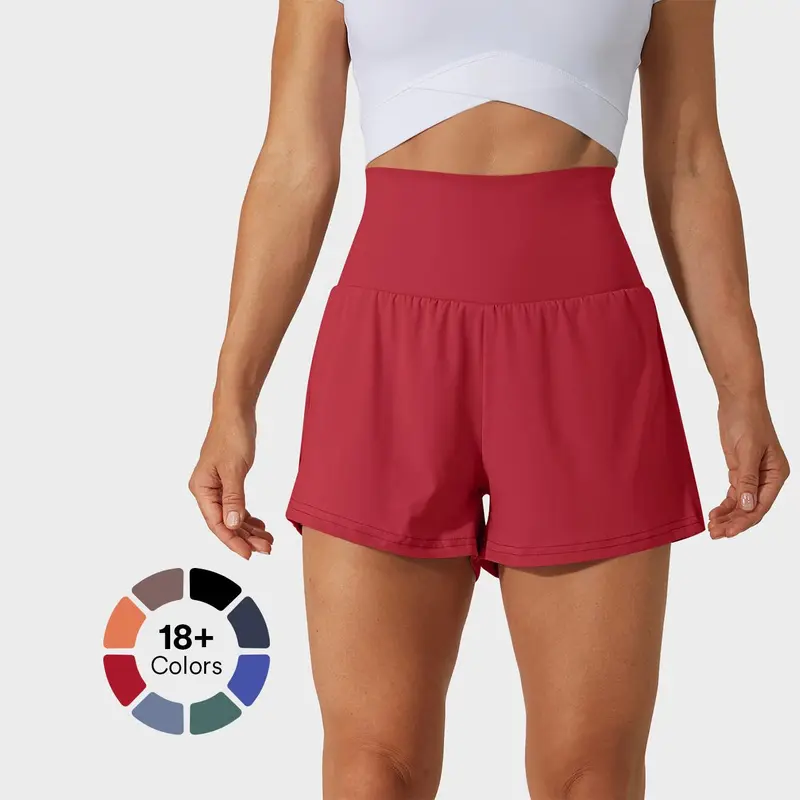
Halara Super High Waisted Back Pocket & Side Hidden Pocket 2-in-1 Yoga Shorts 3", Summer Running Shorts for Women, Sports Workout Shorts, Gym Outfit
Free shipping
4.7
265.1K sold$22.95
$42.95Halara US
Halara UltraSculpt High Waisted Butt Lifting Tummy Control Pocket Shaping Workout Leggings #TikTokShopHolidayHaul
Free shipping
4.4
101.4K sold$30.00
$54.95Merach US
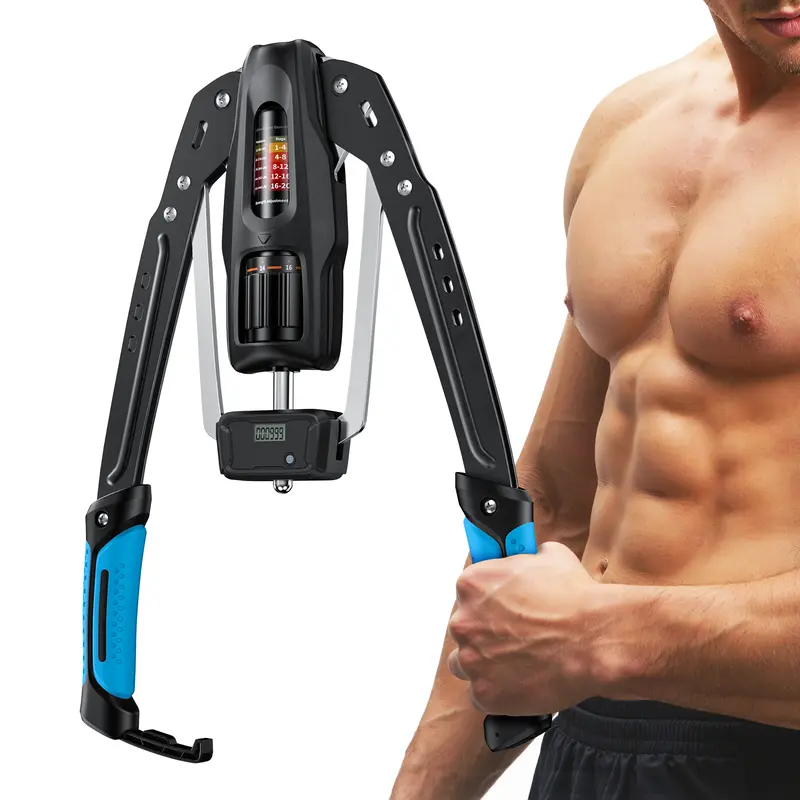
Merach Hydraulic Arm Trainer with Counter, 22-440lbs Adjustable Chest Expander for Home Gym, Arm & Shoulder Strength Training Equipment
Free shipping
4.7
3.6K sold$43.70
$199.99SHAPELLX
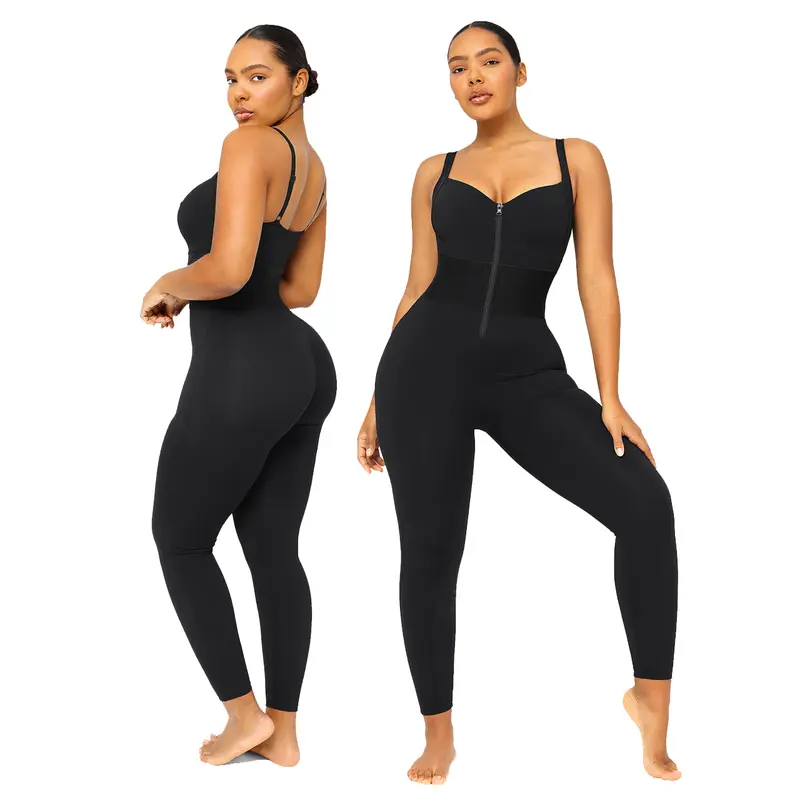
Shapellx AirSlim ElasticFuse Zipper Shaping Jumpsuit Waist band Tummy bridle Workout Outfit Womenswear Shapewear Bodysuit One-piece Yoga Suit Stylish Activewear
Free shipping
4.5
31.6K sold$33.24
$58.00Rhino USA
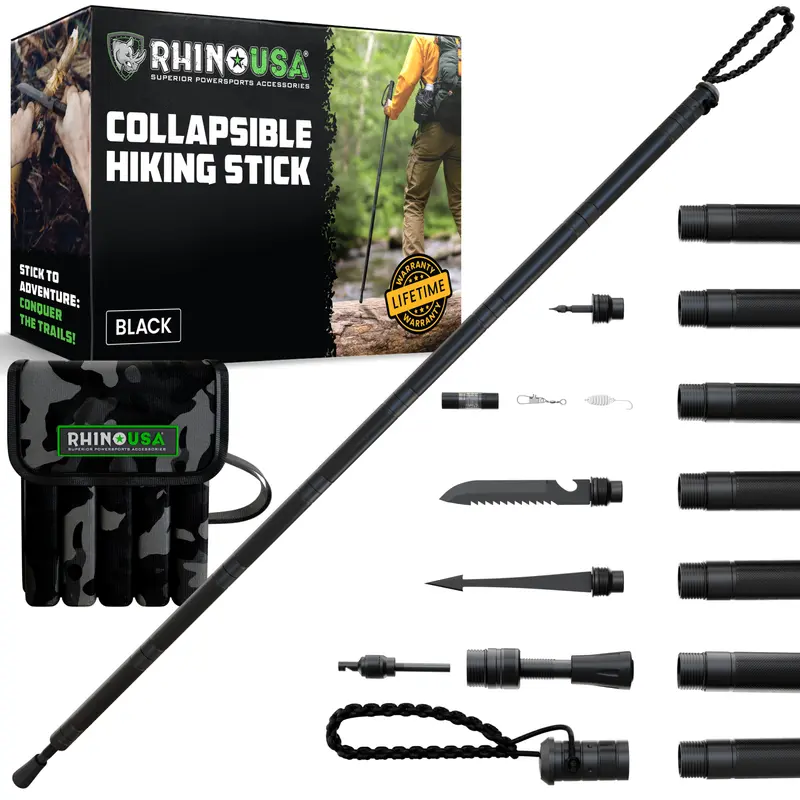
Rhino USA Hiking Stick – Essential Camping Gear for Hiking & Trekking – Durable Walking Stick for Outdoor Adventures, Travel Accessories
Free shipping
4.6
10.3K sold$87.91
$99.90Popilush LLC
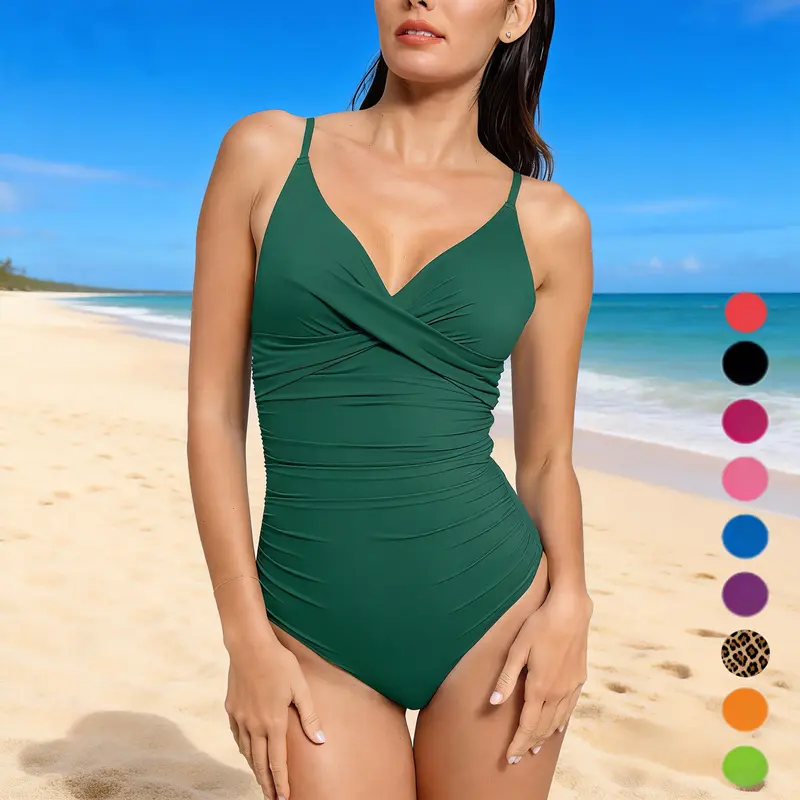
Popilush Ruched Cross-Front One-Piece Swimsuit Shapewear with Tummy Control Adjustable Straps High-Waisted Bathing Suit for Pool Beachwear
Free shipping
4
9.6K sold$28.49
$58.99SHAPELLX
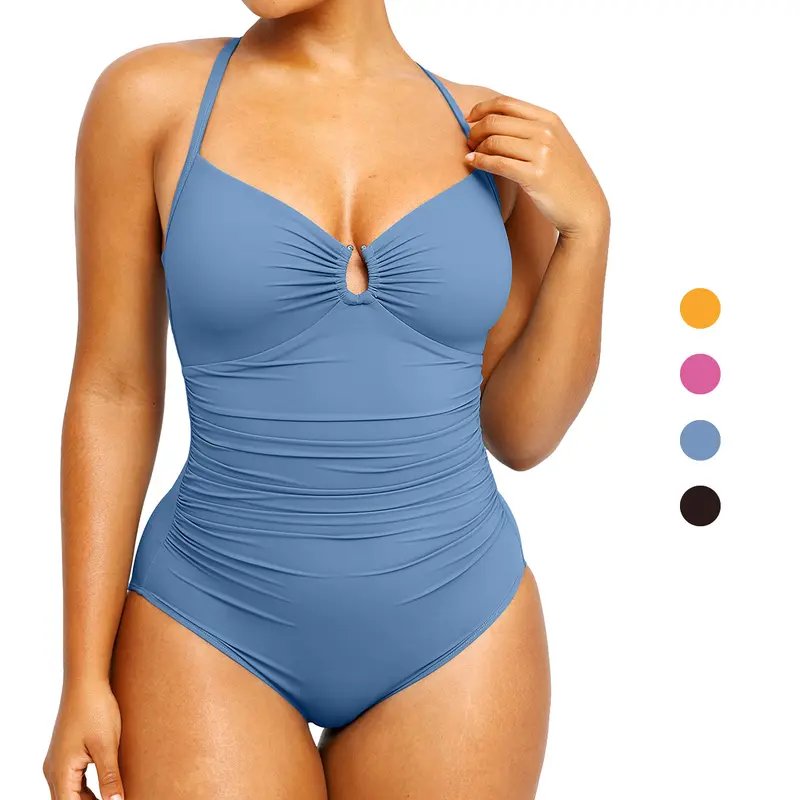
Shapellx Women's Smart Sculpt Shaping Swimsuit U-Ring Cut Out Slimming Swimwear One Piece Tummy Tucking Bathing Suit
Free shipping
4
50.3K sold$39.98
$63.99


View more
TikTok Shop promo codesAbout TikTok ShopSeller centerContact usCareersAffiliateHelp centerSafety centerCommunity guidelinesPrivacy policyTransparencyAccessibility
Free shipping
New customer deals


Shop now in app