

1 / 10


-47%$22.79$42.99
Free shipping
WiFi Extender 2026 with 6 Antennas, AC1200 Dual Band Booster, 12,000 sq.ft Coverage, Supports 100 Devices, Repeater & Ethernet Port
Sold by Hawzidiq
3.6(98)
1.3K sold
color:Please select
 white
white black
blackQuantity:
About this shop
Hawzidiq
3.9
35.3K Sold
5.3K+ Followers
92%24h response rate
70%Ships within 48h
71%Positive feedback
Reviews Purchased on TikTokAs a gamer I used to get frequent freezes in games and terrible lag spikes but after using this they all went away it’s a super simple setup they’ll dm you the setup process and if you need a simpler one just dm me
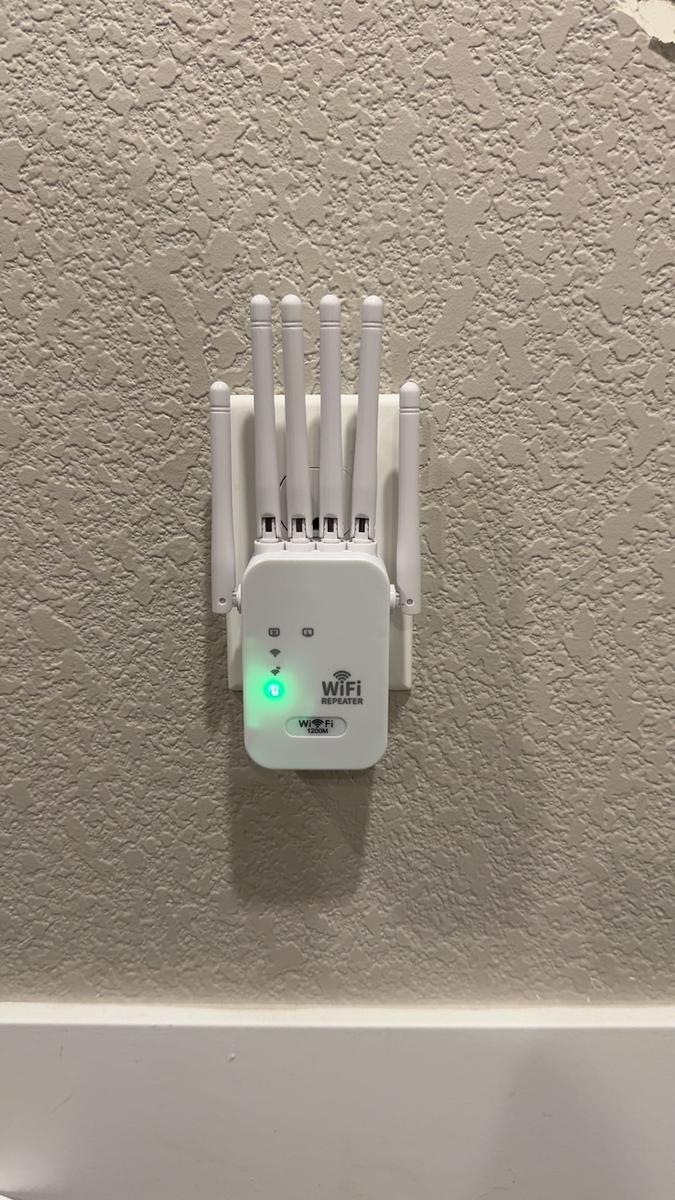 Item: whiteJanuary 10, 2026
 Purchased on TikTokThis was a nice device to extend your coverage of WiFi. Now the strength is really good
 Item: DefaultOctober 1, 2025
 Purchased on TikTokits alright does what it says It does, every now and then the connection cuts out but it isn't constant. Might be my plug tbh. I was hoping it would increase my download speed but it didnt. Over all its pretty decent if got less latency now and dont lag as much anymore. 👌Item: whiteJanuary 7, 2026
3.698 global reviews
JayK🪓🧢✌️
Ibra Haje
dawg
About the product
Details
| Dangerous Goods Or Hazardous Materials | No |
| Contains Batteries Or Cells? | None |
| Batteries Included | No |
| Plug Type | Us Type |
| Antenna Type | External |
| Number Of Antennas | 6 |
| Warranty Type | Supplier Warranty |
Description
【Expanded Coverage up to 12,000 sq. ft】
Upgraded with 6 high-gain antennas, this signal booster penetrates walls and eliminates dead zones, delivering seamless WiFi coverage for large homes, offices, and multi-story spaces.【AC1200 High-Speed Dual Band】
Dual-band technology (2.4GHz + 5GHz) ensures fast and stable connections for streaming, gaming, video conferencing, and downloads—no more buffering or lag.【Supports up to 100 Devices】
Perfect for busy households or smart offices—connect up to 100 devices including smartphones, tablets, TVs, laptops, and smart home gadgets without speed drops.【Secure & Stable Connection】
Features WPA/WPA2 encryption and anti-interference design to protect your data and ensure a secure, uninterrupted internet experience—even during peak usage.【Dual Modes & Effortless Setup】
Supports Repeater and Access Point modes to suit different network needs. Set up in minutes with WPS or web UI—no tech expertise needed.️ Please note: A Wi-Fi extender cannot increase your original internet speed — your actual speed depends entirely on your service provider and plan. The purpose of a Wi-Fi extender is to extend your existing Wi-Fi coverage to areas with weak or no signal. However, the extender can transmit Wi-Fi at speeds up to AC1200, allowing your devices to connect at the maximum speed your network supports.
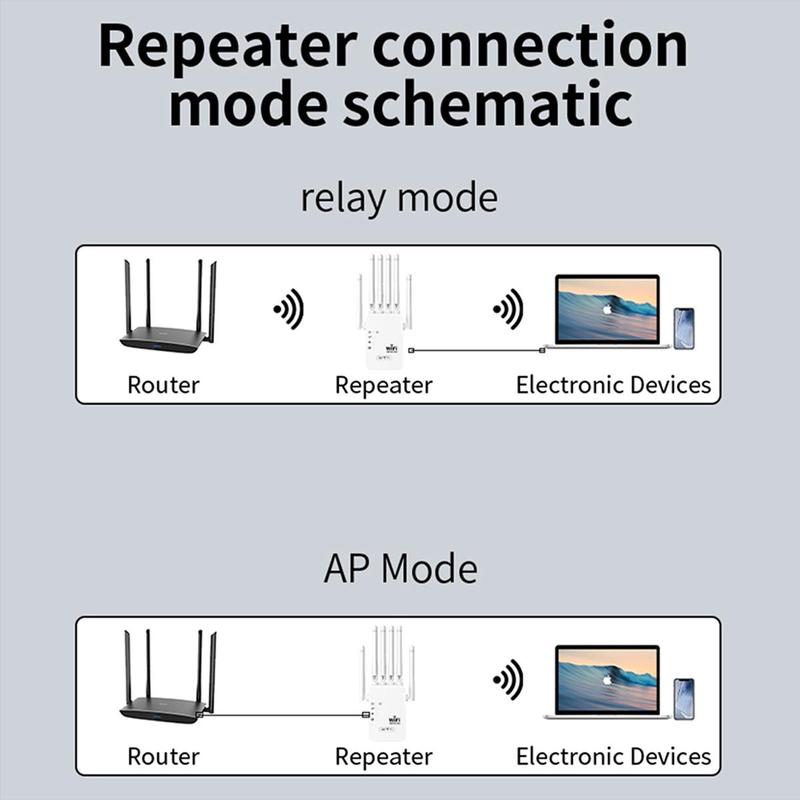


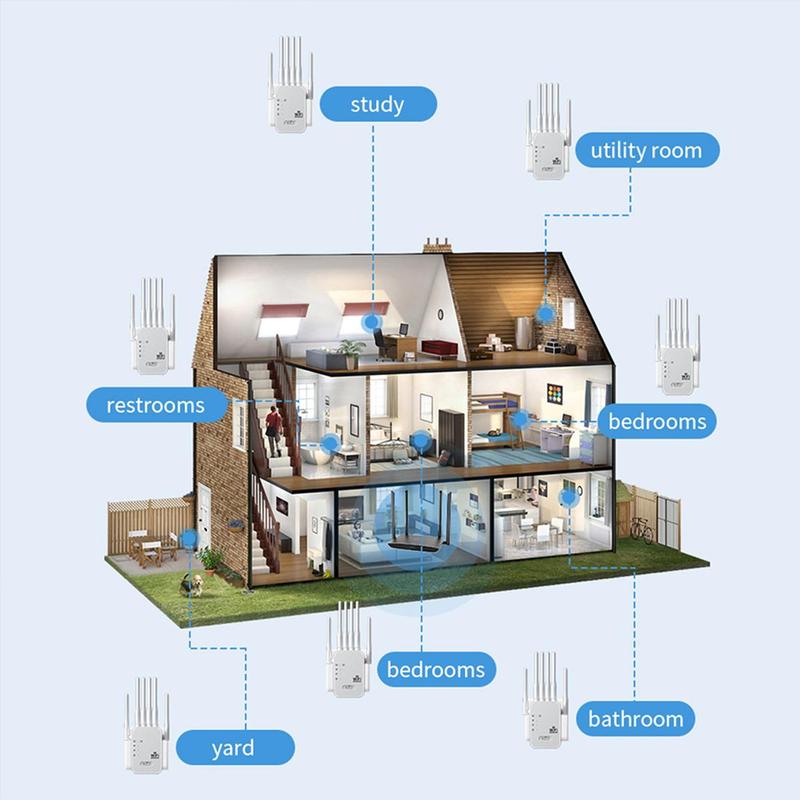


 Wi-Fi Extender Setup Tutorial
Step 1: Plug in Plug the Wi-Fi extender into a wall outlet near your main router. Wait until the power light turns on.Step 2: Connect to the extender Wi-Fi On your phone or computer, open Wi-Fi settings and connect to the extender’s network (Name like: Repeater-XXXX). No password is required at this step.Step 3: Open the setup page After connecting, the setup page will usually open automatically. ️ If it does NOT auto-open, then open a browser and enter: 192.168.11.1Step 4: Choose working mode • Repeater Mode – extend Wi-Fi wirelessly • AP Mode – connect extender to router with an Ethernet cable (more stable, recommended if possible)Step 5: Connect to your home Wi-Fi Select your main Wi-Fi network enter the same router Wi-Fi password Apply/Save The extender will reboot (1–2 minutes).Step 6: Move the extender After setup, unplug it and place it halfway between your router and the weak-signal area. Avoid thick walls and metal obstacles.Step 7: Connect your devices Connect your devices to the extender Wi-Fi (or same name as router, if set). Coverage and stability should now be improved Reset (if needed): Hold the RESET button for 8–10 seconds until lights restart.
Wi-Fi Extender Setup Tutorial
Step 1: Plug in Plug the Wi-Fi extender into a wall outlet near your main router. Wait until the power light turns on.Step 2: Connect to the extender Wi-Fi On your phone or computer, open Wi-Fi settings and connect to the extender’s network (Name like: Repeater-XXXX). No password is required at this step.Step 3: Open the setup page After connecting, the setup page will usually open automatically. ️ If it does NOT auto-open, then open a browser and enter: 192.168.11.1Step 4: Choose working mode • Repeater Mode – extend Wi-Fi wirelessly • AP Mode – connect extender to router with an Ethernet cable (more stable, recommended if possible)Step 5: Connect to your home Wi-Fi Select your main Wi-Fi network enter the same router Wi-Fi password Apply/Save The extender will reboot (1–2 minutes).Step 6: Move the extender After setup, unplug it and place it halfway between your router and the weak-signal area. Avoid thick walls and metal obstacles.Step 7: Connect your devices Connect your devices to the extender Wi-Fi (or same name as router, if set). Coverage and stability should now be improved Reset (if needed): Hold the RESET button for 8–10 seconds until lights restart.
Wi-Fi Extender Setup Tutorial
Step 1: Plug in Plug the Wi-Fi extender into a wall outlet near your main router. Wait until the power light turns on.Step 2: Connect to the extender Wi-Fi On your phone or computer, open Wi-Fi settings and connect to the extender’s network (Name like: Repeater-XXXX). No password is required at this step.Step 3: Open the setup page After connecting, the setup page will usually open automatically. ️ If it does NOT auto-open, then open a browser and enter: 192.168.11.1Step 4: Choose working mode • Repeater Mode – extend Wi-Fi wirelessly • AP Mode – connect extender to router with an Ethernet cable (more stable, recommended if possible)Step 5: Connect to your home Wi-Fi Select your main Wi-Fi network enter the same router Wi-Fi password Apply/Save The extender will reboot (1–2 minutes).Step 6: Move the extender After setup, unplug it and place it halfway between your router and the weak-signal area. Avoid thick walls and metal obstacles.Step 7: Connect your devices Connect your devices to the extender Wi-Fi (or same name as router, if set). Coverage and stability should now be improved Reset (if needed): Hold the RESET button for 8–10 seconds until lights restart.Similar Items








Creality official
Creality CR-Ferret SE 3D Scanner - Cost-effective 3D Scanners for Beginners
Free shipping
4
2.2K sold$169.00
$319.00
UGREEN.US
UGREEN Bluetooth 5.2 3.5mm Audio Transmitter/Receiver Adapter for Airpods or Headphones, for Flight, TV, Car Stereo, MP3 Headset Microphone-TikTokShopBlackFriday ,TikTokShopHolidayHaul
Free shipping
4.4
2.9K sold$17.99
$23.99


dot. cards
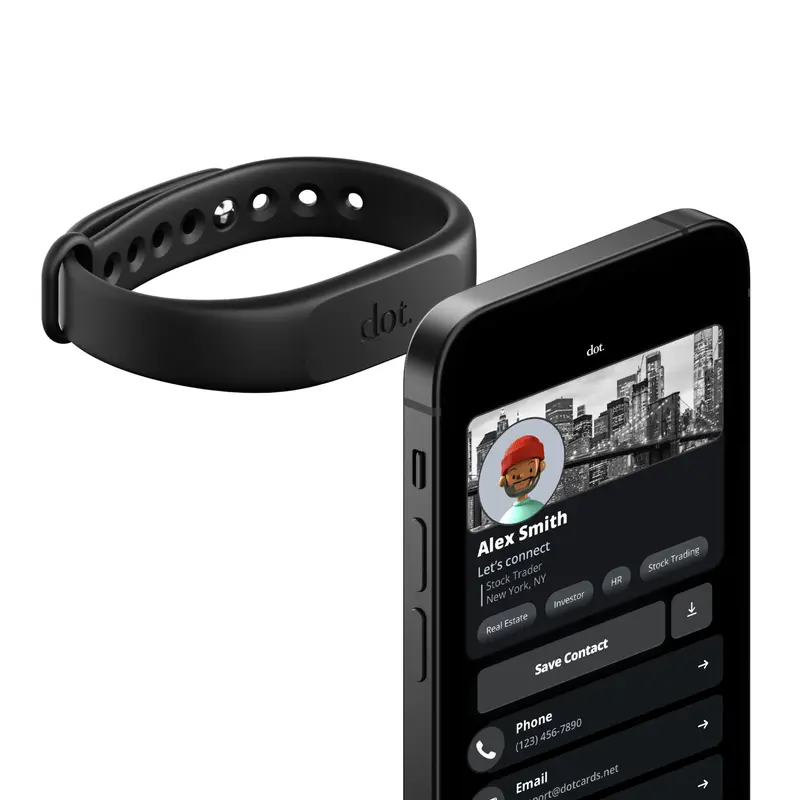
dot. Band - Digital Business Card - Tap to Share NFC - iPhone & Android Wearable
4.4
37.3K sold$18.91
$30.00HUANUO Global
HUANUO Dual Monitor Arm Adjustable Gas Spring Monitor mount for Gaming and Home Office Setups, Monitor Arm hold up to 30" with 19.8 lbs Max Weight and C-Clamp or Grommet Hole Mounting
Free shipping
4.6
109.9K sold$36.99
$59.99
HUANUO Global
HUANUO Supports 13-32″ screens, up to 19.8 lbs per arm. Features built-in C-clamp, enhanced stability, and upgraded cable management. VESA 75x75mm/100x100mm compatible. Black finish.
Free shipping
4.7
13.3K sold$49.99
$69.99Hachette Book Group
Harry Potter Collectible Quidditch Set (Includes Removeable Golden Snitch!)
Free shipping
4.8
722 sold$43.95
Mr Pen Store
Mr. Pen Esther Bible Journaling Kit with 12 Dual Tip Highlighters, 6 .5mm Pens, Magnetic Bookmarks, Sticky Notes, & Bible Tabs
Free shipping
4.7
2.2K sold$29.99
$38.99Mr Pen Store
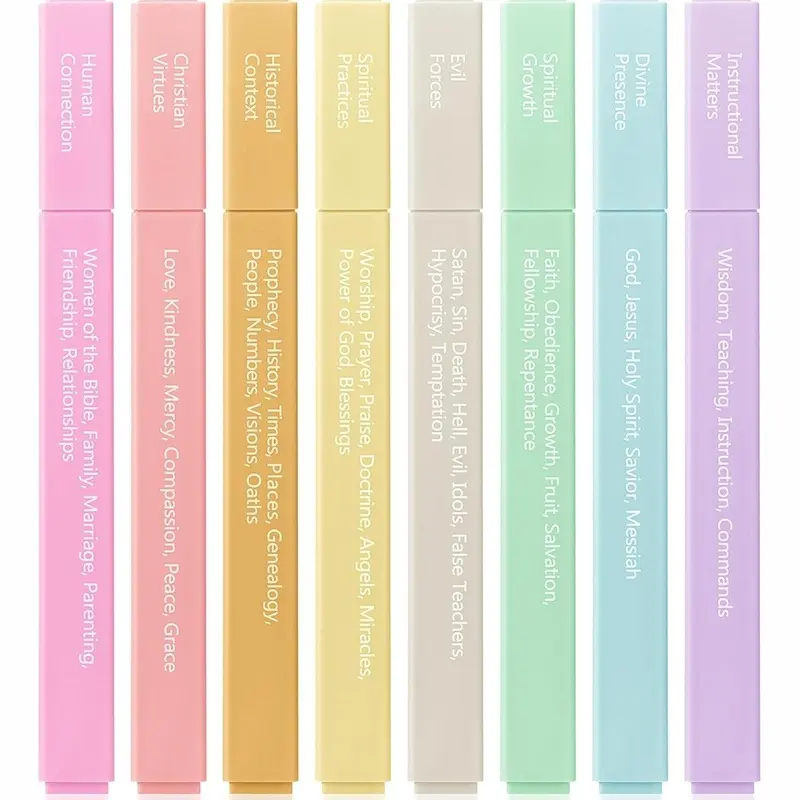
Mr. Pen - Bible Highlighters with Color-Coding System 8 Pack Soft Pastel Aesthetic Highlighters Assorted Colors for Studying Note-Taking and Journaling
Free shipping
4.7
4.1K sold$8.99
$11.99


Moleskine
Moleskine Limited Edition NASA-inspired 'Moon surface' Notebook, Hard Cover, Large (5" x 8.25"), Ruled/Lined, Light Grey, 176 pages
Free shipping
5
144 sold$31.00

View more
TikTok Shop promo codesAbout TikTok ShopSeller centerContact usCareersAffiliateHelp centerSafety centerCommunity guidelinesPrivacy policyTransparencyAccessibility
Free shipping
New customer deals


Shop now in app