

1 / 6


$35.99
Free shipping
Wireless CarPlay Adapter for CarPlay & Android Auto Converts Wired to Wireless Mini Size with USB-A & USB-C Cables Compatible with iPhone 6+ & Android 11+
Sold by SUNTHIN TECHNOLOGY INC
1 sold
Specification:Please select
Default
Quantity:
About this shop
SUNTHIN TECHNOLOGY INC
4.3
3219 Sold
100%24h response rate
70%Ships within 48h
81%Positive feedback
About the product
Details
| Region Of Origin | China |
Description
🚗 Wireless CarPlay AdapterTransform your car's connectivity with this Wireless CarPlay Adapter. It converts wired to wireless, ensuring seamless integration with CarPlay and Android Auto. Compatible with iPhone 6+ and Android 11+, this adapter is a must-have for modern drivers. 📦 Mini Size with Extension Cable·Compact Design: The mini size makes it easy to install and use.·Extension Cable: Includes USB-A and USB-C cables for versatile connectivity options.📱 Compatible Devices·iPhone 6+: Supports seamless integration with your iPhone.·Android 11+: Compatible with the latest Android devices for enhanced functionality.Upgrade your car's connectivity with this versatile adapter.
Specifications:Power input: DC 5V 1ASupport Connection: WiFi+BluetoothMaterial: Aluminum Alloy+Acrylic(PVC)Working Temperature: -20+70℃
Apple CarPlay:1. Turn on the vehicle and wait for the system to fully load.2. Insert the adapter into the vehicle's USB-A or USB-C port.3. Once the adapter is successfully connected to the vehicle, the screen will display the adapter's Bluetooth name as "SmartBox-xxxx".4. Open the Settings on your iPhone and enable "Bluetooth" and "WLAN".5. Go to the "Bluetooth" settings and select the adapter with the prefix "Smart-Box-xxxx" from the "OTHER DEVICES" list.6. Wait for about 20-30 seconds, and a "Bluetooth Pairing Request" notification will appear on your phone screen. Click "Pair" to proceed.7. A dialog box will appear on the phonescreen asking "Use CarPlay with 'Smart-Box-xxxx'?" Click "Use CarPlay" to establish a connection between your phone and the adapter.8.After Bluetooth pairing is complete and the CarPlay connection is established, the car screen will automatically switch to CarPlay mode.Android Auto:1. Turn on the vehicle and wait for the system to fully load.2. Insert the adapter into the vehicle's USB-A or USB-C port.3. Once the adapter is successflly connected to the vehicle, the screen will display the adapter's Bluetooth name as "SmartBox-xxxx".4. Open the Settings on your phone and enable "Bluetooth" and "WLAN".5. Go to the "Bluetooth" settings, Click "Pair New Device", and select the adapter with the prefix "SmartBox-xxxx" from the "Available devices" list.6. Wait for about 20-30 seconds, and a dialog box will appear on your phonescreen asking "Pair with SmartBox-xxxx?" Click "Pair" to establish a connection between your phone and the adapter.7. After Bluetooth pairing is complete and the Android Auto connection is established, the car screen will automatically switch to Android Auto mode.
Similar Items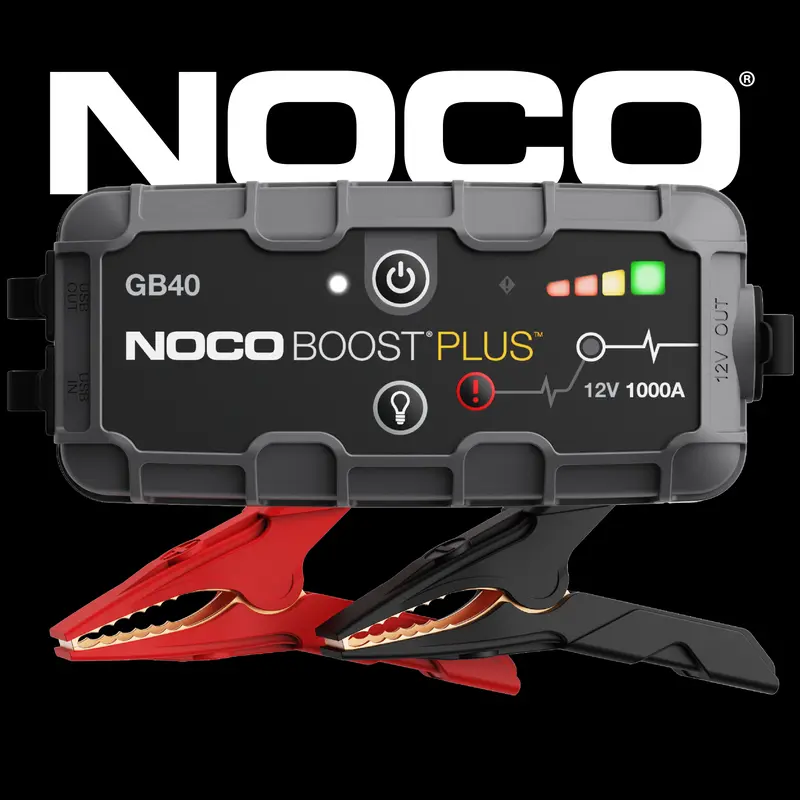



NOCO
NOCO Boost Plus GB40 1000A UltraSafe Jump Starter for 6.0L Gasoline and 3.0L Diesel Engines
Free shipping
4.6
9.1K sold$99.95
Rhino USA
Rhino USA 2" x 10' Retractable Ratchet Straps 2- or 4-Pack - (3,033lb Break Strength) - Heavy Duty Self Retracting Tie Down Straps for Truck, Cargo Trailer
Free shipping
4.8
185.4K sold$59.41
$69.90CAR PASS
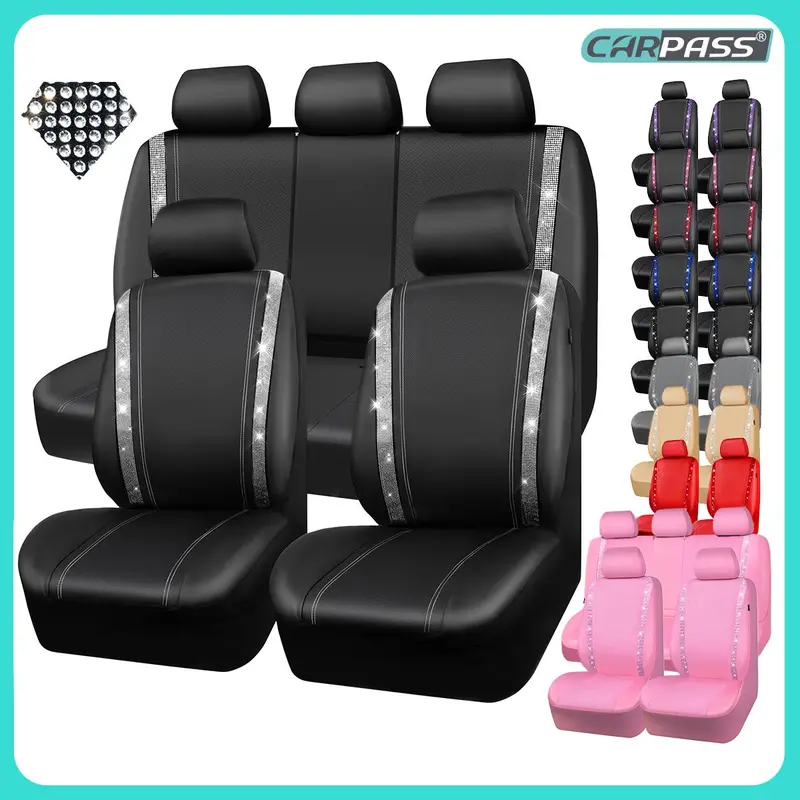
CAR PASS Bling Car Seat Covers, Shining Rhinestone Diamond Waterproof Leather,Interior Decor,Universal Fit Glitter Crystal Sparkle for Cute Women Girl
Free shipping
4.6
5.8K sold$30.98
$36.99CAR PASS
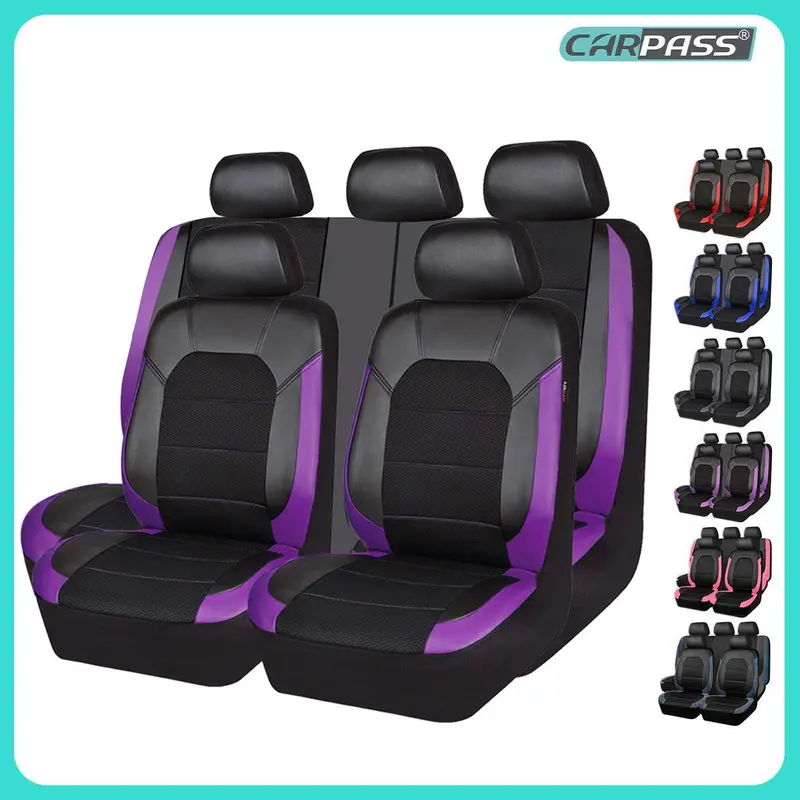
CAR PASS 5 seats NEW Leather and 3D Air Mesh Universal Fit Car Seat Covers, for Sedans,Trucks,Suvs,Airbag Compatible,Zipper Design
Free shipping
4.3
945 sold$32.99
$54.99Rhino USA
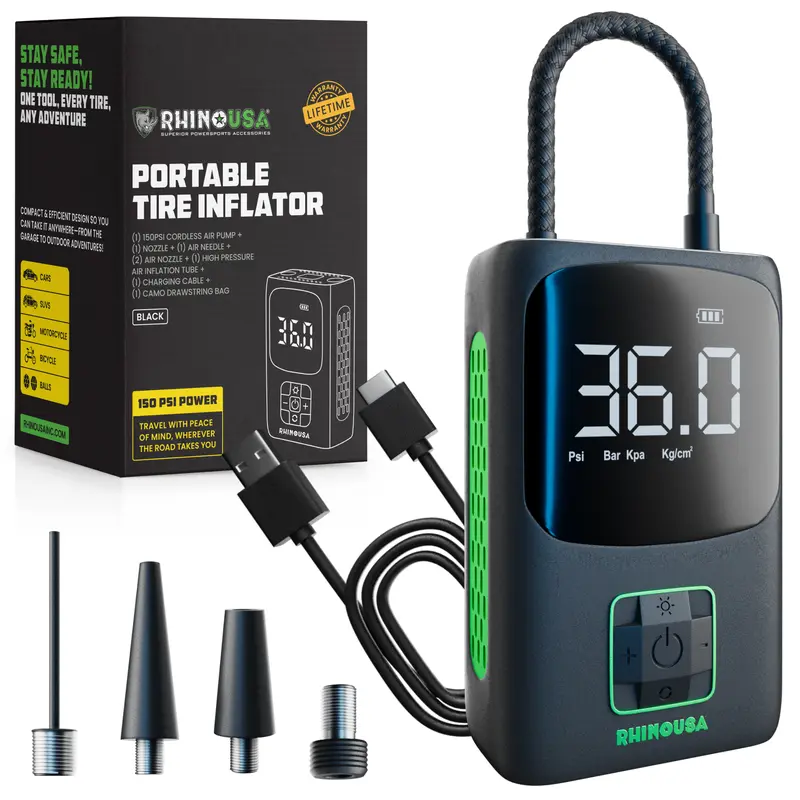
Rhino USA Tire Inflator Portable Air Compressor (150 PSI) Upgraded Air Pump for Car Tires with Digital Pressure Gauge
Free shipping
4.6
1.9K sold$44.91
$49.90NOCO
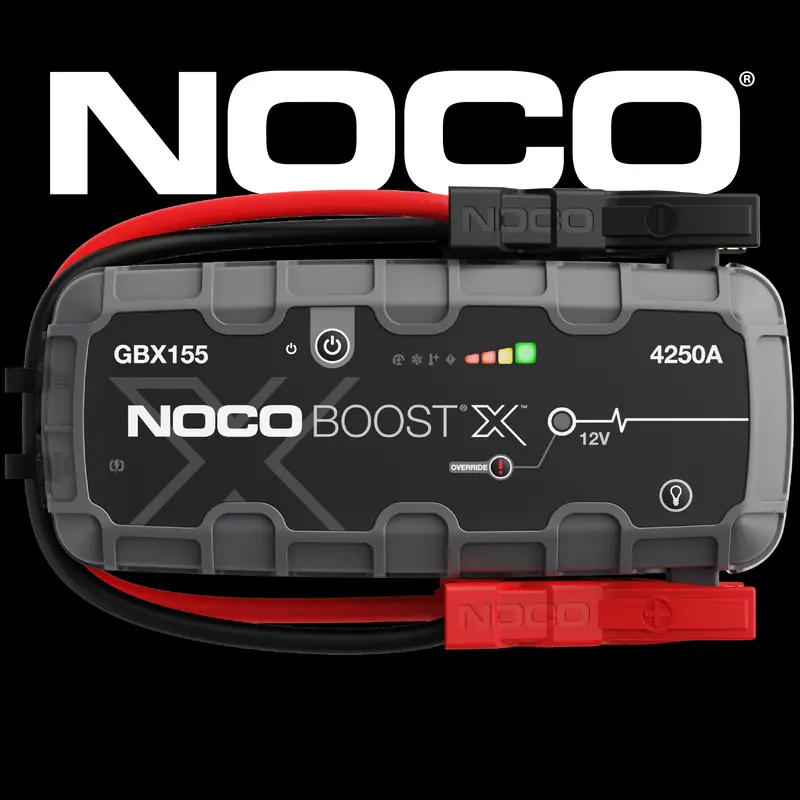
NOCO Boost X GBX155 4250A Jump Starter for 10.0L Gasoline and 8.0L Diesel Engines
Free shipping
4.8
12.7K sold$369.95
NOCO
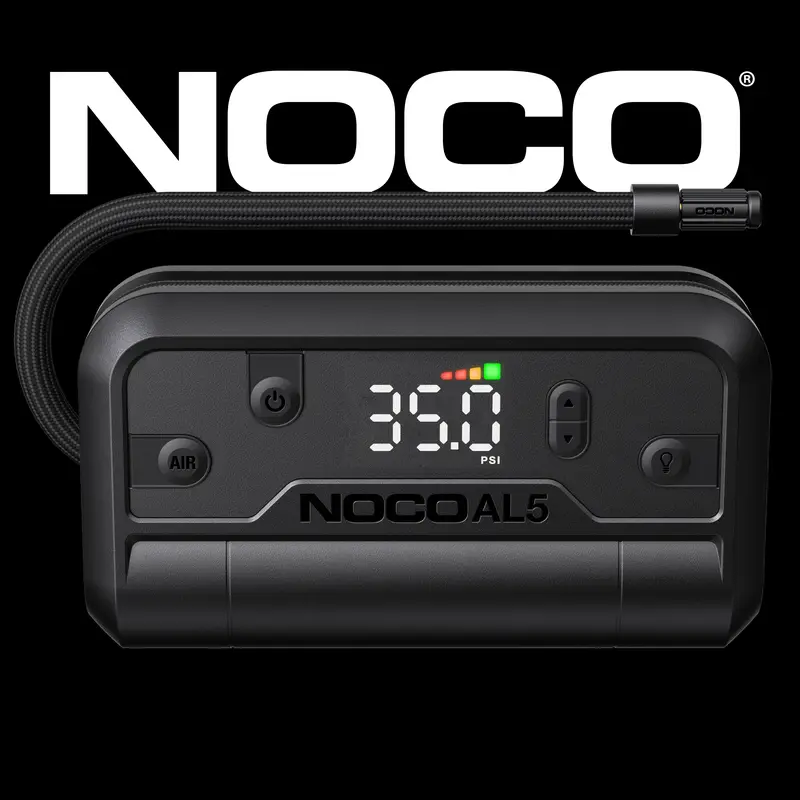
NOCO Air AL5: UltraFast Cordless Tire Inflator – Battery-Powered Air Compressor – 17 SLPM Airflow Inflates 0–40 PSI in 7 Minutes
Free shipping
4.6
3.0K sold$62.95
$89.95NOCO
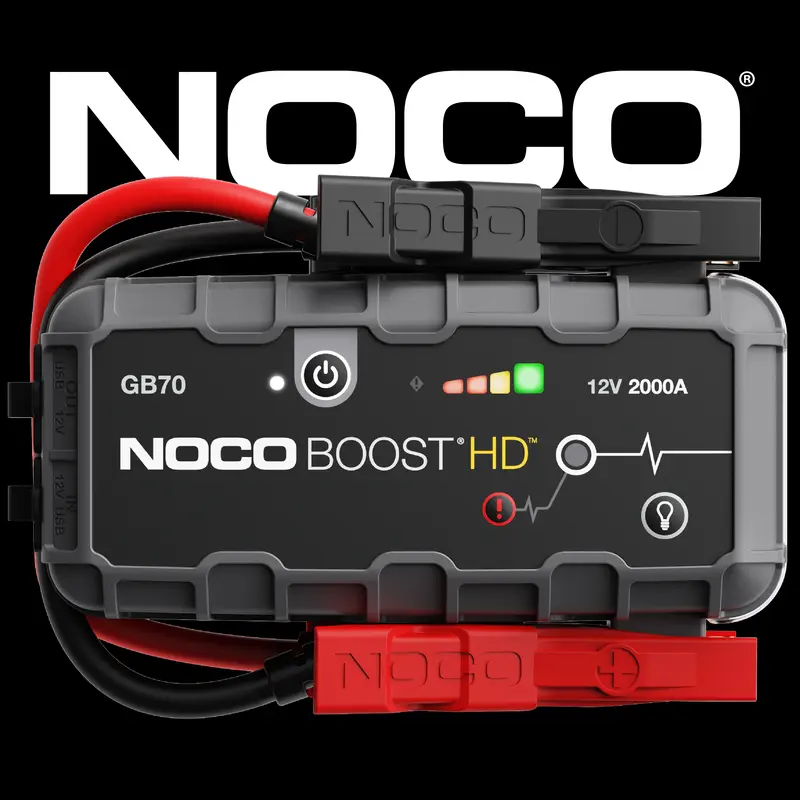
NOCO Boost HD GB70 2000A UltraSafe Jump Starter for 8.0L Gasoline and 6.0L Diesel Engines
Free shipping
4.9
3.9K sold$199.95
NOCO
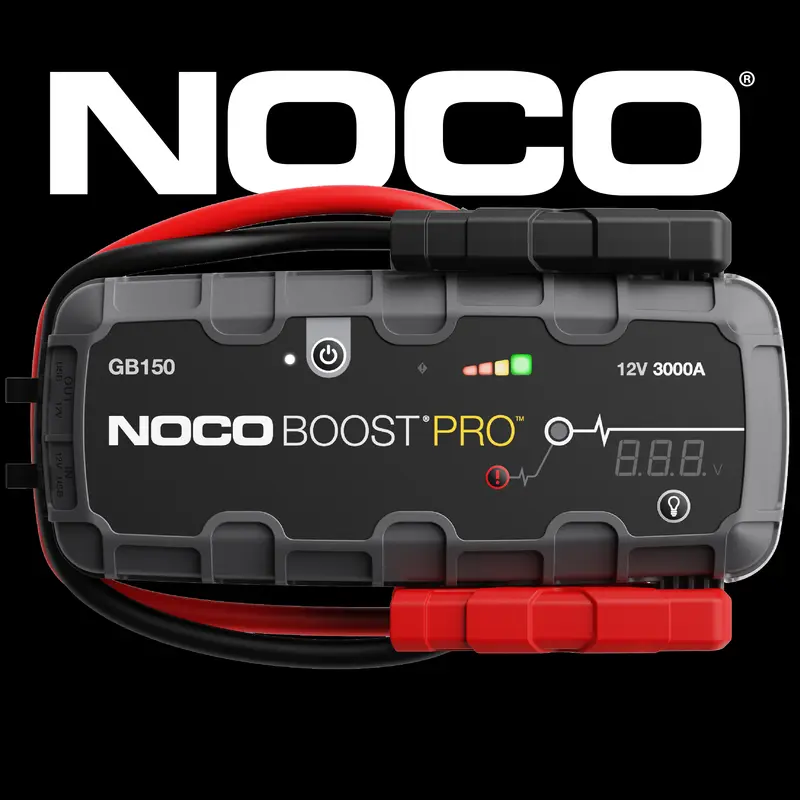
NOCO Boost Pro GB150 3000A UltraSafe Jump Starter for 9.0L Gasoline and 7.0L Diesel Engines
Free shipping
4.7
4.0K sold$299.95
NOCO
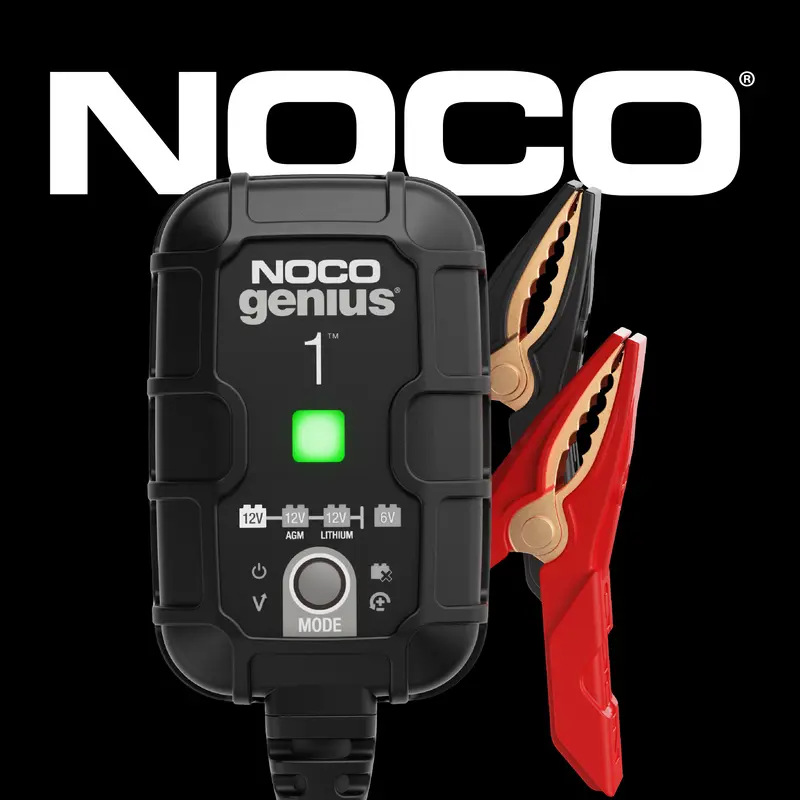
NOCO GENIUS1 1A Smart Battery Charger, 6V and 12V, Battery Maintainer, Trickle Charger and Desulfator
Free shipping
4.7
23.1K sold$29.95

GoolooOfficial
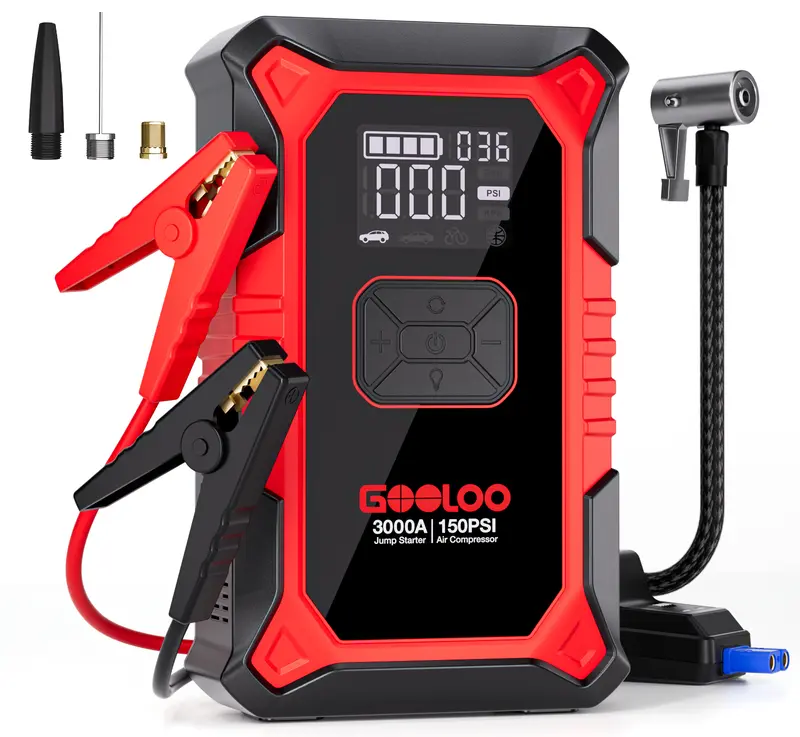
GOOLOO A3 Portable Car Jump Starter with Air Compressor, 3000A Car Battery Jump Starter (9.0 Gas/6.5L Diesel) with 150PSI Digital Tire Inflator Repair Tool Kit Vehicle
Free shipping
4.7
75.4K sold$60.79
$99.00Chemical Guys
CHEMICAL GUYS Car Care Bundles – Shop 3 Car Wash Kits with Wash Essentials, Interior Cleaners, Exterior Cleaners & More, Complete Car Care at Home or On-the-Go
Free shipping
4.5
3.4K sold$45.88
$62.94
NOCO
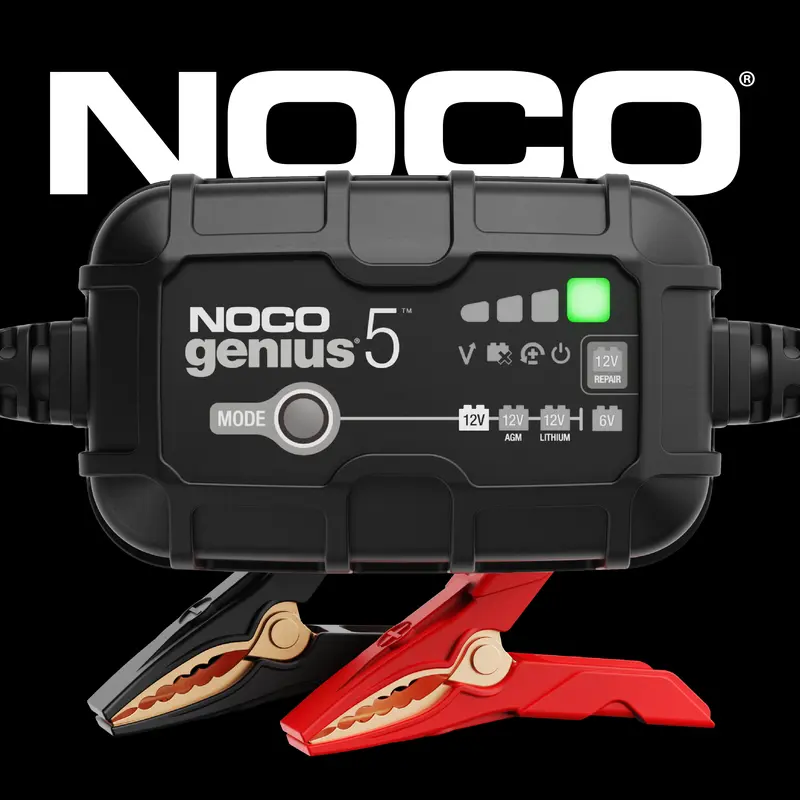
NOCO GENIUS5 5A Smart Battery Charger 6V & 12V Battery Maintainer Trickle Charger Desulfator for AGM Autos Car Accessories Vehicle
Free shipping
4.9
1.1K sold$69.95
NOCO
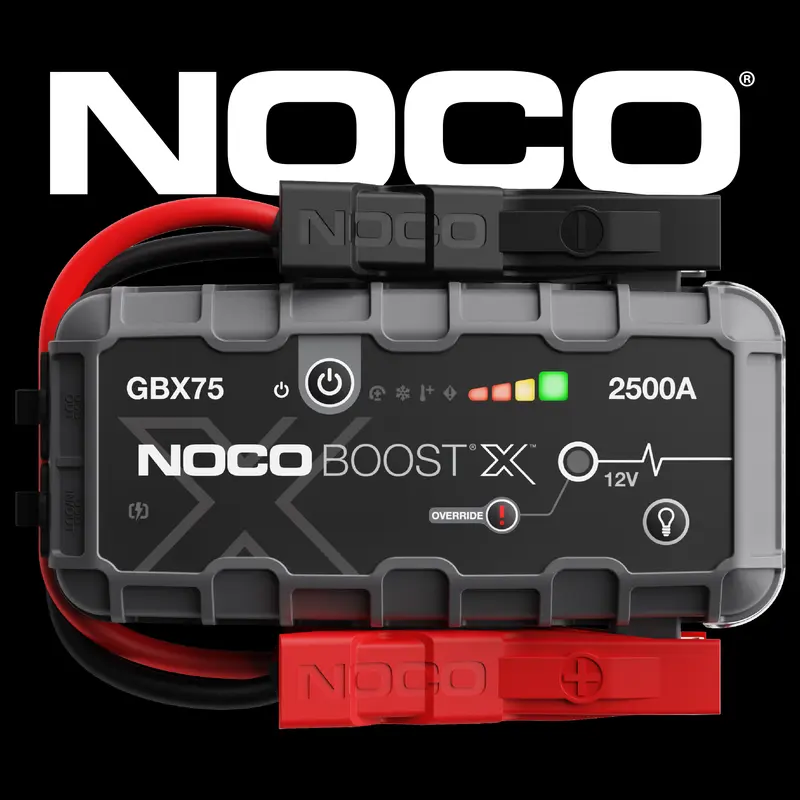
NOCO Boost X GBX75 2500A Jump Starter for 8.5L Gasoline and 6.5L Diesel Engines Automotive Auto Accessories
Free shipping
4.7
676 sold$249.95
NOCO
NOCO Boost X GBX55 1750A Jump Starter for 7.5L Gasoline and 5.0L Diesel Engines
Free shipping
4.6
485 sold$174.95


View more
TikTok Shop promo codesAbout TikTok ShopSeller centerContact usCareersAffiliateHelp centerSafety centerCommunity guidelinesPrivacy policyTransparencyAccessibility
Free shipping
New customer deals


Shop now in app