

1 / 8


-28%$21.59$29.99
Free shipping
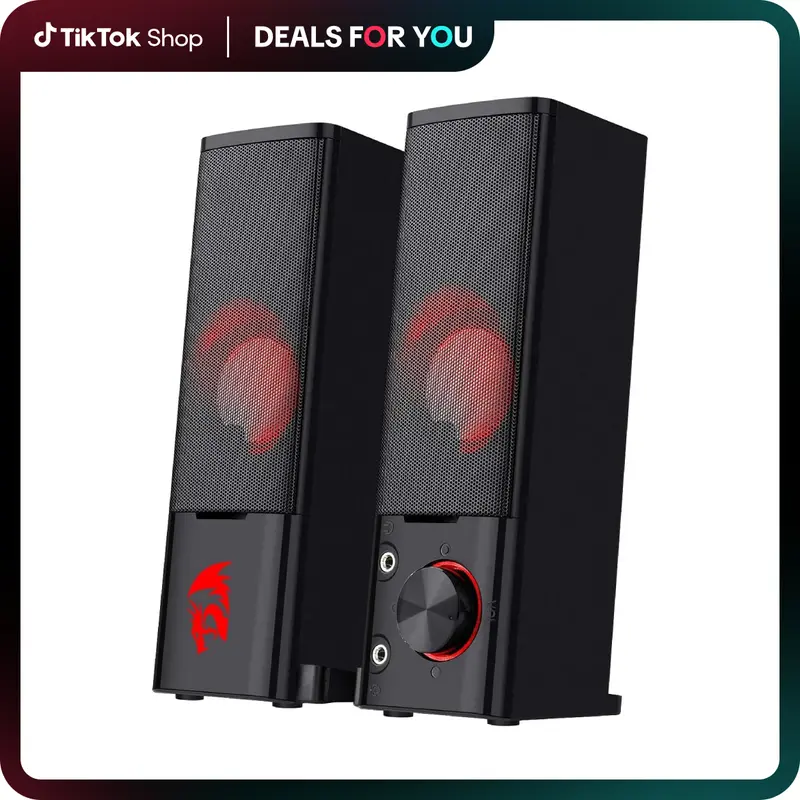
Redragon GS550 PC Audio Gaming Speakers, 2.0 Channel Desktop Computer Sound Bar with Compact Maneuverable Size, Headphone Jack, Quality Bass & Decent Red Backlit, USB Powered w/ 3.5mm Cable
Sold by Redragon Store
4.4(540)
3.9K sold
Specification:Please select
Default
Quantity:
About this shop
 OFFICIAL SHOP
Redragon Store
OFFICIAL SHOP4.5
55.5K Sold
21.9K+ Followers
95%24h response rate
70%Ships within 48h
89%Positive feedback
Reviews Purchased on TikTokPretty good volume for some speakers. Not included if you wanted to plug in to a TV but other than that, awesome for music and easy to use. Bonus for some pretty cool stickers though
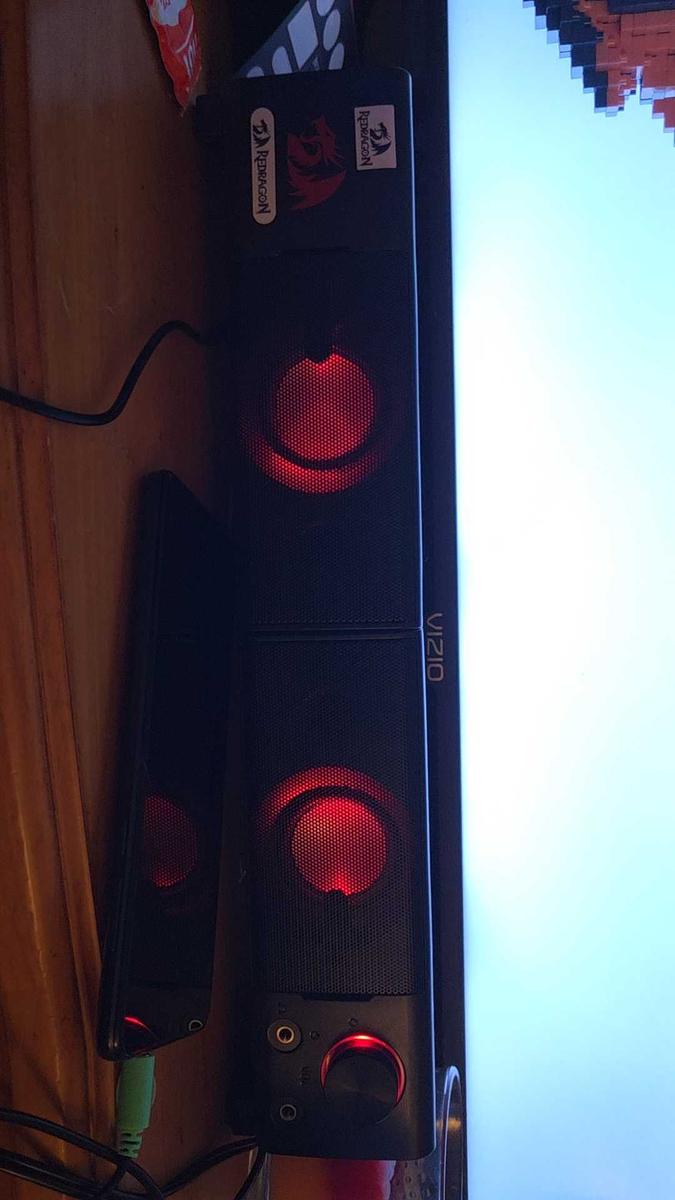 Item: DefaultJune 15, 2025
 Purchased on TikTokloud and clear sound, long cords..... Very satisfied with my purchase so I wouldn't mind buying them again if anything happens to them
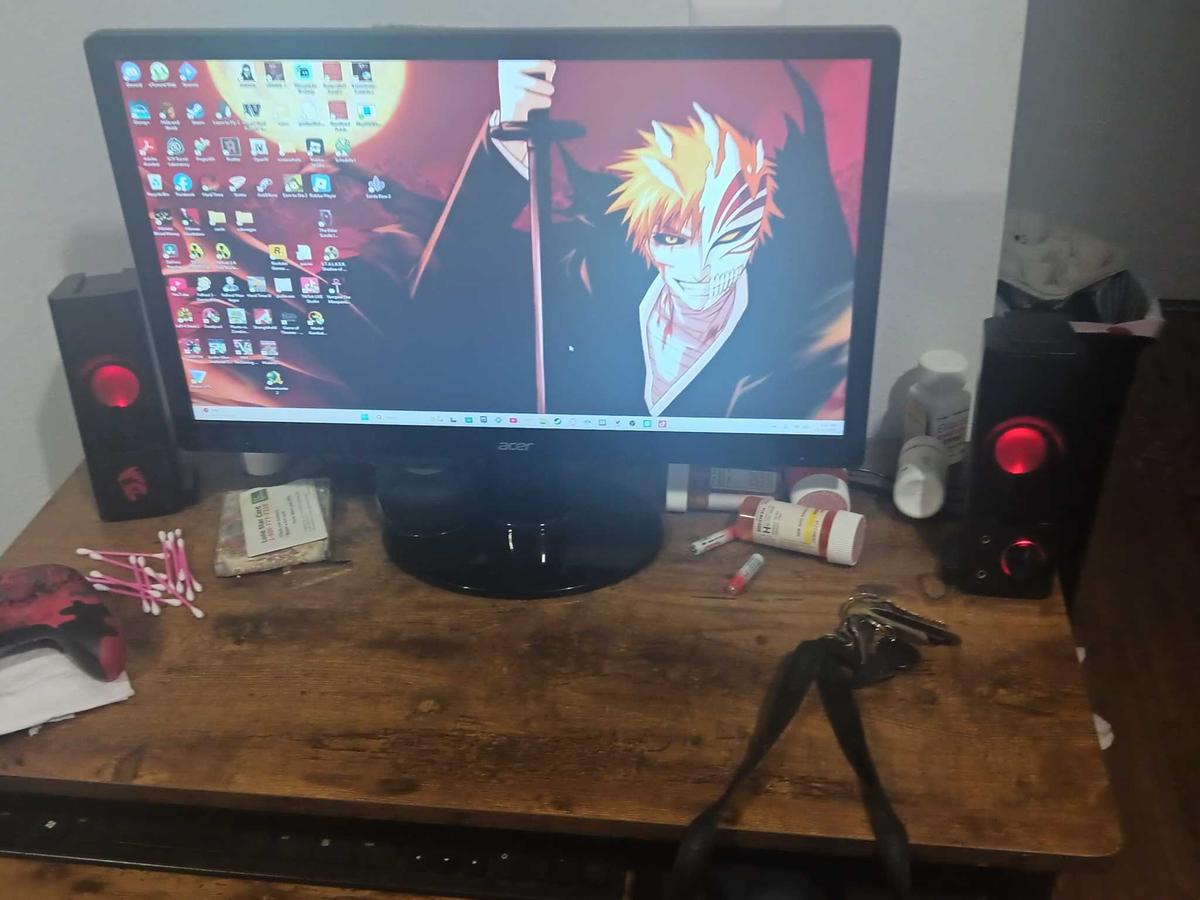 Item: DefaultJanuary 1, 2026
 Purchased on TikTokIt came on time and was neatly packaged. I was hoping that it was Bluetooth compatible but unfortunately it's not, wired connection only but on a good note the sound quality it great. Much louder than my previous sound bar that I had been using for my computer.Item: DefaultMay 10, 2025
4.4540 global reviews
David Aguiluz
supersaiyanpacky
Astral💫
About the product
Details
| Brand | REDRAGON |
Description
Product Description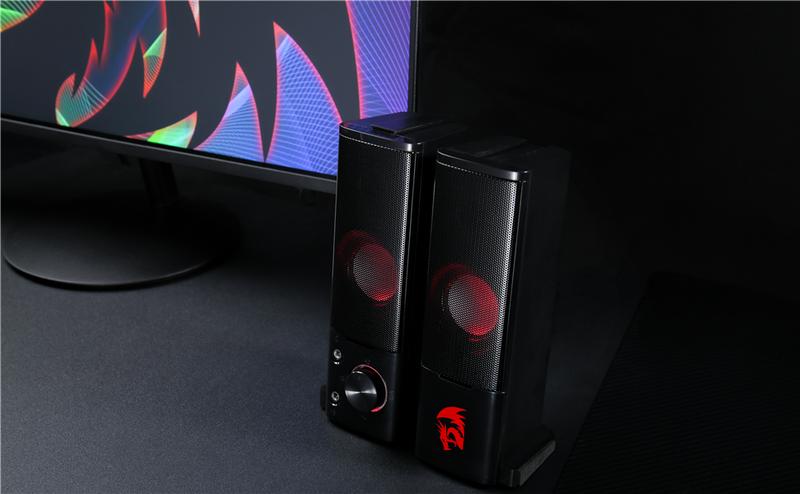
 Redragon GS550 ORPHEUS 2.0 Channel Stereo PC Gaming Speakers, let’s party till the sunrise!Rock it up in either way!Unique and ingenious maneuvering design with compact size offers two enjoy ways for the same high.Stereo Core For Extreme MediaFull range 2.0 channel stereo core with upgraded sound driver will get you fully covered and move the media scene to your room.Classic Volume KnobPlug it, play it, whirl it, easily get hyped with three simple steps.
 How to connect the speakers?
 To connect your speakers, follow these steps:Identify the Jacks: The speaker has two 3.5mm jacks—one green and one pink.Connect the Green Jack: Plug the green jack into your phone, PC, laptop, or tablet's audio output port. This will allow audio to play through your speakers.Optional Microphone Connection: If you need to use a microphone, plug the pink jack into your device's microphone input port. Once connected, check your device's audio settings to ensure the speakers are recognized and the audio is playing through them. If there's no sound, try restarting your device or ensuring the connections are secure.
Redragon GS550 ORPHEUS 2.0 Channel Stereo PC Gaming Speakers, let’s party till the sunrise!Rock it up in either way!Unique and ingenious maneuvering design with compact size offers two enjoy ways for the same high.Stereo Core For Extreme MediaFull range 2.0 channel stereo core with upgraded sound driver will get you fully covered and move the media scene to your room.Classic Volume KnobPlug it, play it, whirl it, easily get hyped with three simple steps.How to connect the speakers?To connect your speakers, follow these steps:Identify the Jacks: The speaker has two 3.5mm jacks—one green and one pink.Connect the Green Jack: Plug the green jack into your phone, PC, laptop, or tablet's audio output port. This will allow audio to play through your speakers.Optional Microphone Connection: If you need to use a microphone, plug the pink jack into your device's microphone input port. Once connected, check your device's audio settings to ensure the speakers are recognized and the audio is playing through them. If there's no sound, try restarting your device or ensuring the connections are secure. Similar Items



JLab
JLab GO Tones+ True Wireless Bluetooth Earbuds with 35+ Hours Playtime Customizable EQ Fast Charging Integrated Cable Touch Controls
Free shipping
4.5
130.1K sold$20.89
$29.99JLab
JLab JBuds Lux Active Noise Cancellation Wireless Bluetooth Headphones, Custom EQ, Over-Ear, Be Aware Safety Mode. Foldable, iPhone / Android, Wired
Free shipping
4.7
152.7K sold$54.99
$91.99


ESR US
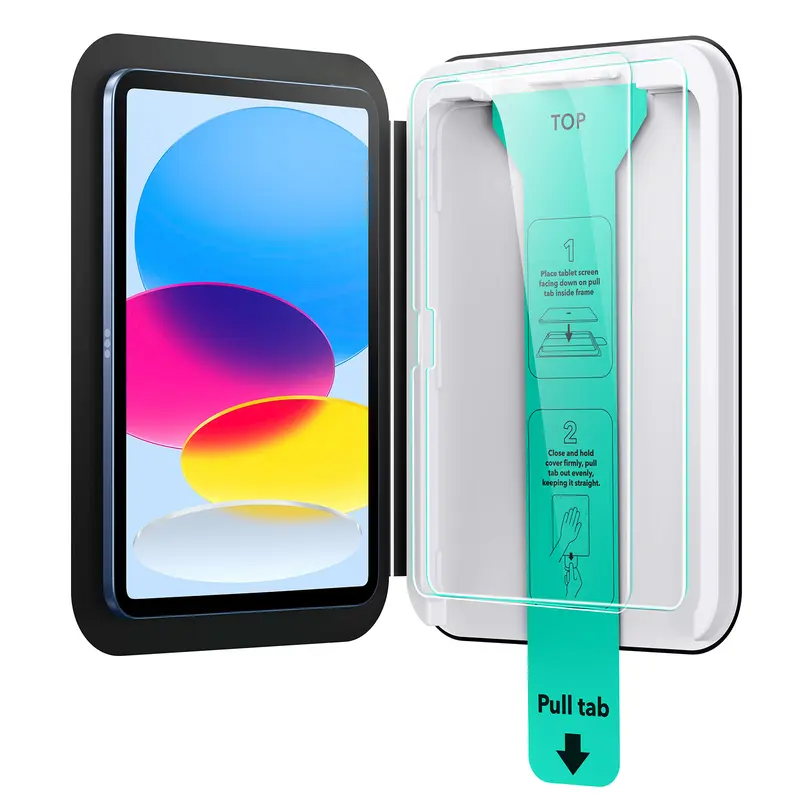
ESR Screen Protector for iPad Air 11"/13"&iPad Pro 11"/13"&iPad A16 11/10, Bubble-Free, Easy Installation, 9H Tempered Glass Film with UltraFit Tray
Free shipping
4.7
4.3K sold$17.99
$22.49

ESR US
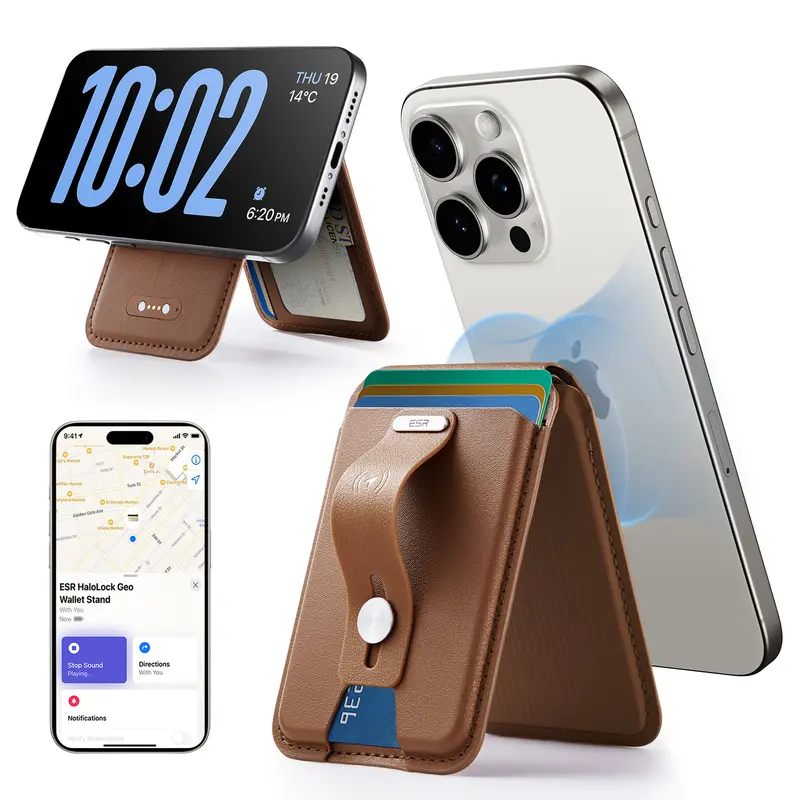
ESR Geo MagSafe Wallet with Find My Functionality 5 Card Holder RFID Blocking Magnetic for iPhone 17/16/15/14/13/12 Series Durable Stand
Free shipping
4.3
38.1K sold$39.99
$49.99

Wyze
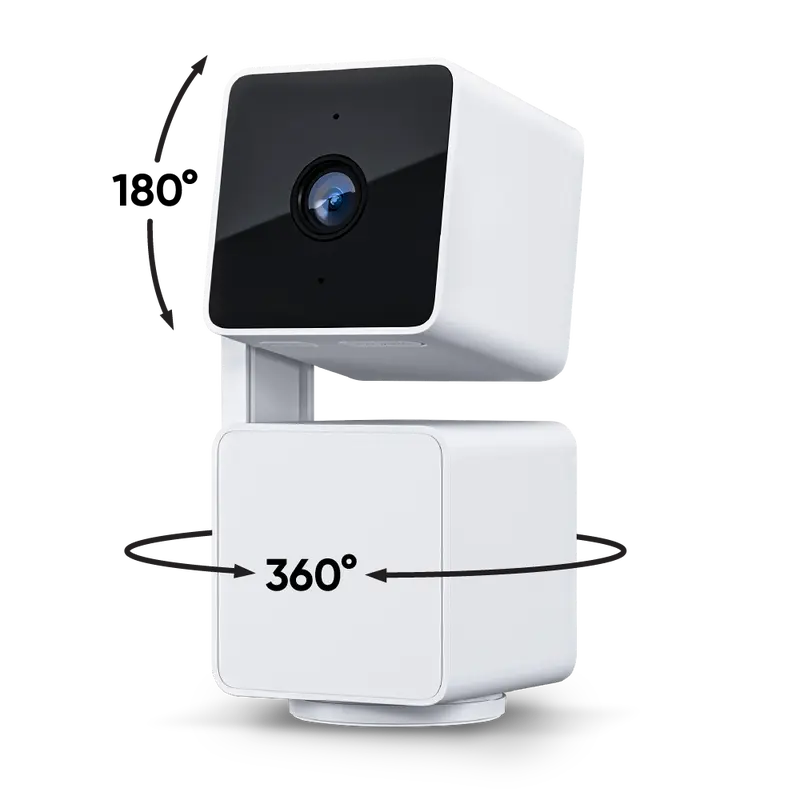
Wyze Cam Pan v3 — #1 Security Camera on TikTok! Wired, Indoor/Outdoor Pan Tilt Zoom (PTZ) w/ 360 Degree Motion Tracking, Color Night Vision, HD, WiFi
Free shipping
4.6
355.4K sold$39.99
$49.98


Redragon Store
Redragon GS550 PC Audio Gaming Speakers, 2.0 Channel Desktop Computer Sound Bar with Compact Maneuverable Size, Headphone Jack, Quality Bass & Decent Red Backlit, USB Powered w/ 3.5mm Cable
Free shipping
4.4
3.9K sold$21.59
$29.99
View more
TikTok Shop promo codesAbout TikTok ShopSeller centerContact usCareersAffiliateHelp centerSafety centerCommunity guidelinesPrivacy policyTransparencyAccessibility
Free shipping
New customer deals


Shop now in app